Your room, but designed.
Not a dream room — the one you have, with its low ceiling, its one window and its landlord. Upload a photo and see it redesigned around what it actually is.
4 free credits when you sign up — a full render, no card.
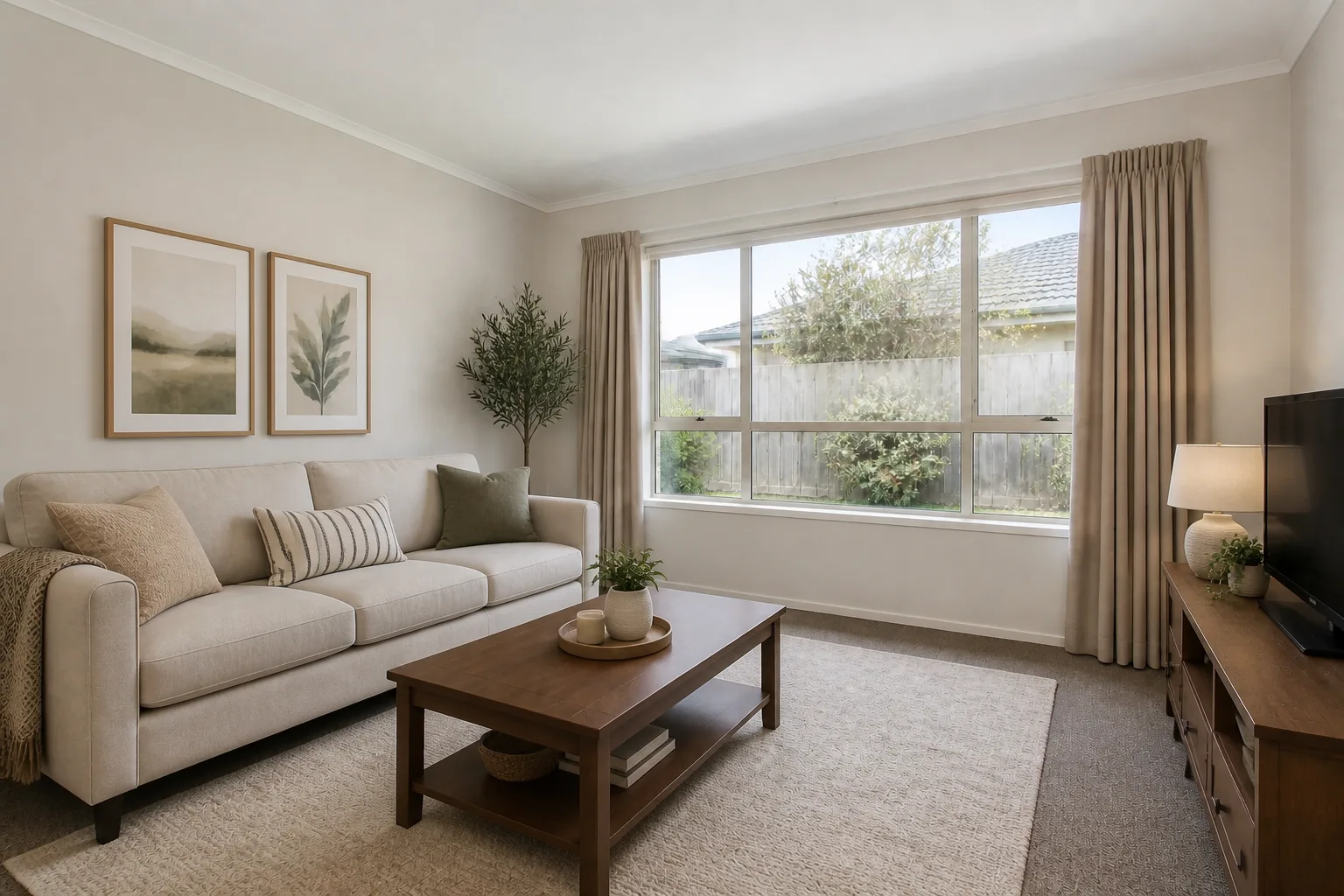 BeforeAfter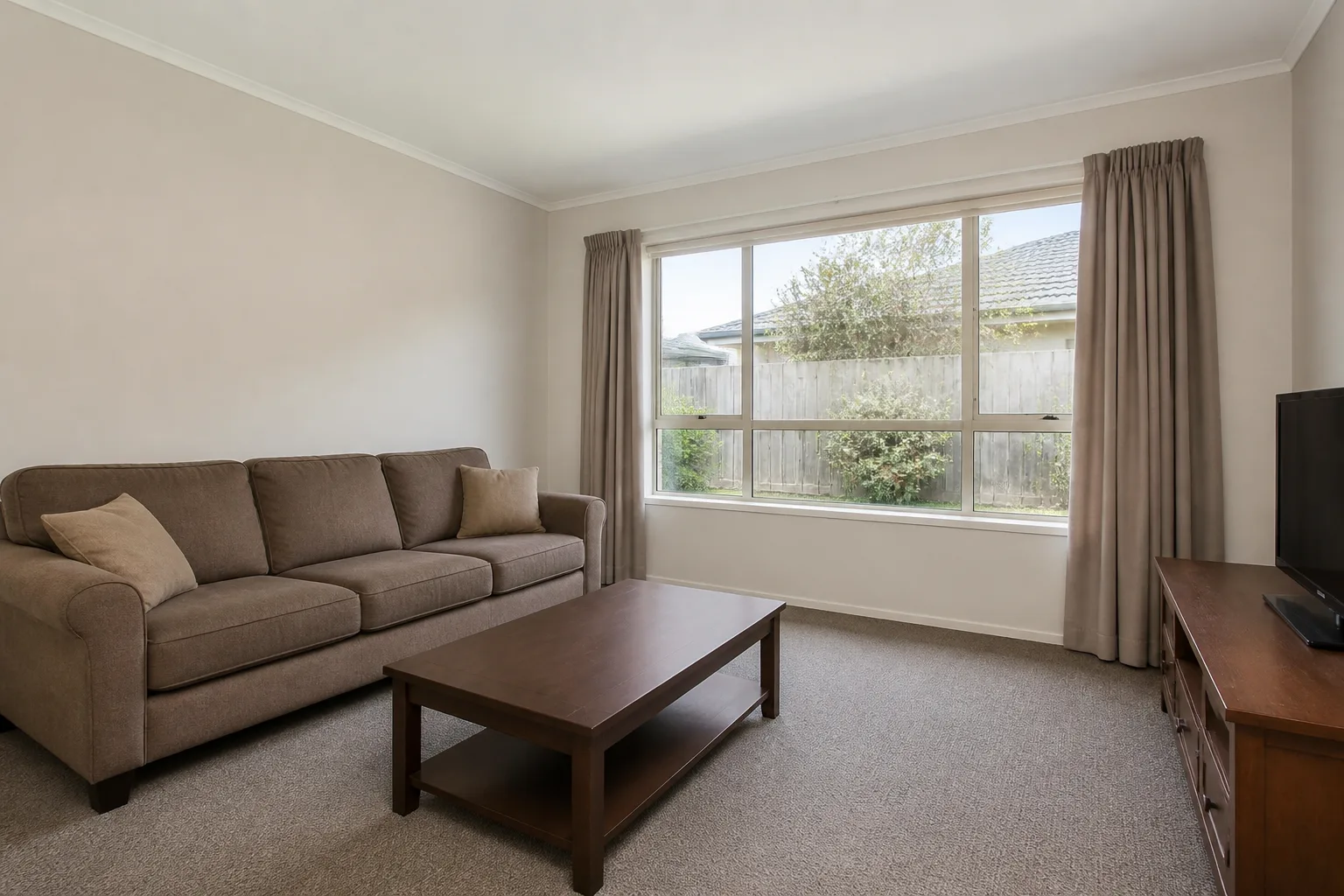
The makeover, as a moving picture
Stills ask people to imagine the transition; the time-lapse performs it. One fixed camera, your before flowing into your after — furniture clearing, colour arriving, light warming — in a clip short enough to send anywhere.
Drag the line yourself
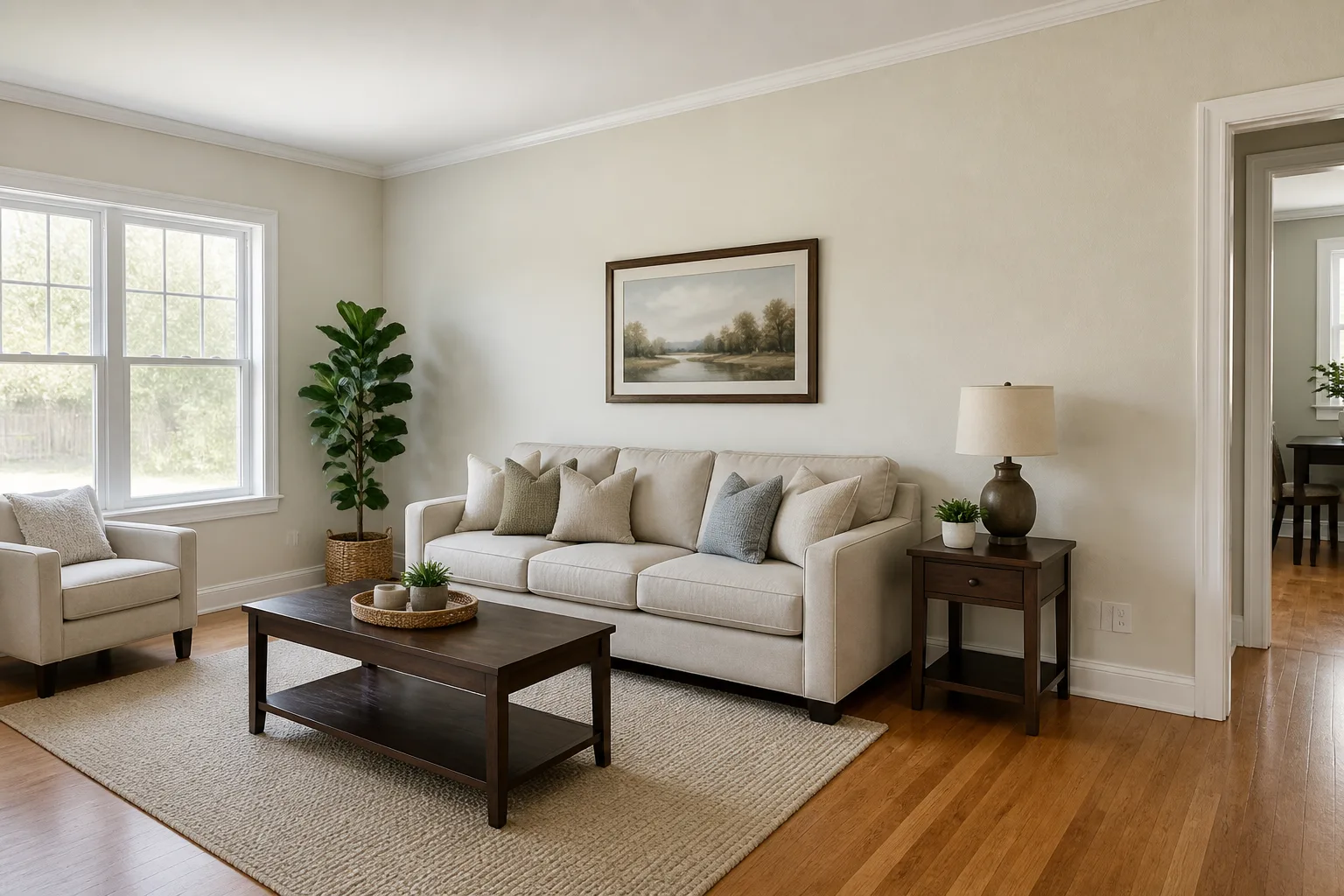
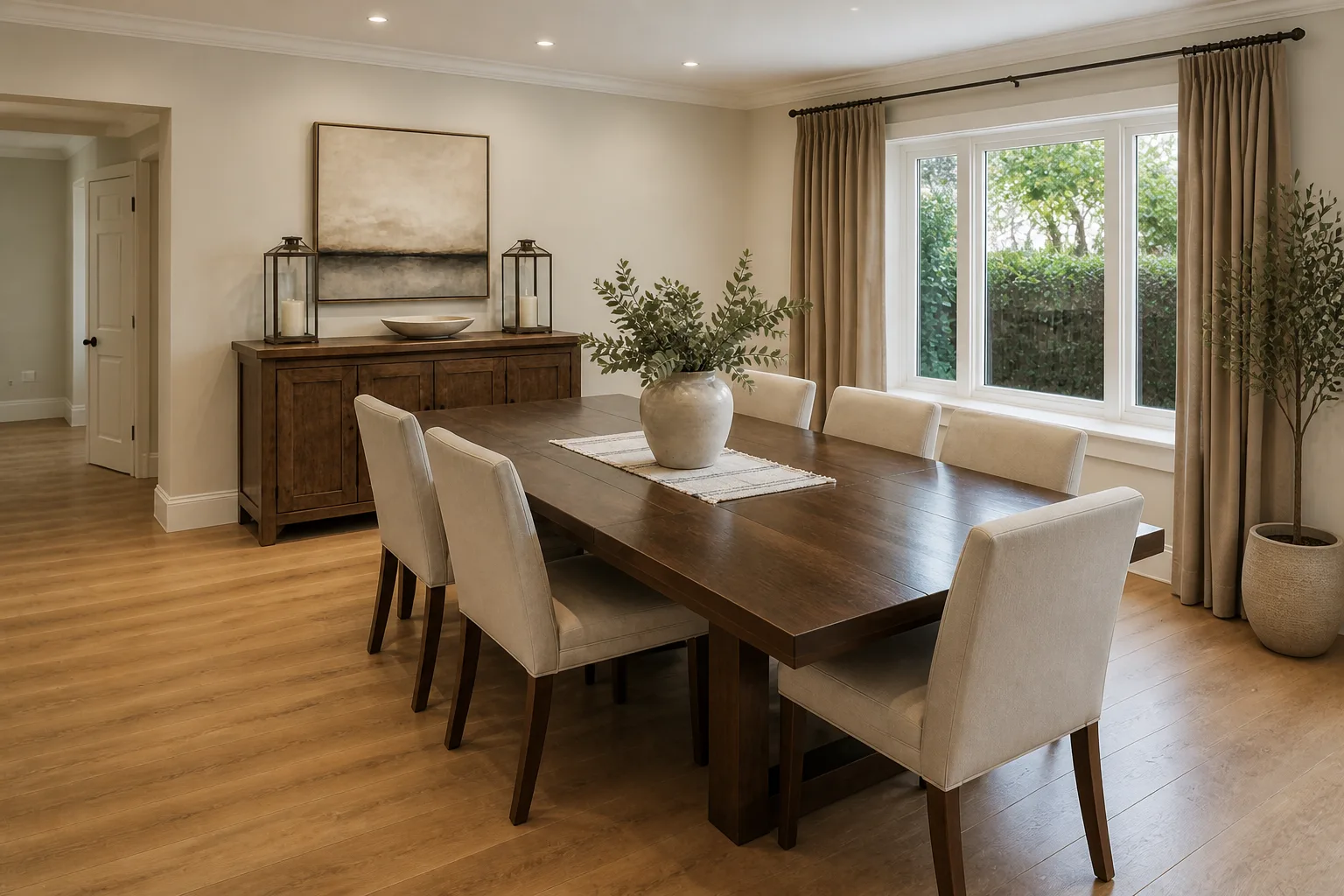
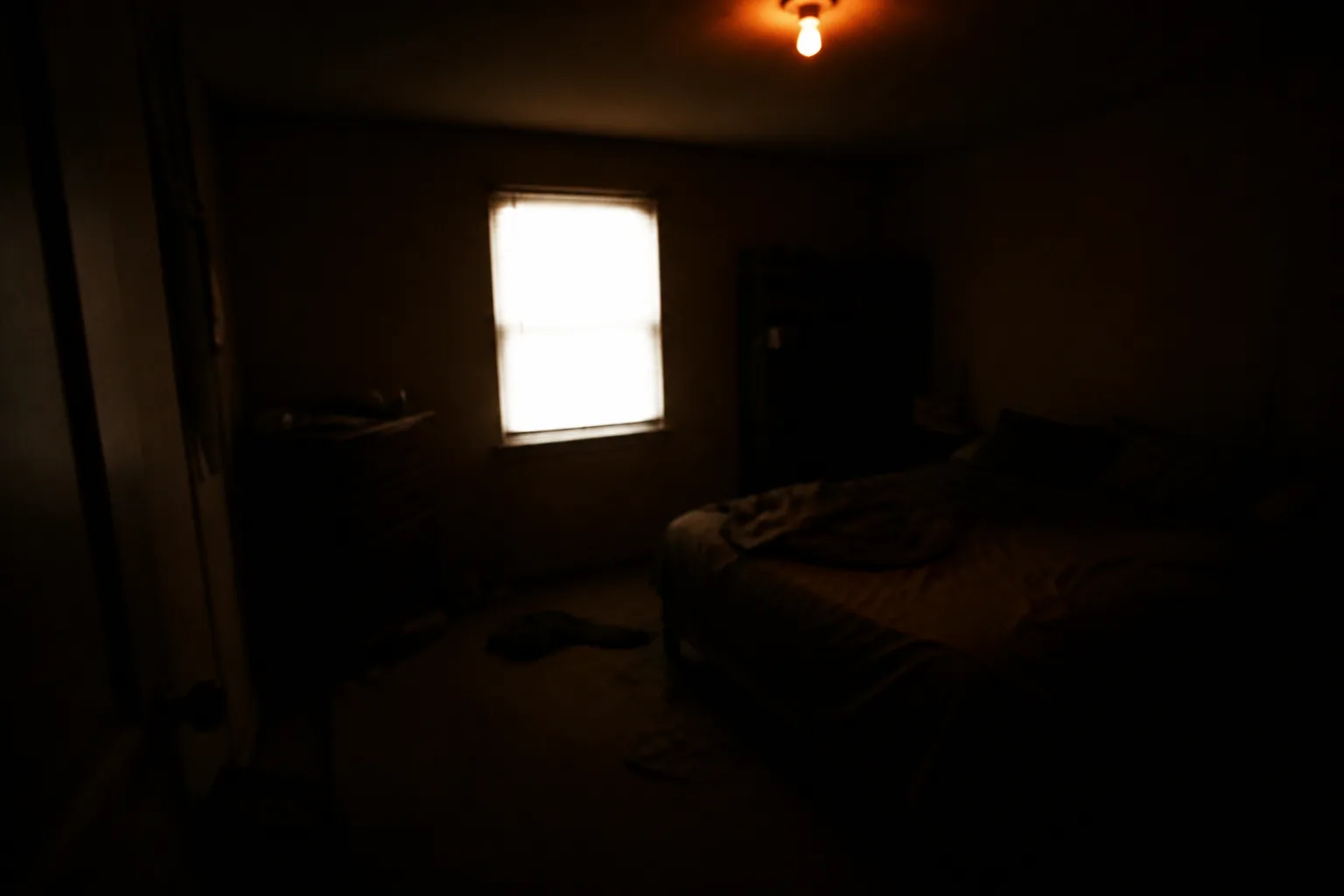
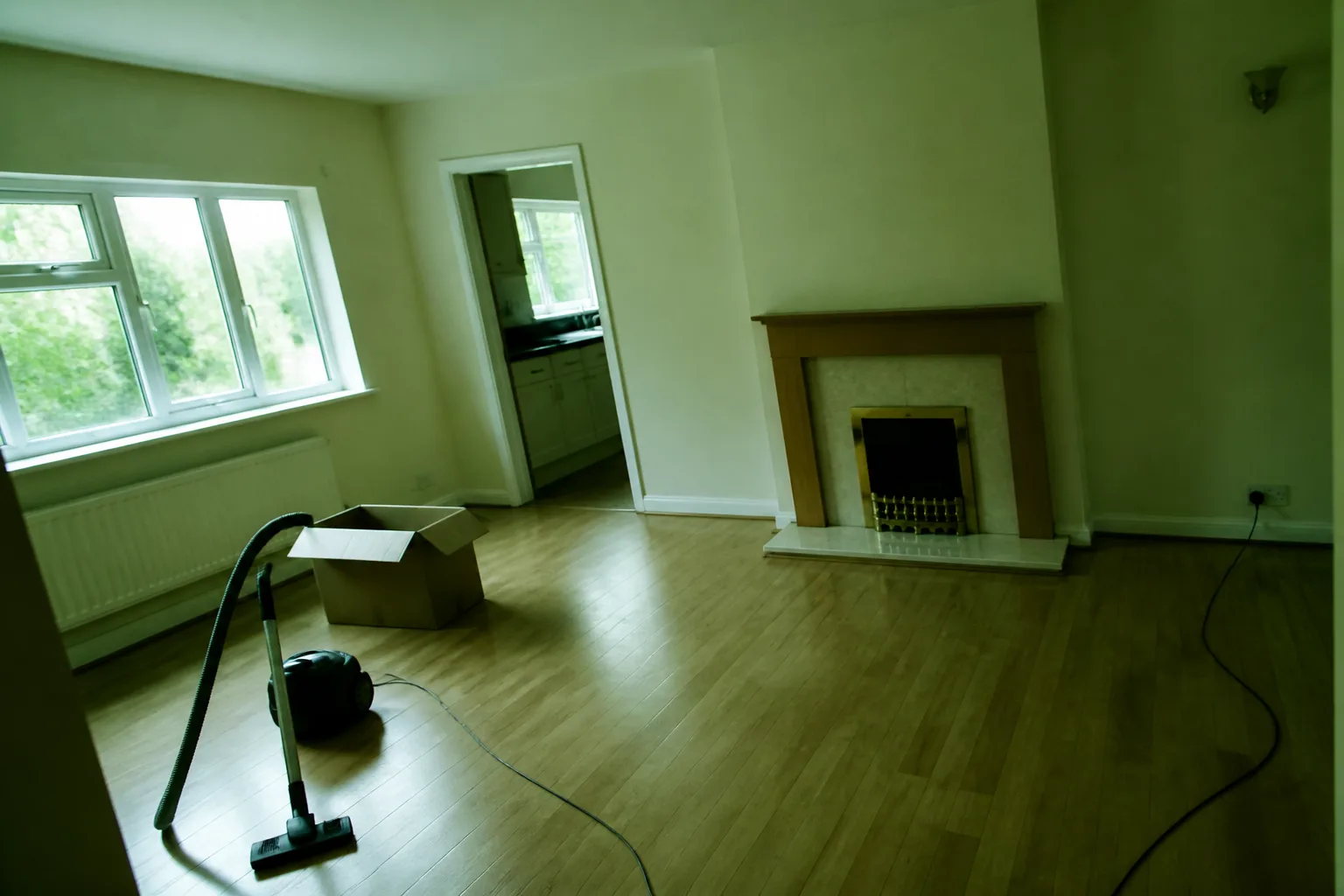
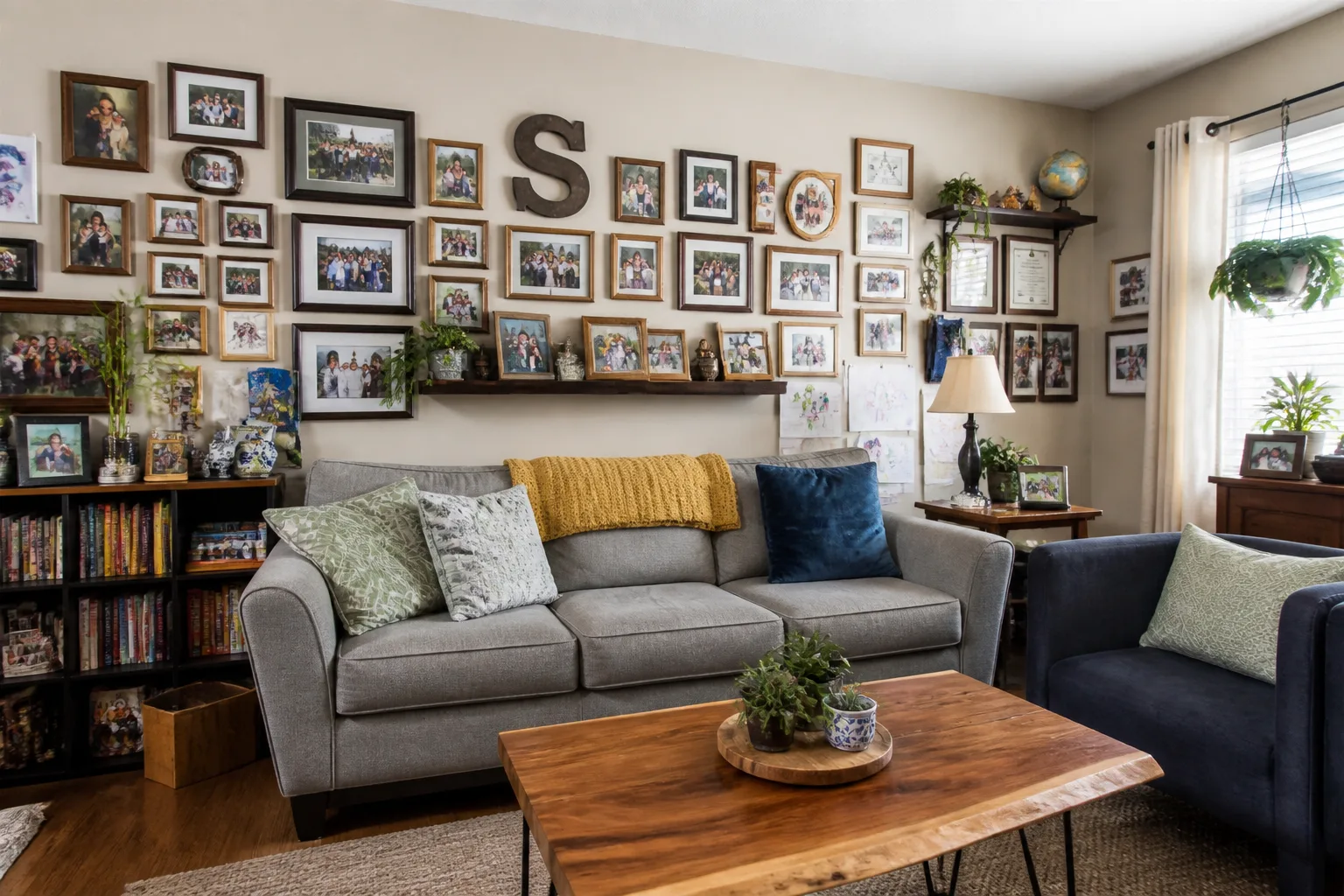
All 40 tools →Real output, not mockups: each “after” below was produced by running the named tool on its “before”. The frames line up because one is derived from the other — which is also why yours will.
- Room Makeover
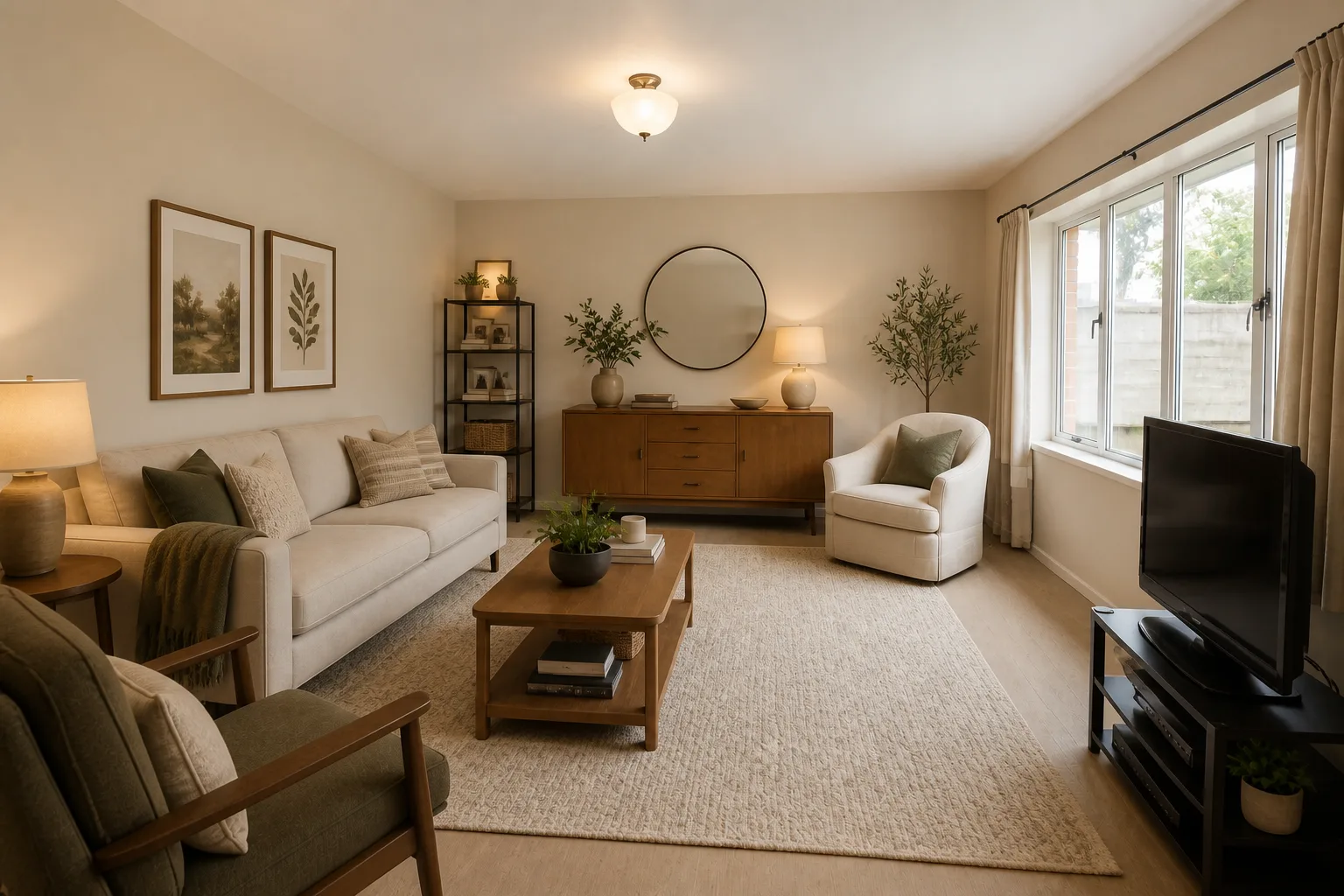 BeforeAfter
Your room, redesigned in one run.
- Furnish a Bare Room
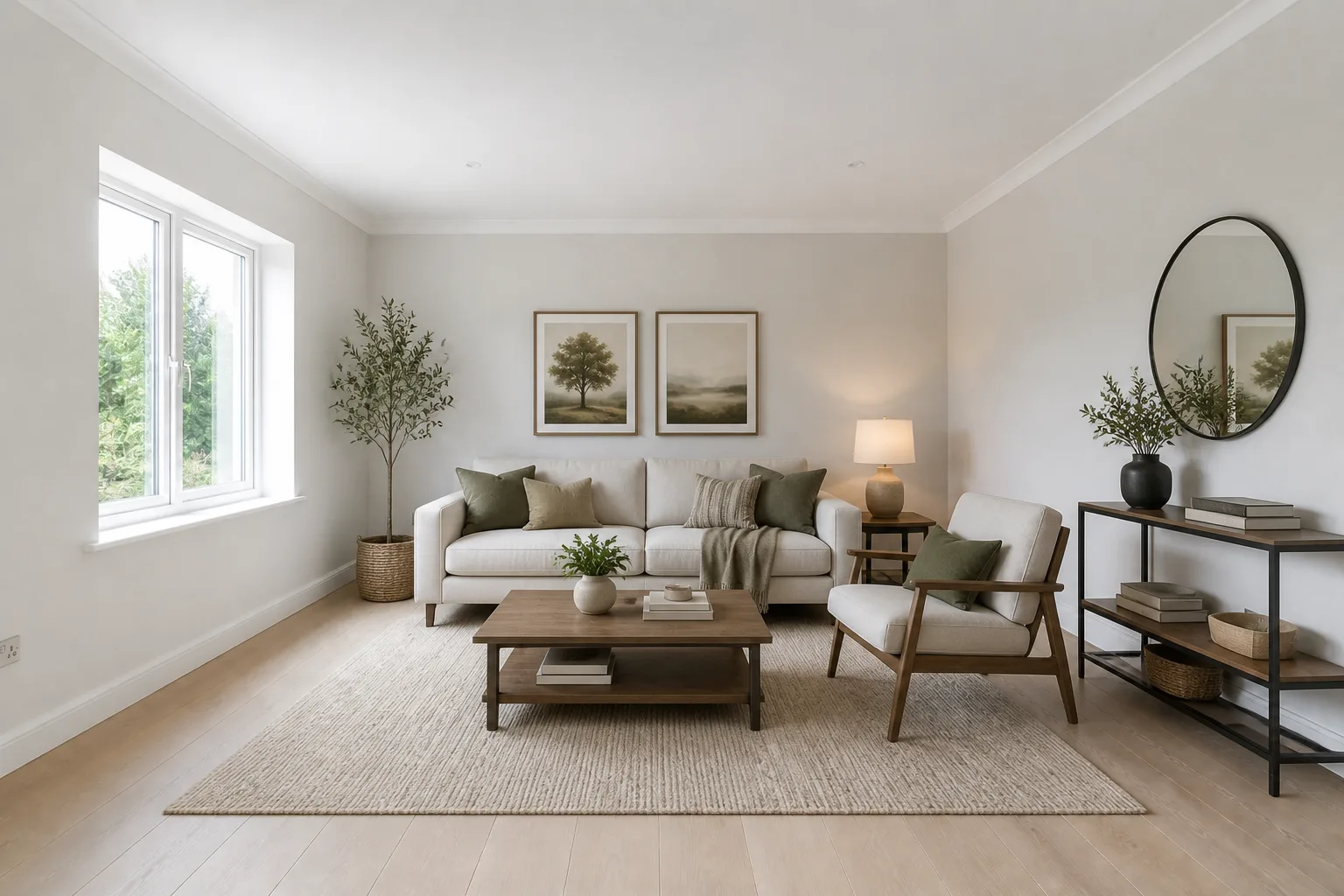 BeforeAfter
Bare floor in, lived-in room out.
- Paint Color Try-On
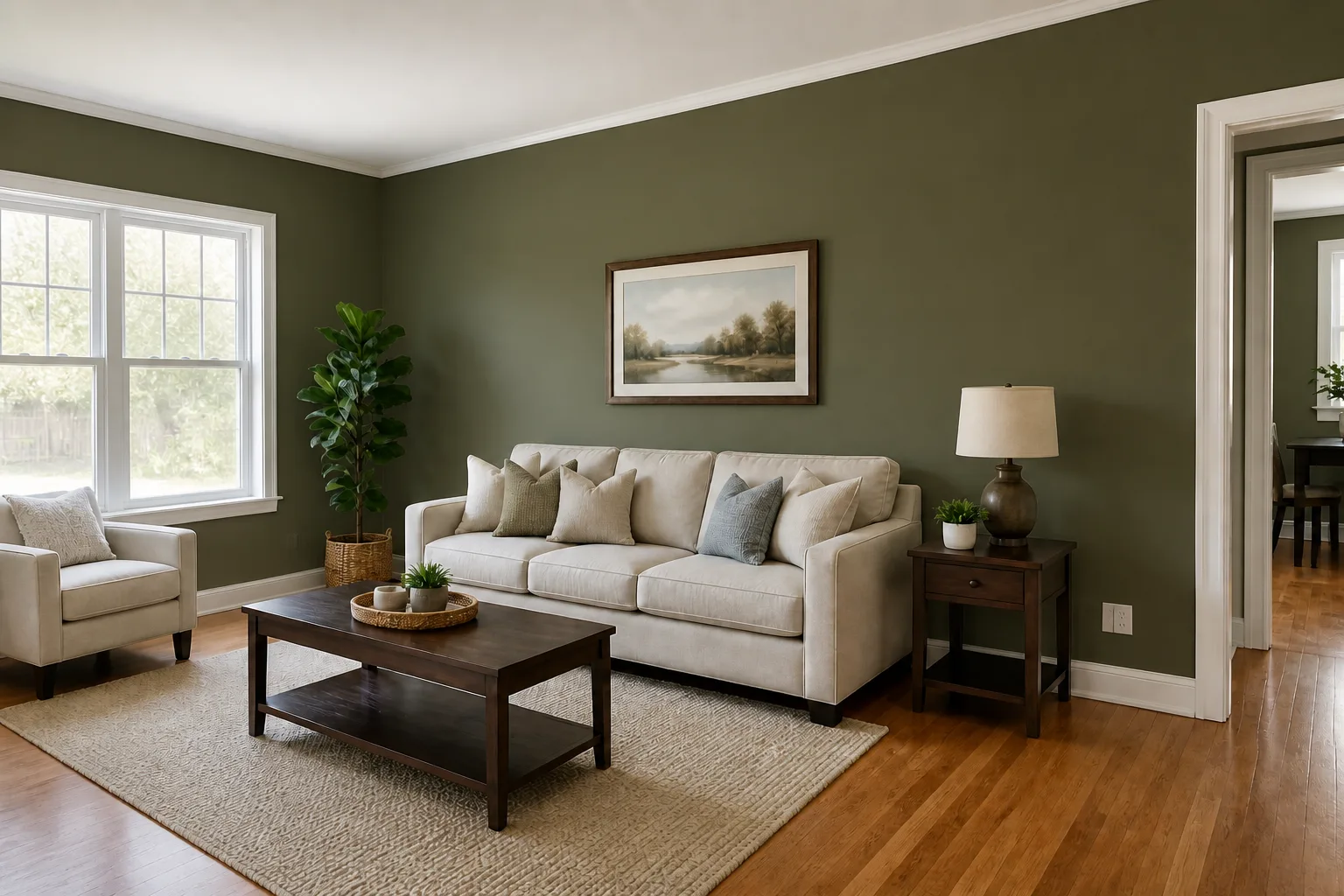 BeforeAfter
The colour, on your walls, in your light.
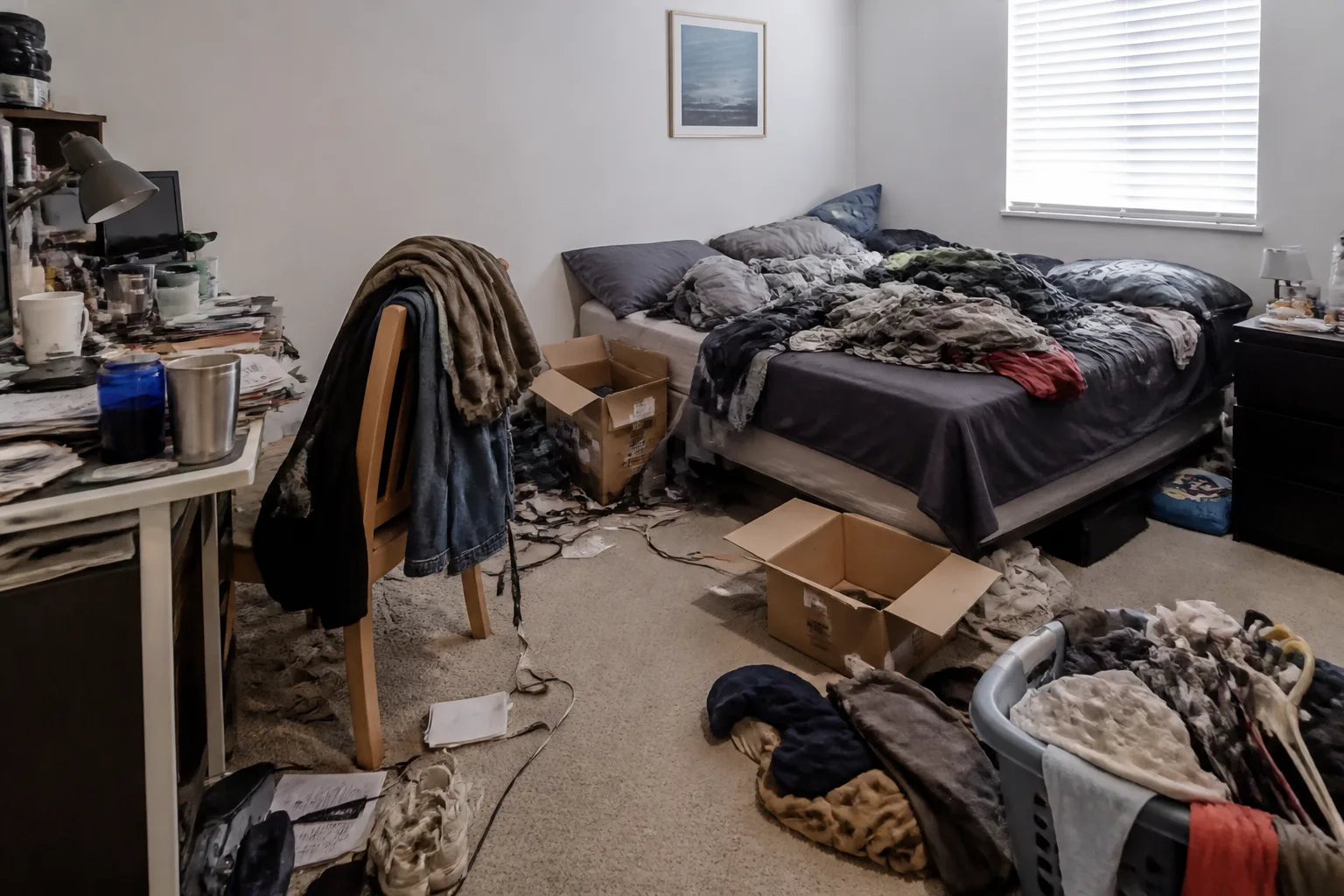
- Declutter a Room
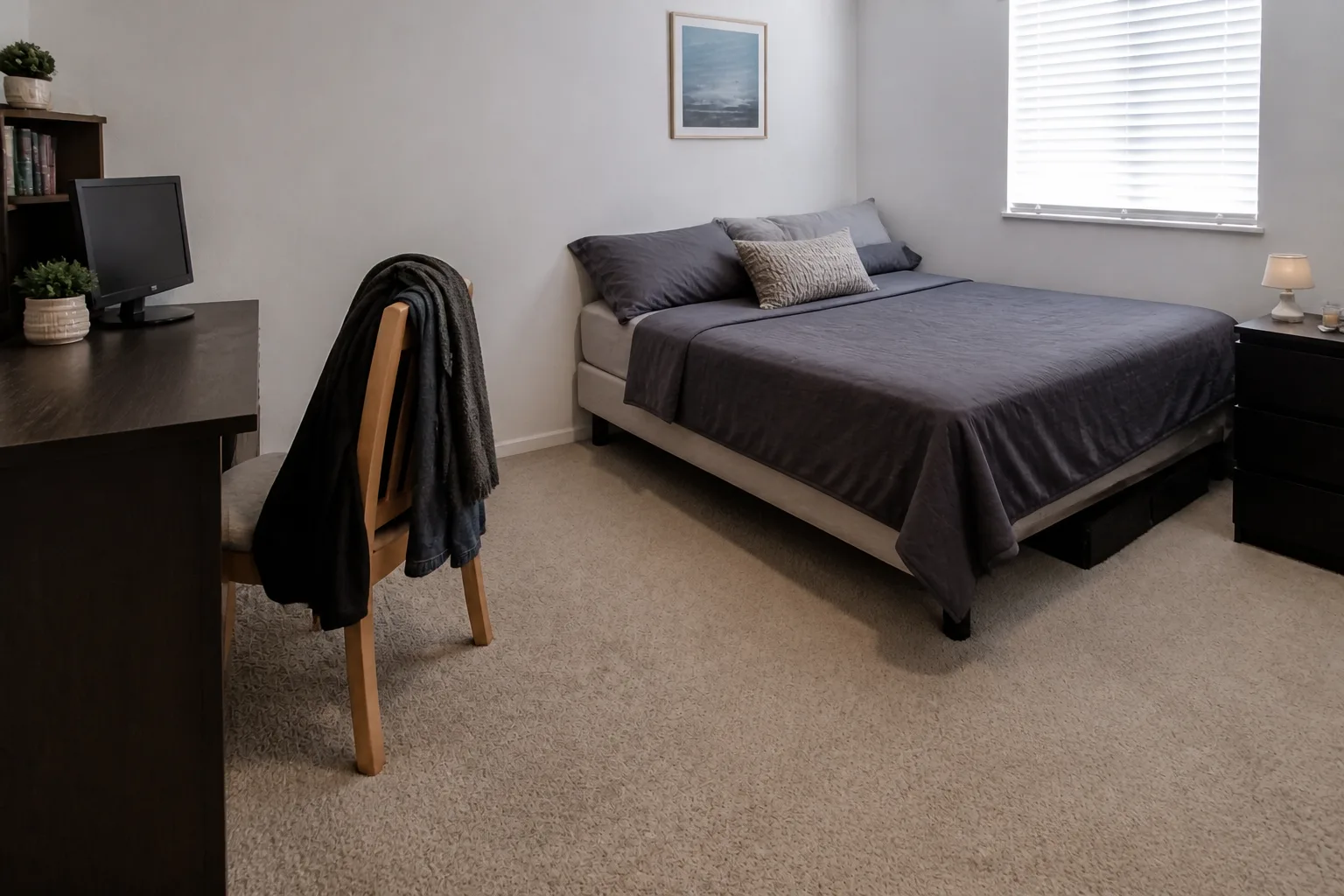 BeforeAfter
The tidy version, rendered before the tidying.
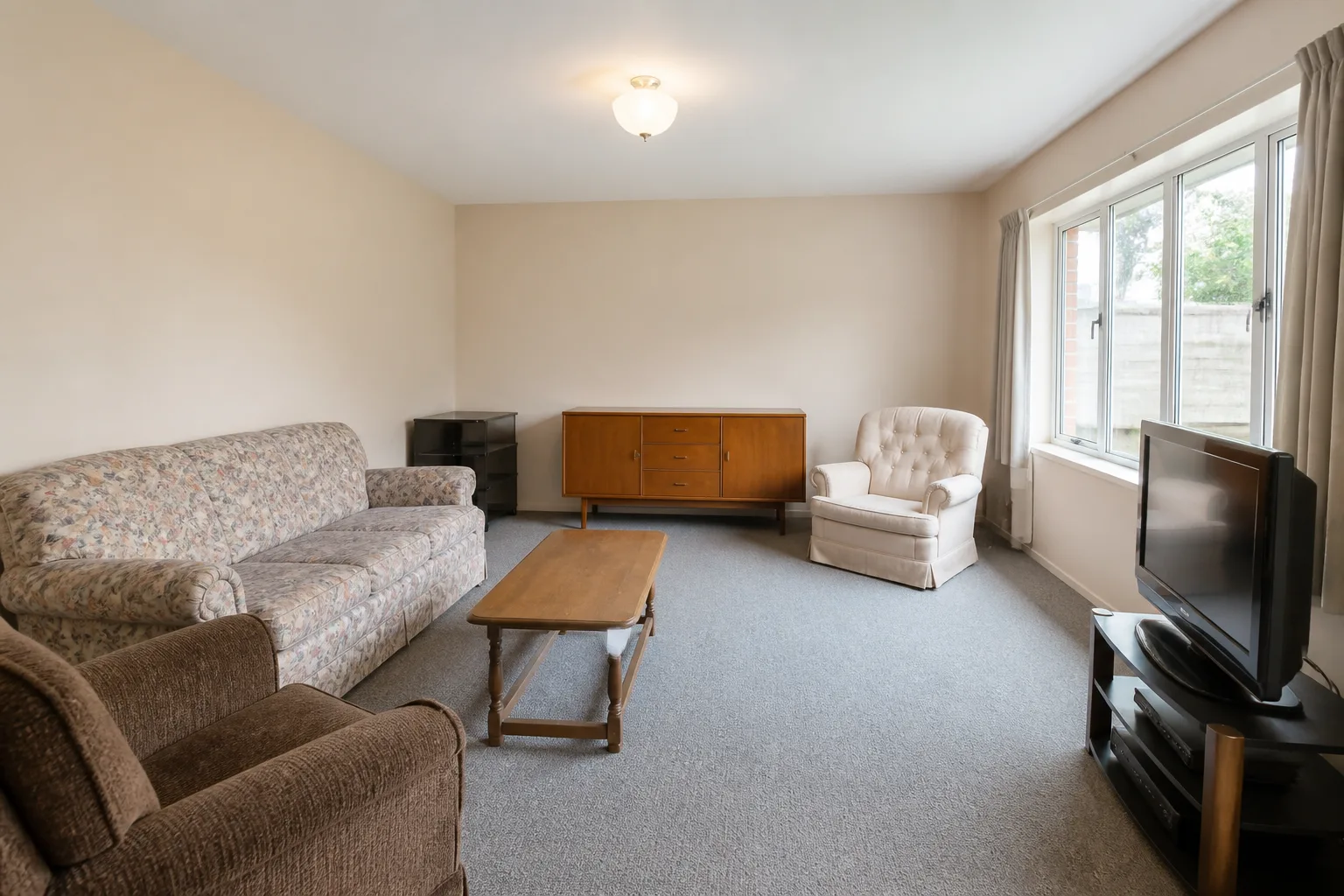
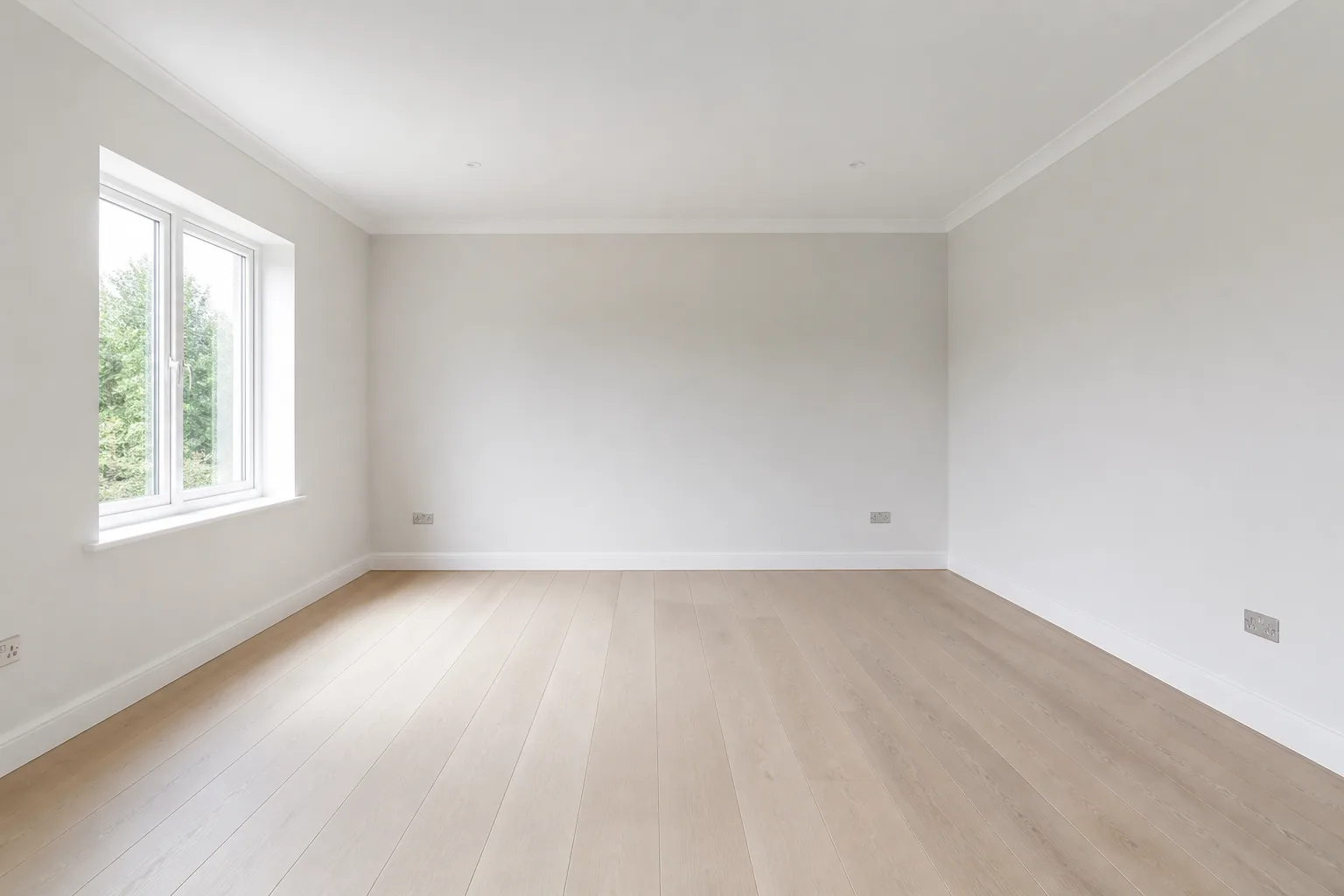
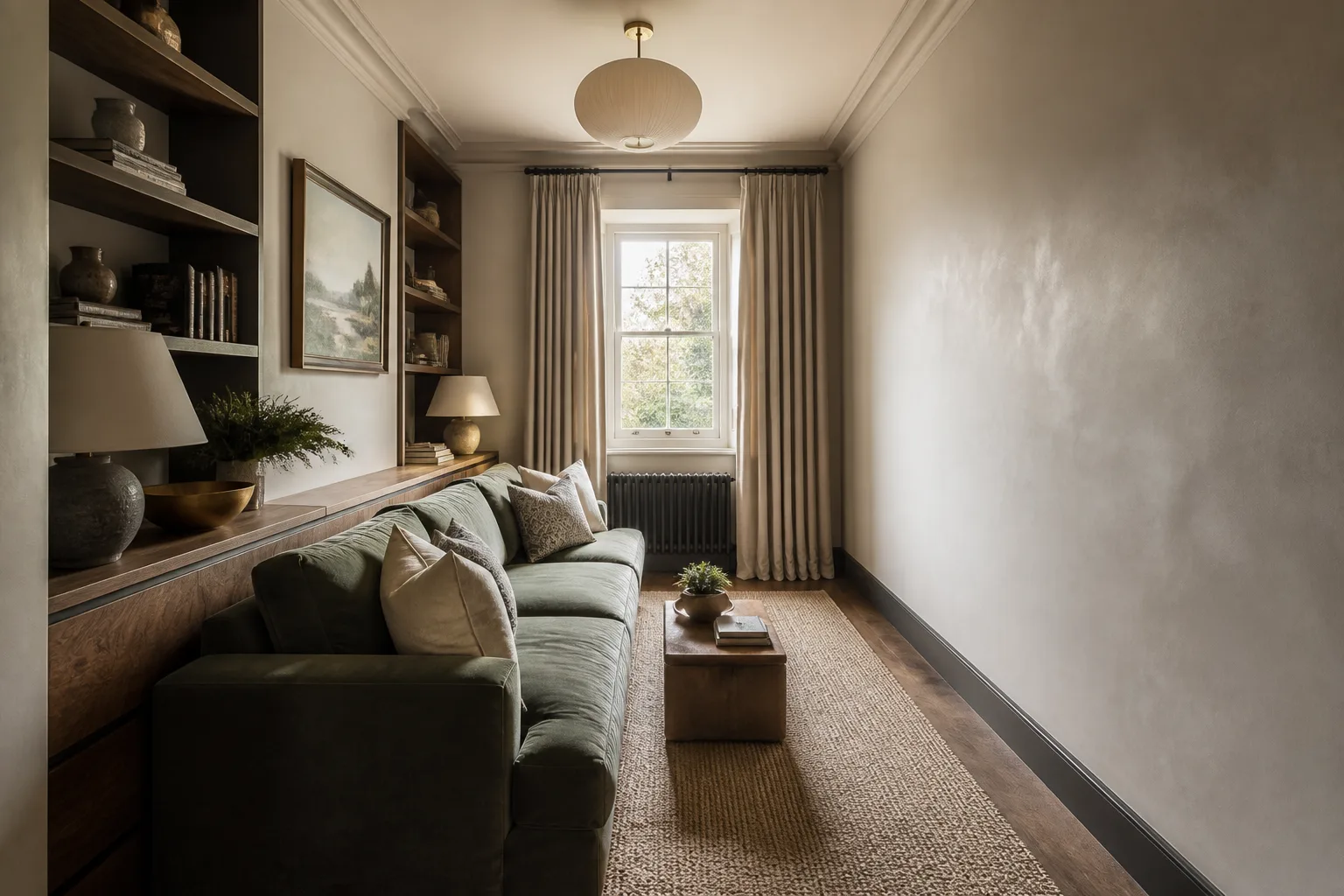
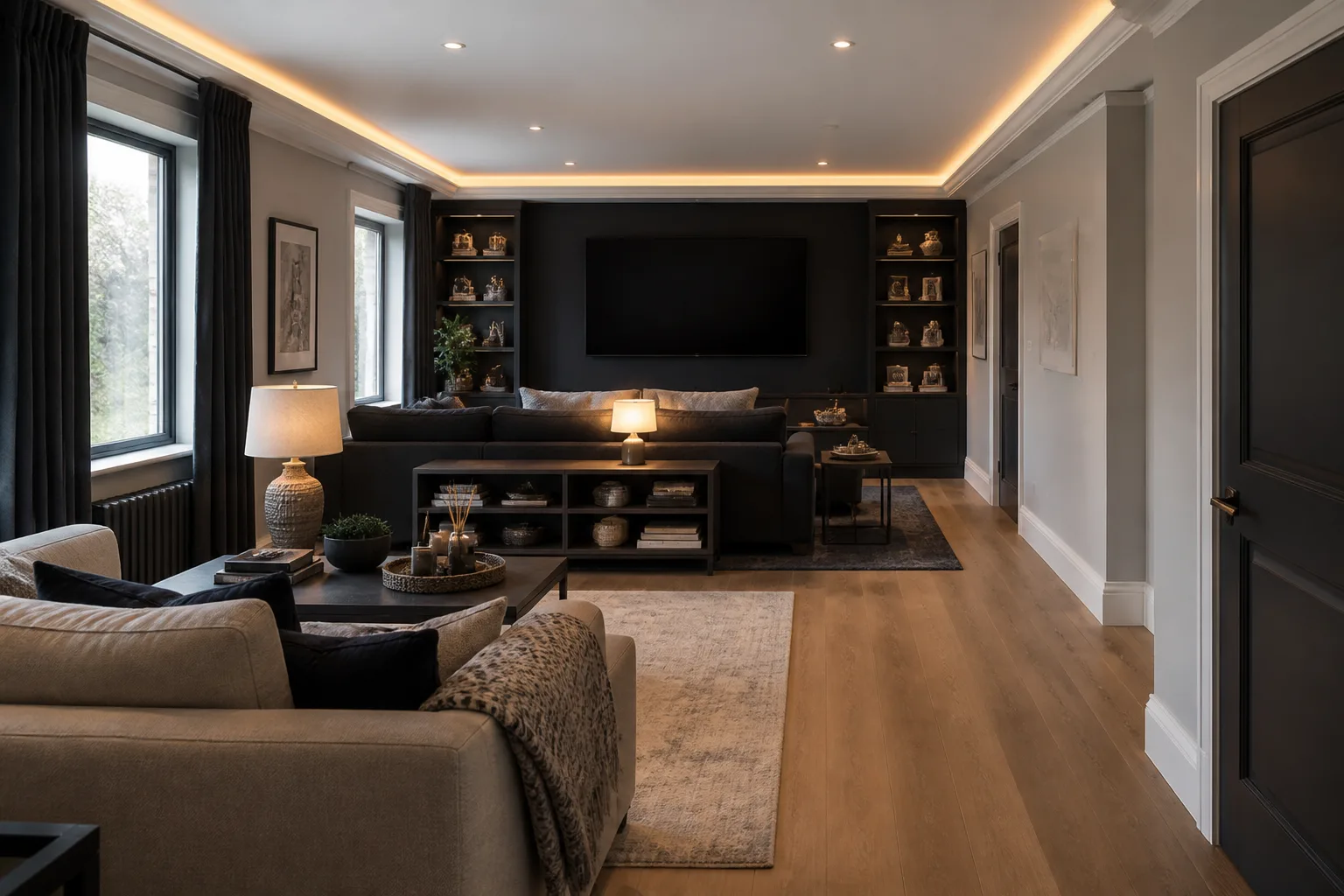
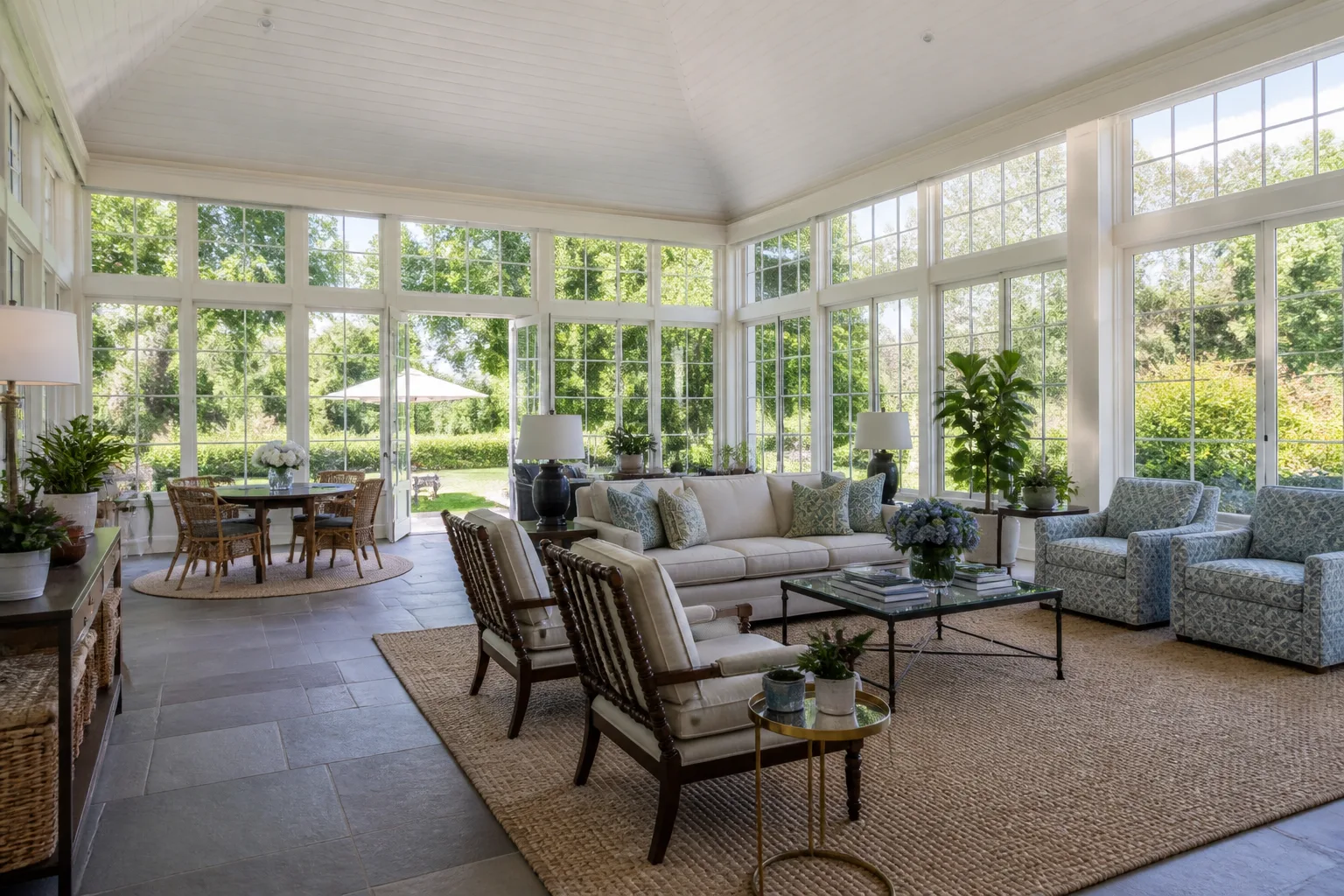
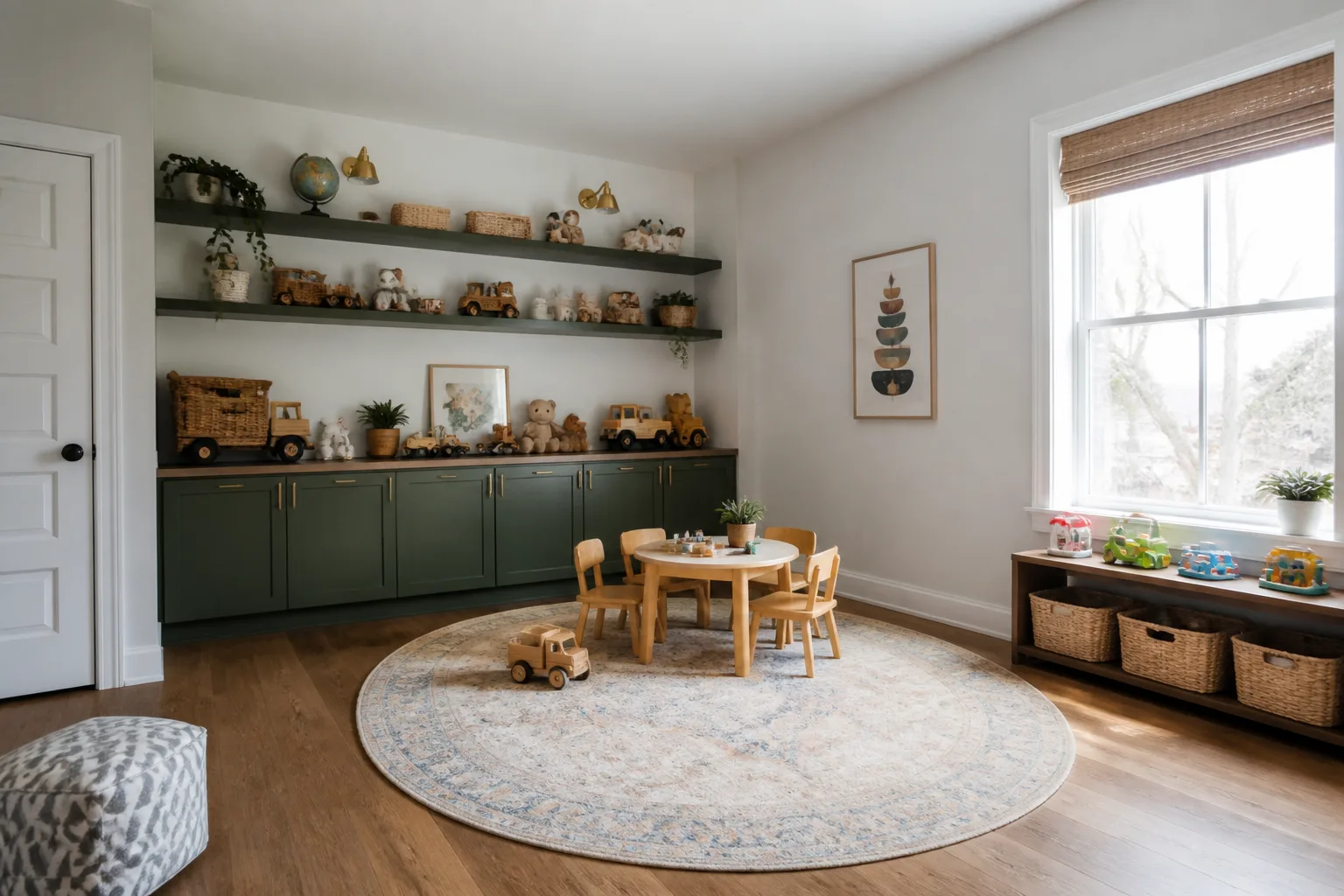
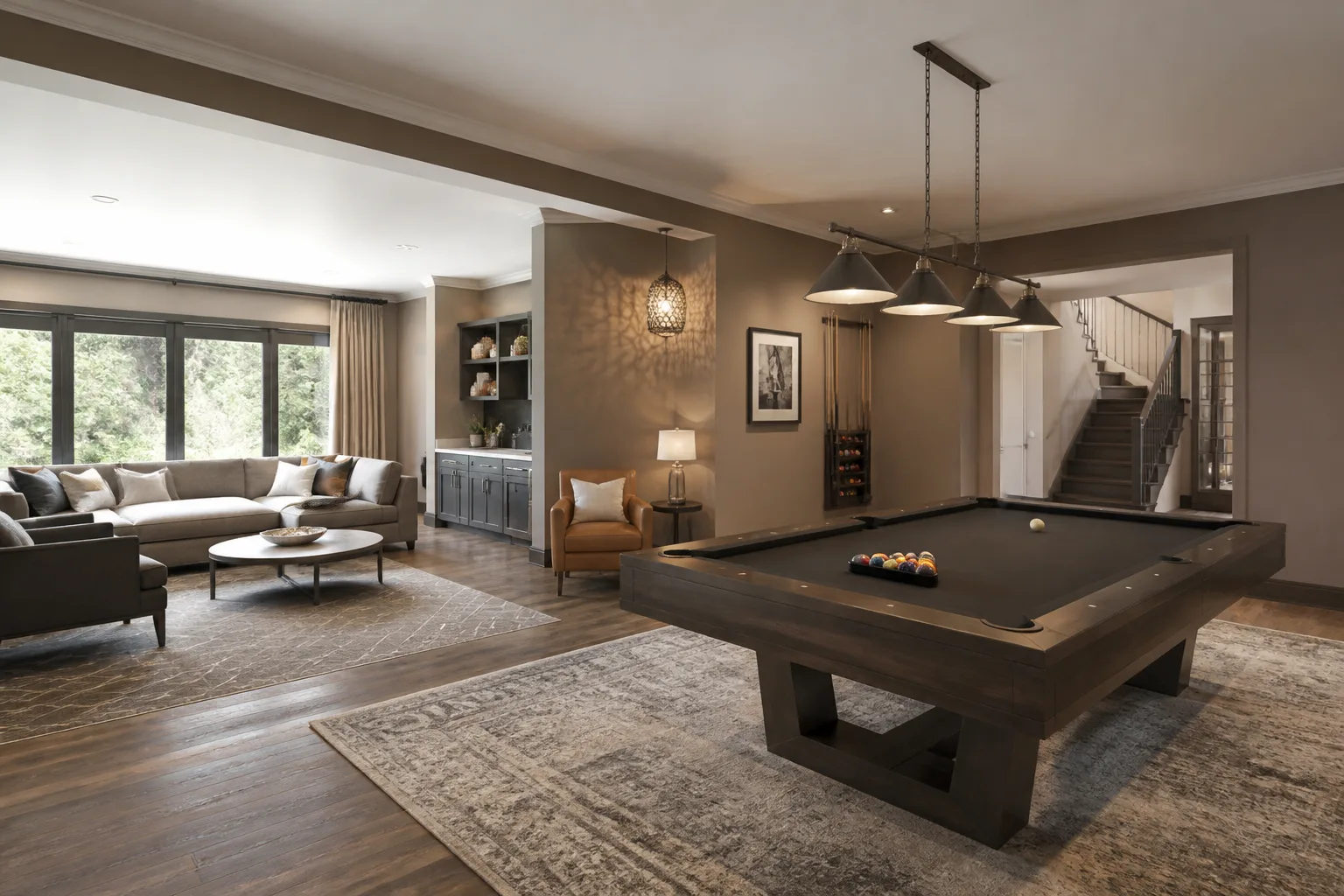
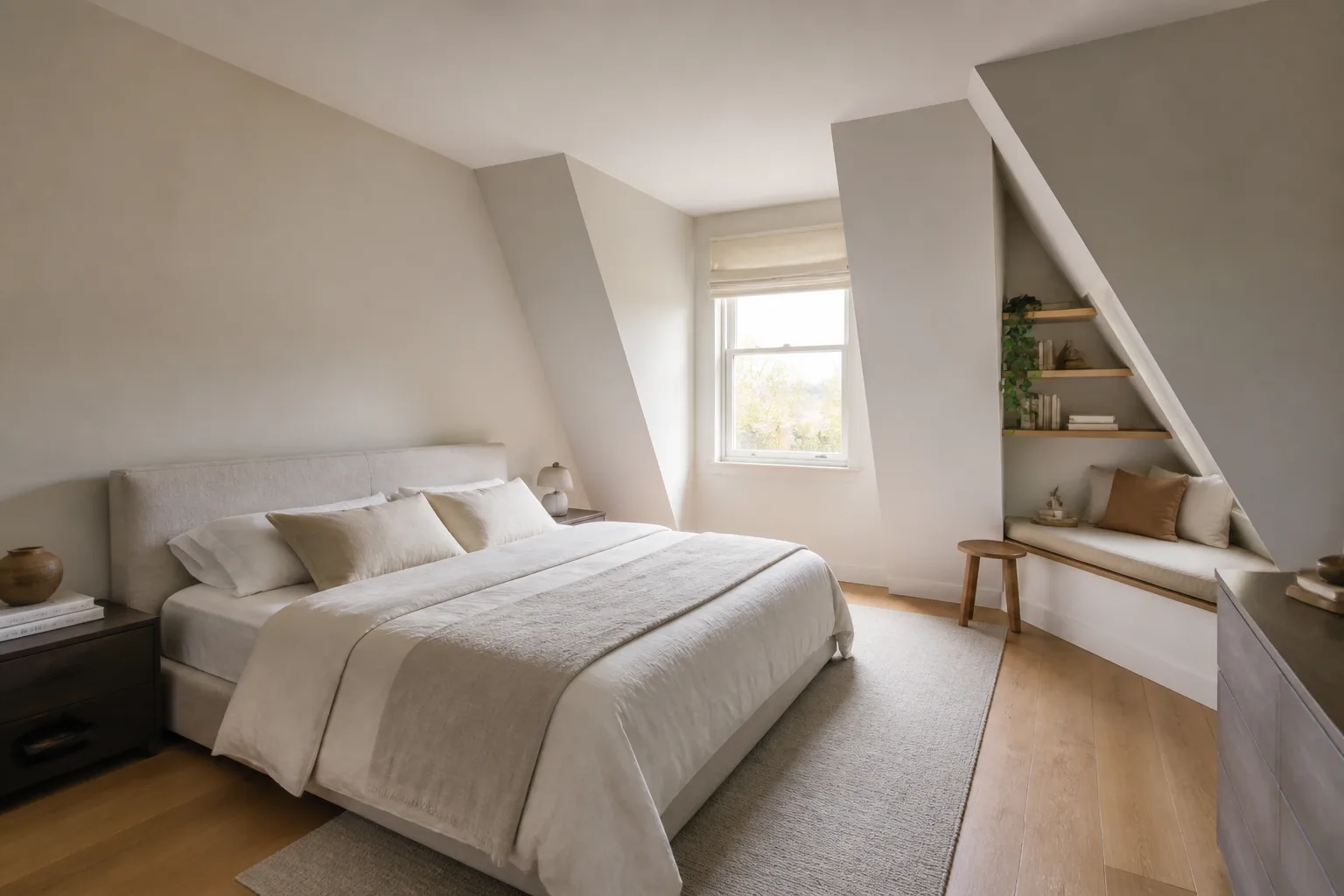
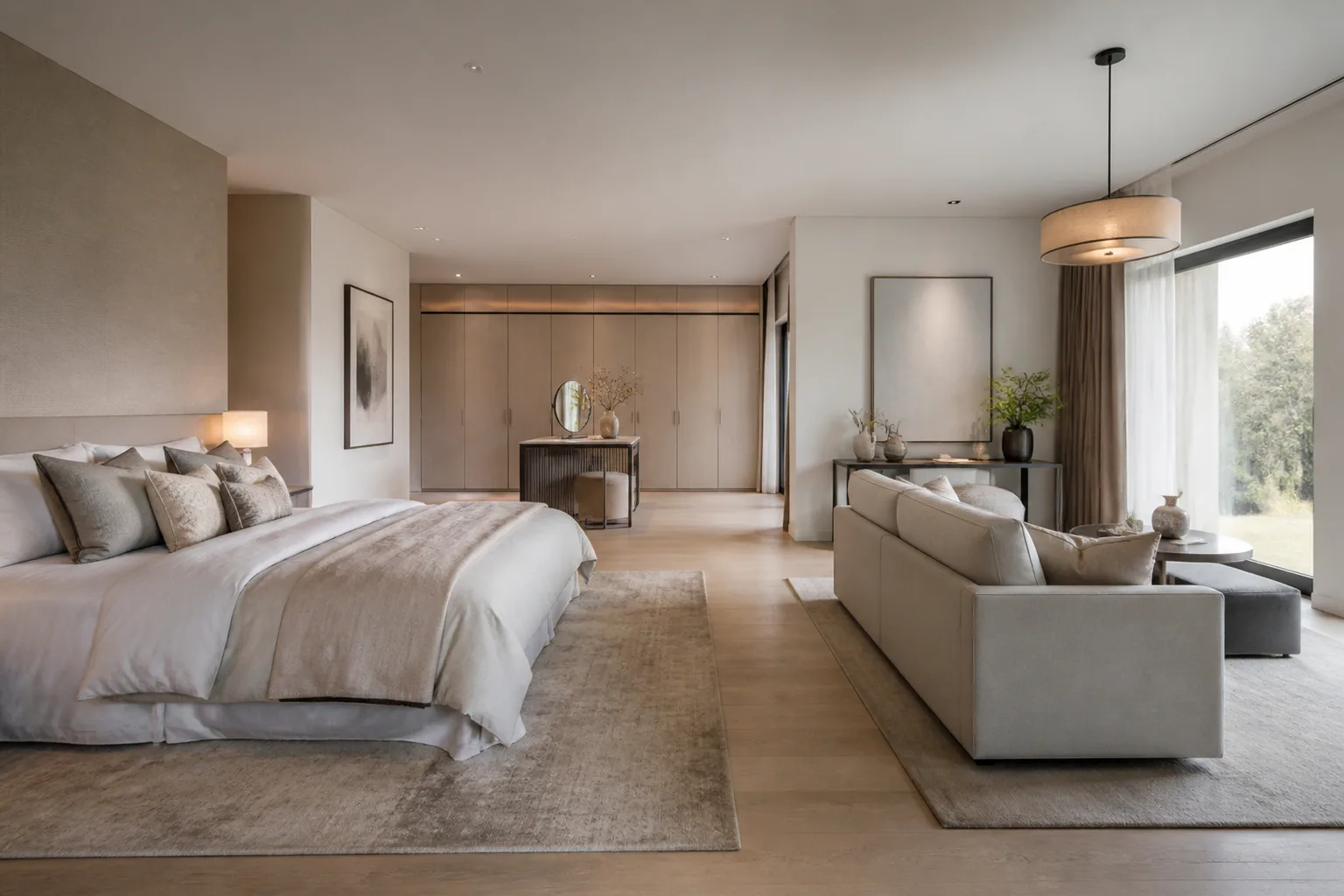
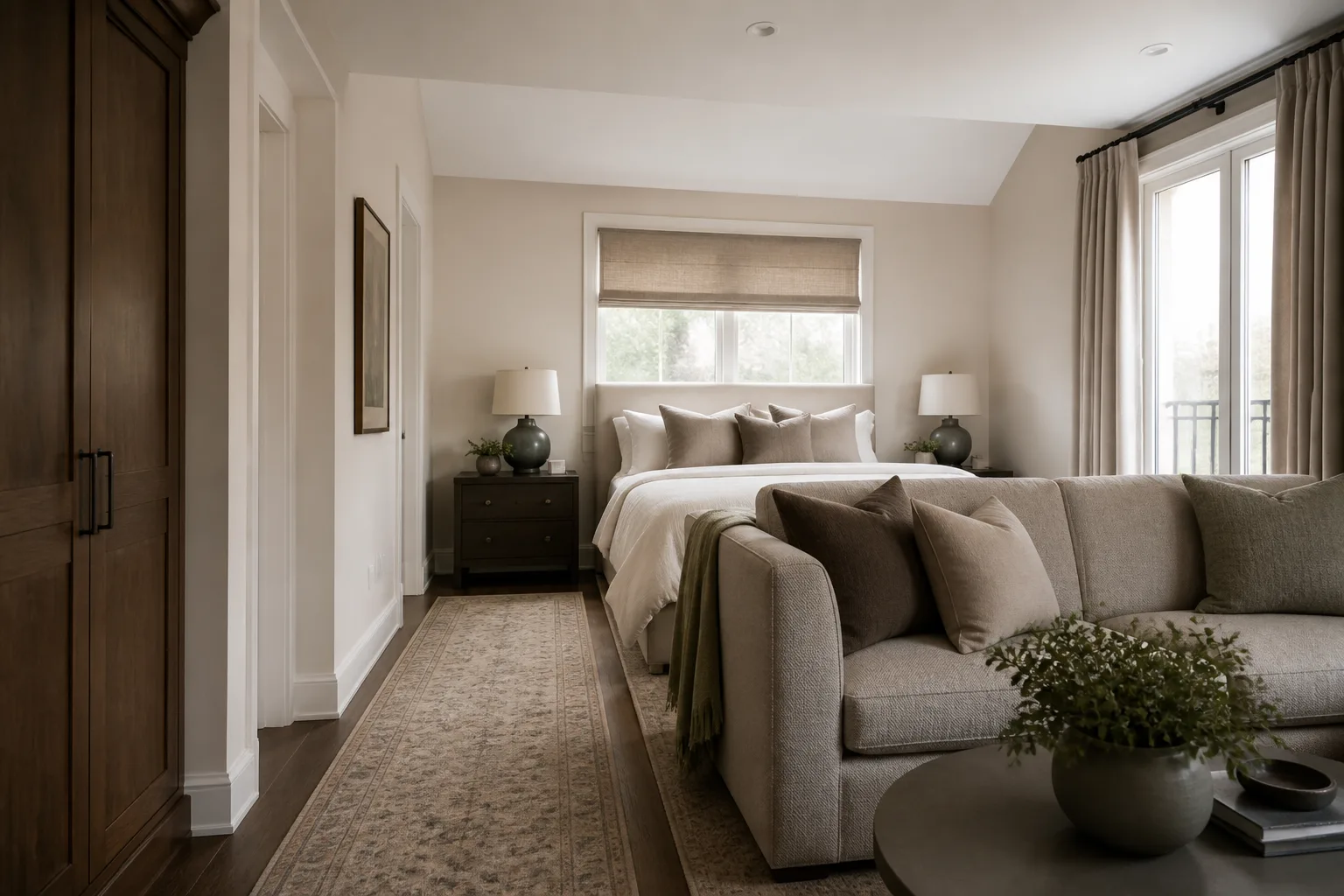
Difficult rooms, designed anyway
687 room-and-challenge pages →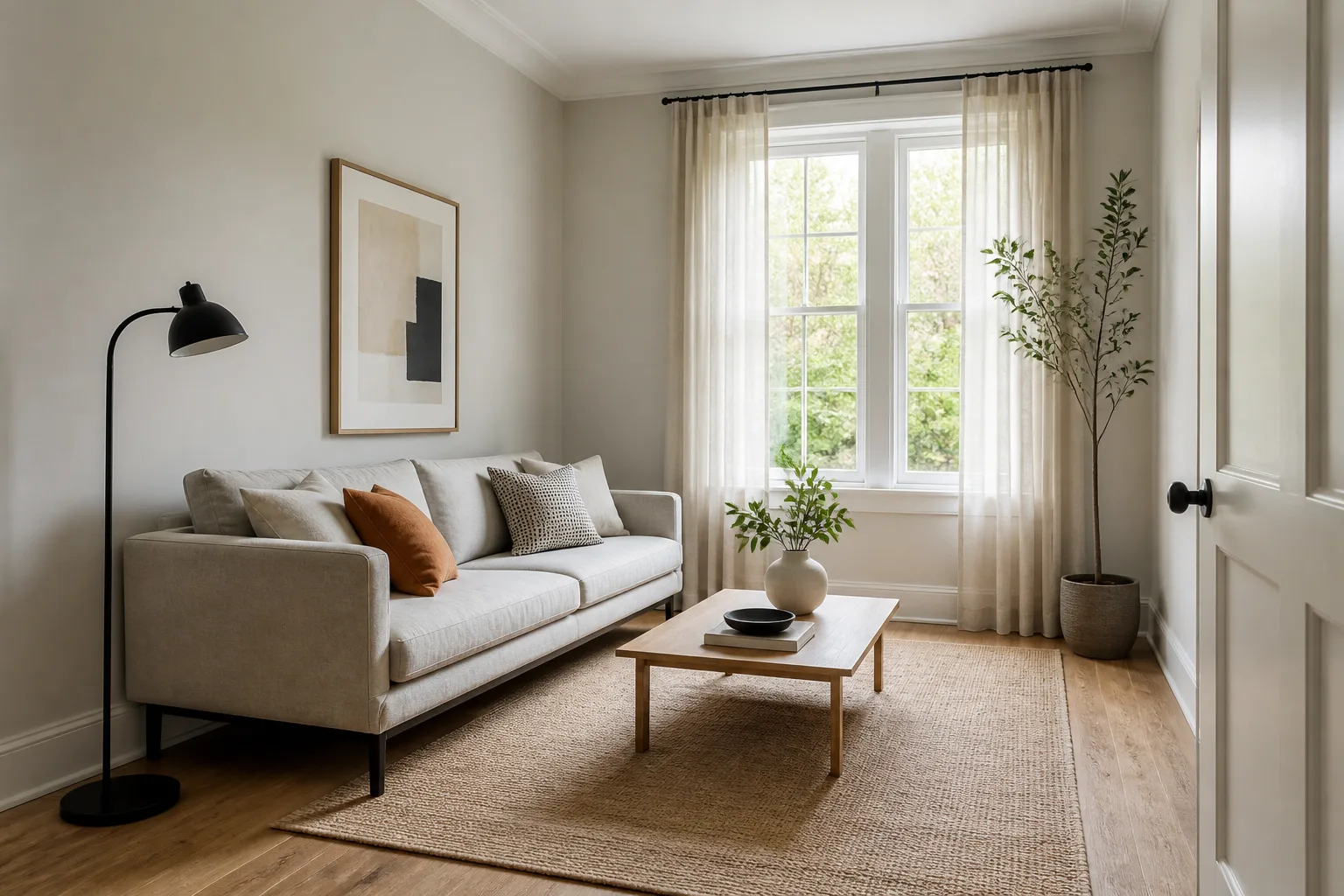
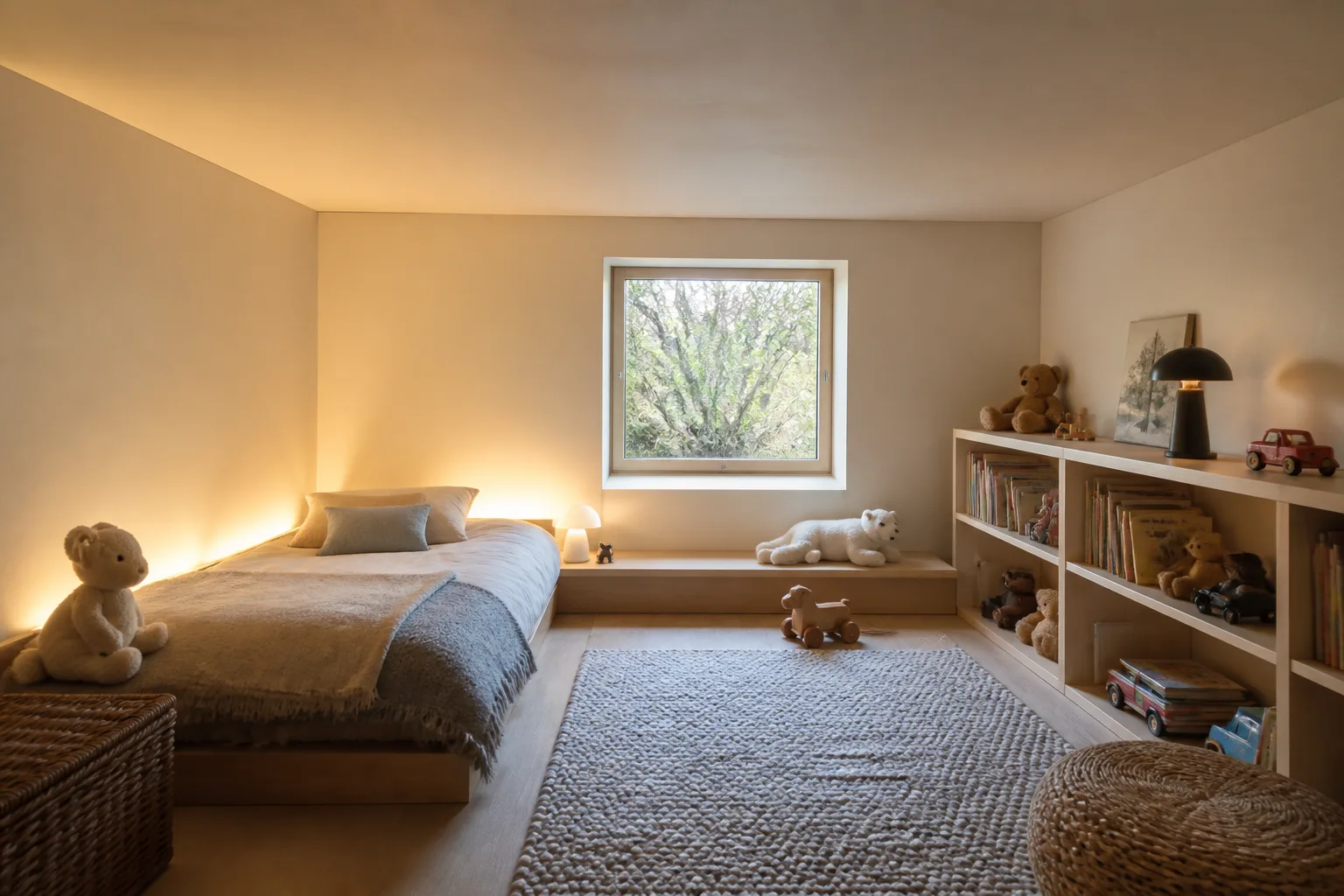
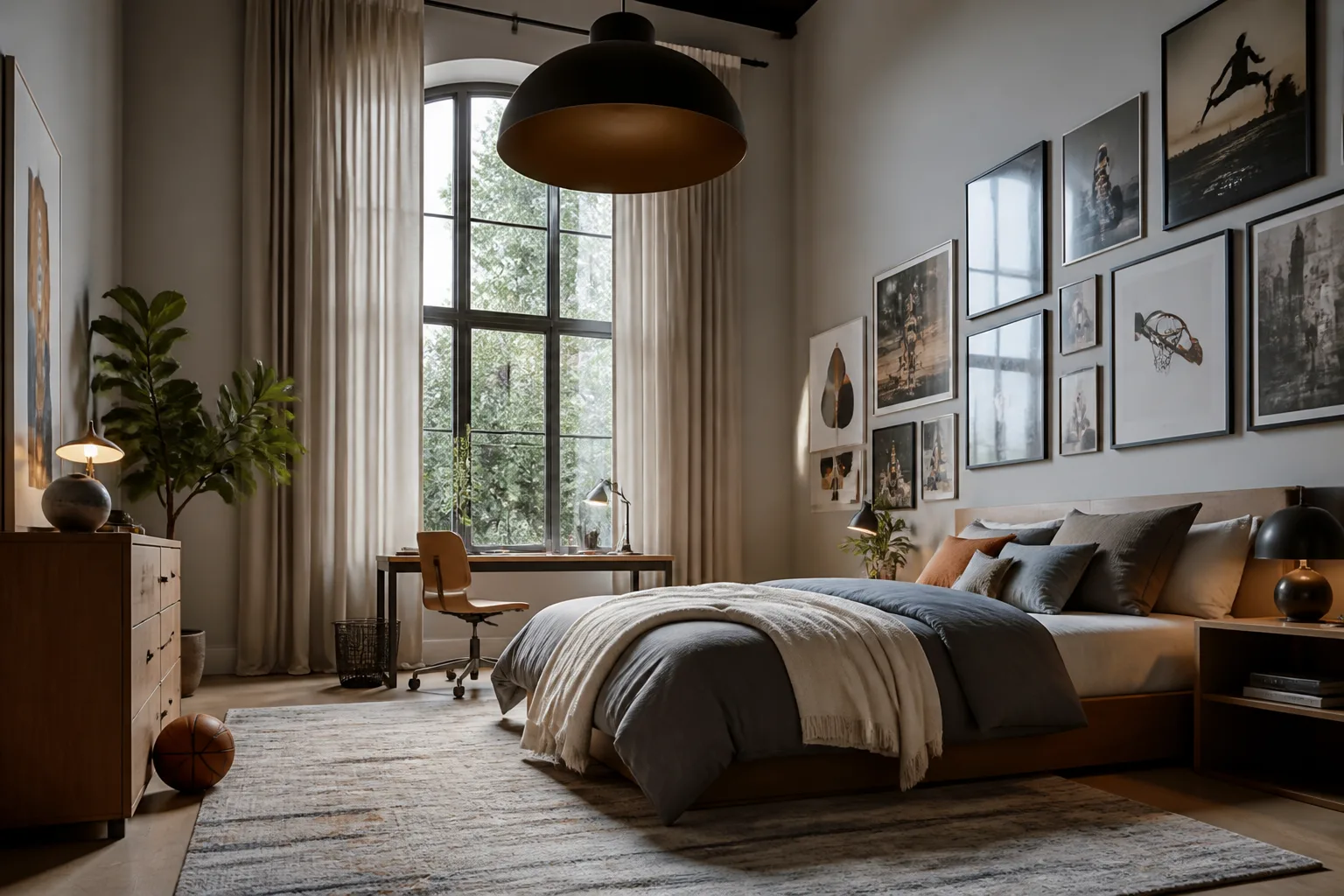
How it works
- 1
Photograph the room
Phone at chest height, from the corner, window in frame. The photo is the floor plan — the design happens inside it.
- 2
Pick the tool and the direction
A full makeover, one surface, one piece, or a typed instruction. Deep-link from any idea page and the settings arrive pre-filled.
- 3
Compare, chain, decide
Each render can feed the next tool. Try four directions at Standard, chain the winner through the details, upscale the decision.
Start from what makes it hard
All 28 →Or start from the room
All 30 →All 40 tools
Full descriptions →- Room MakeoverBeforeAfter
- Design with Words
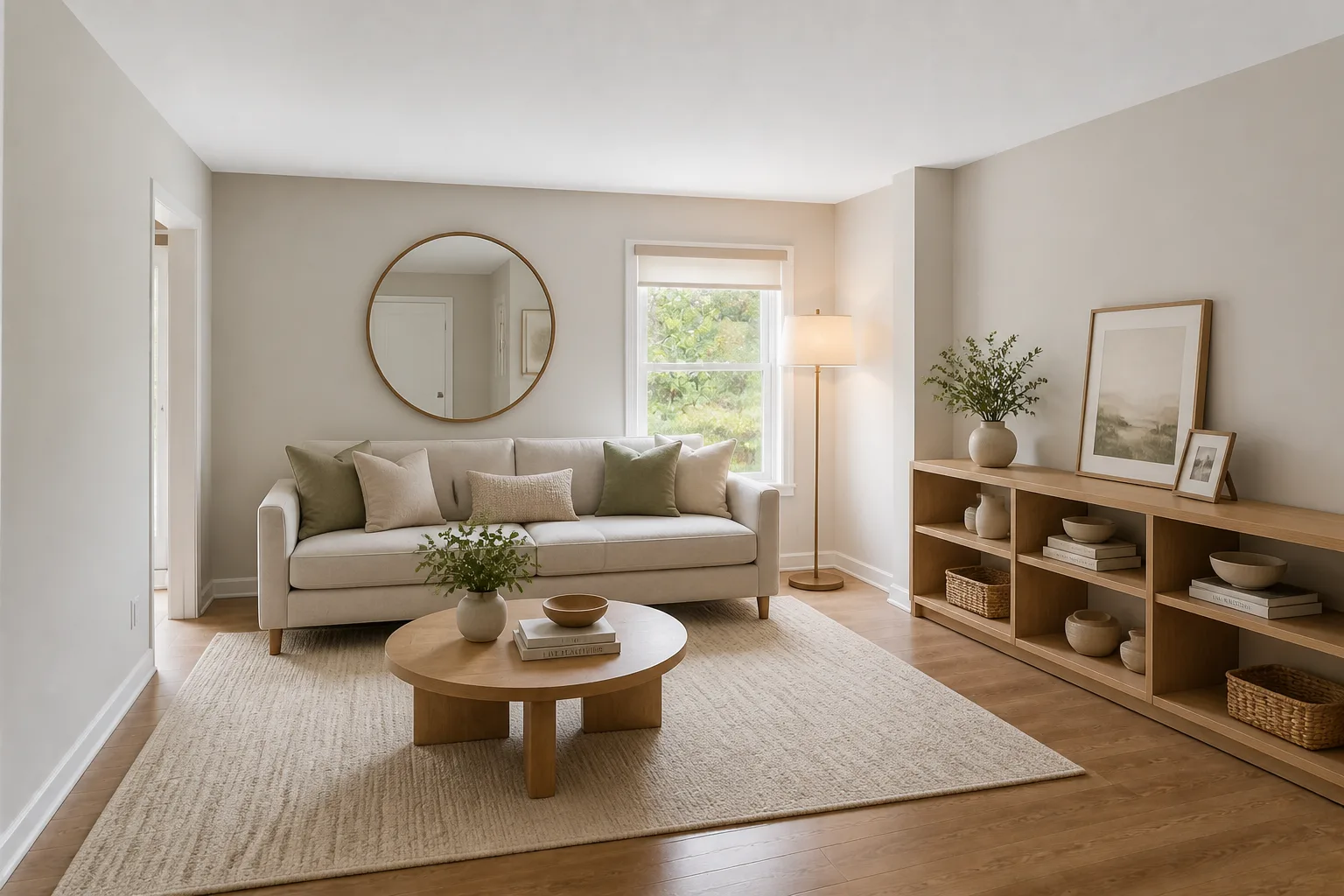 BeforeAfter
 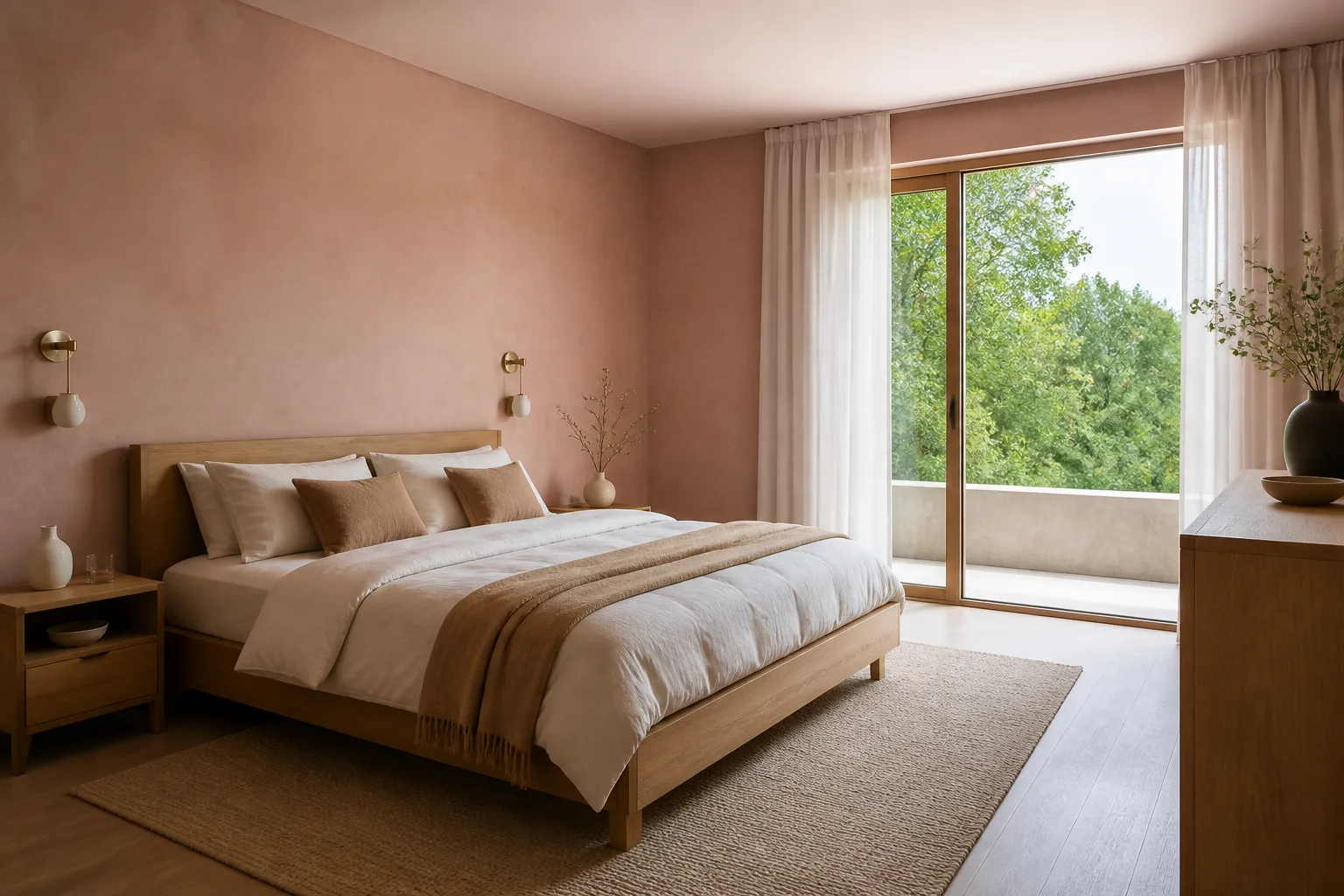 Room Idea Generator
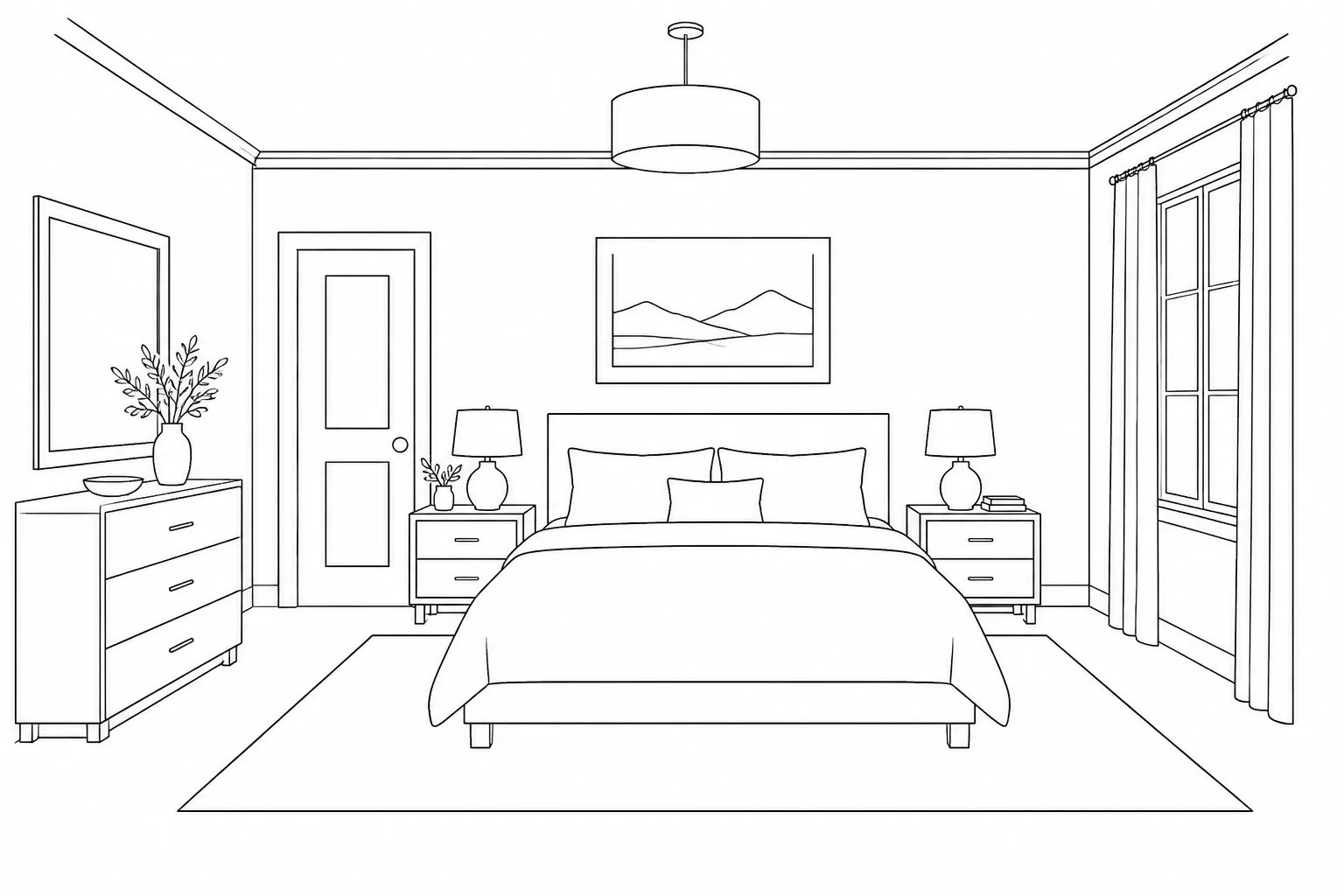
- Sketch to Room
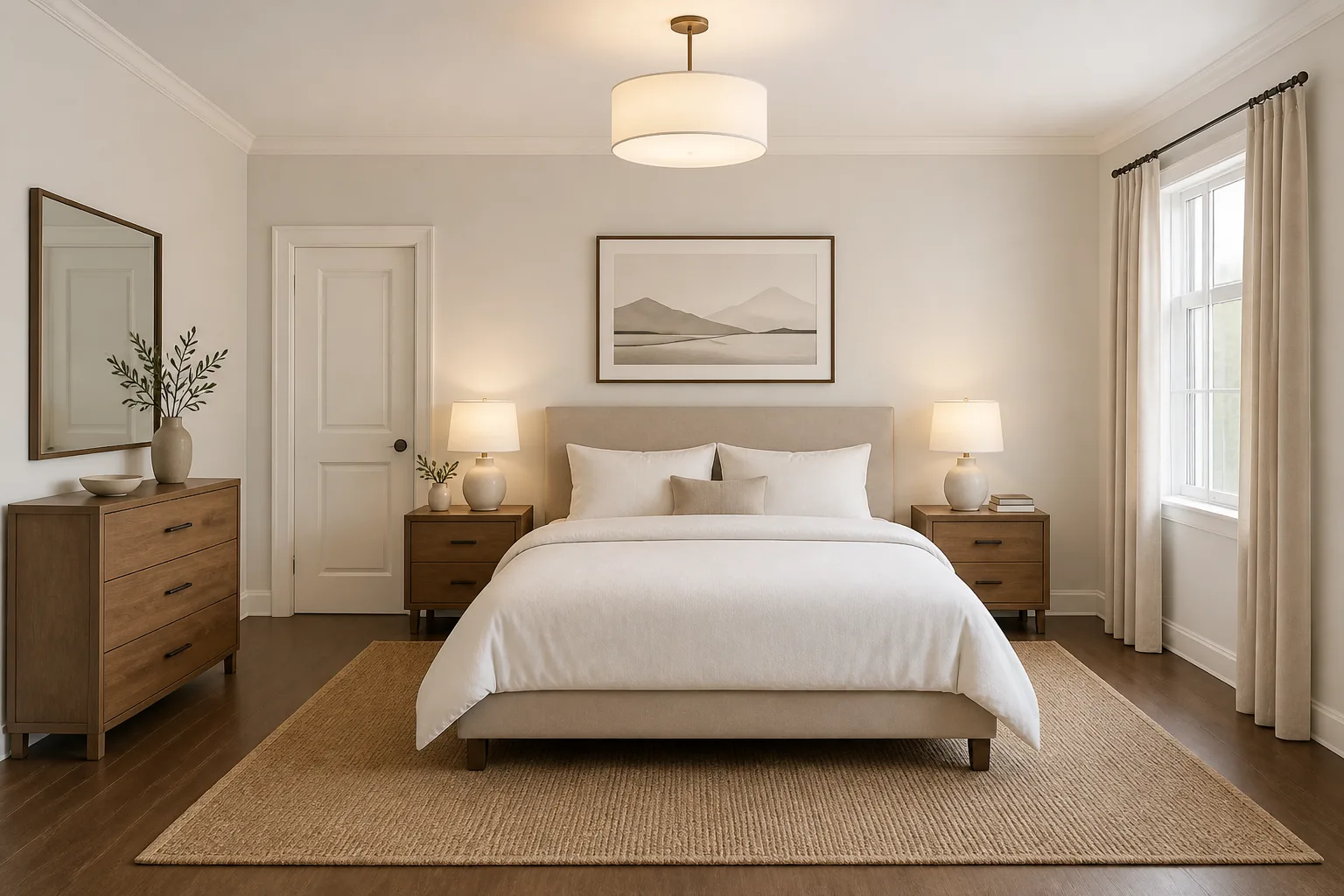 BeforeAfter
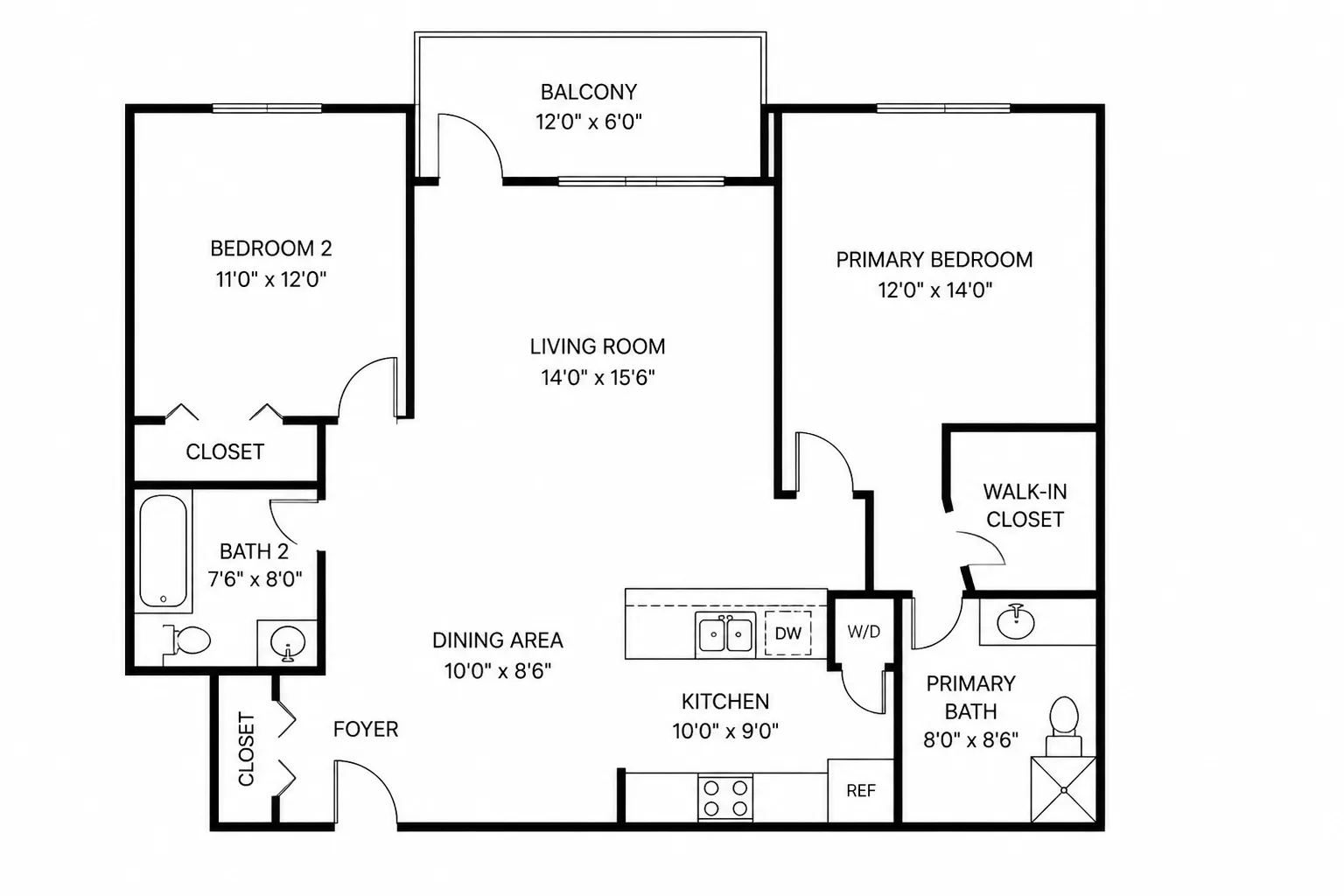
 - Floor Plan to 3D Room
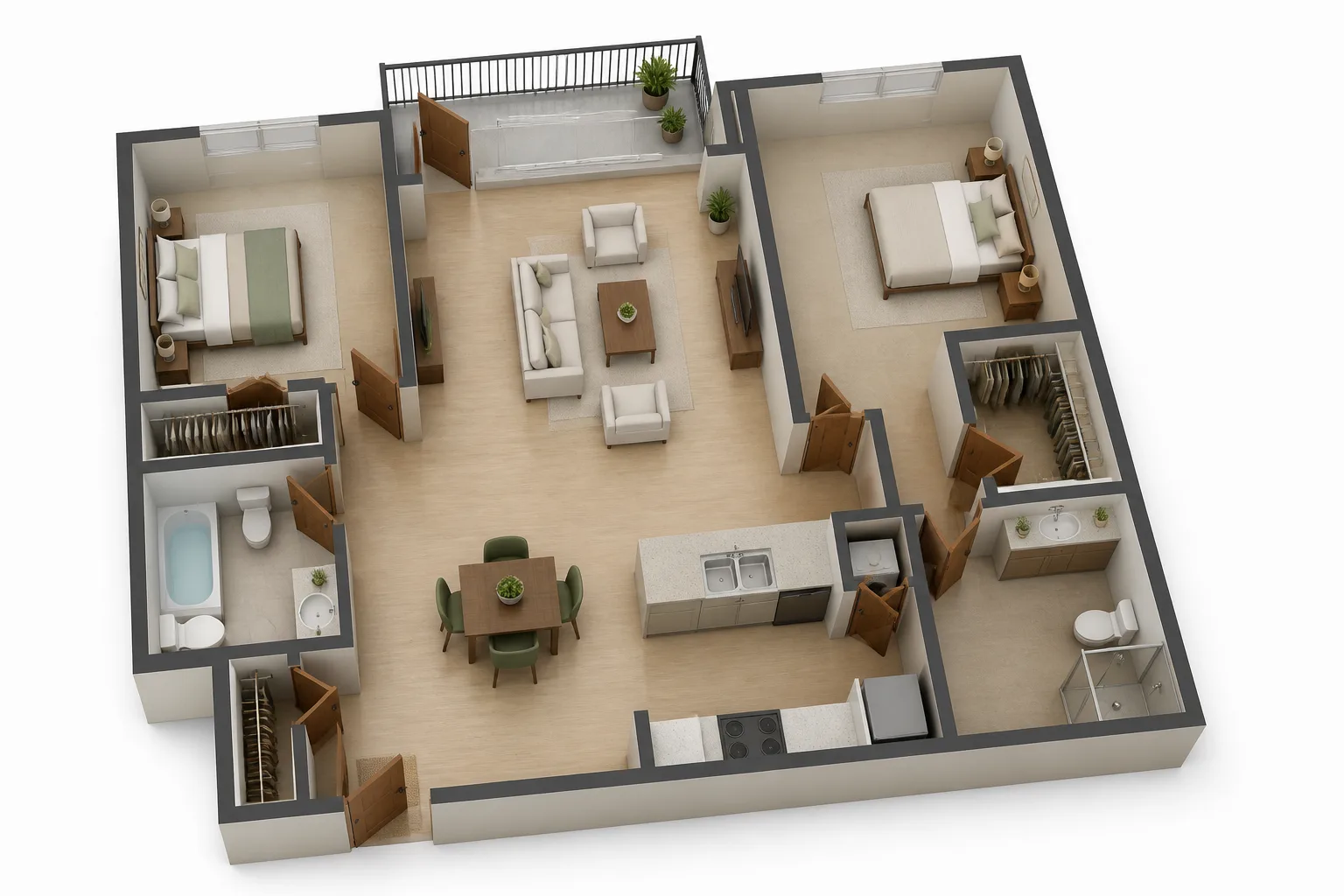 BeforeAfter
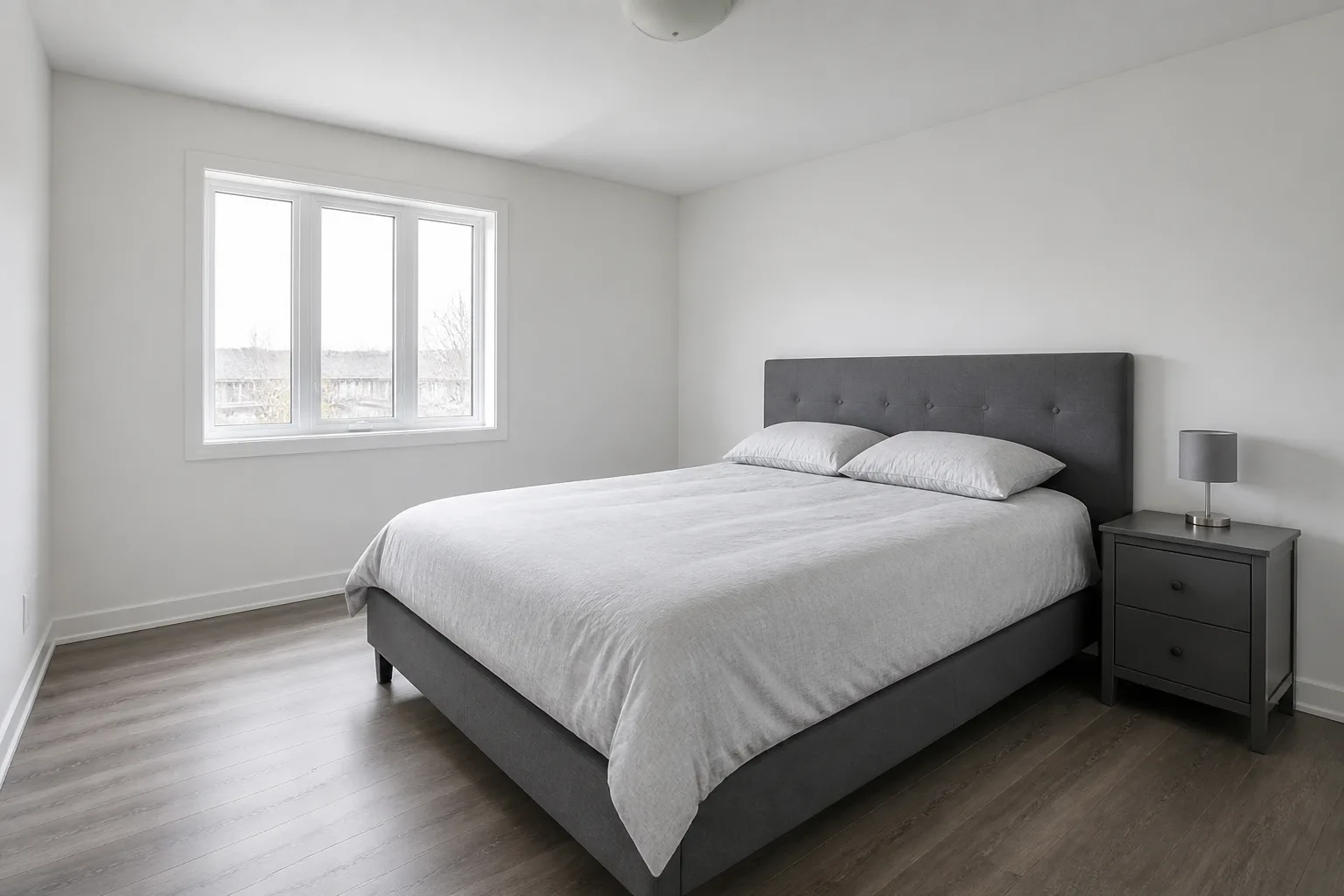
 - Inspiration Match
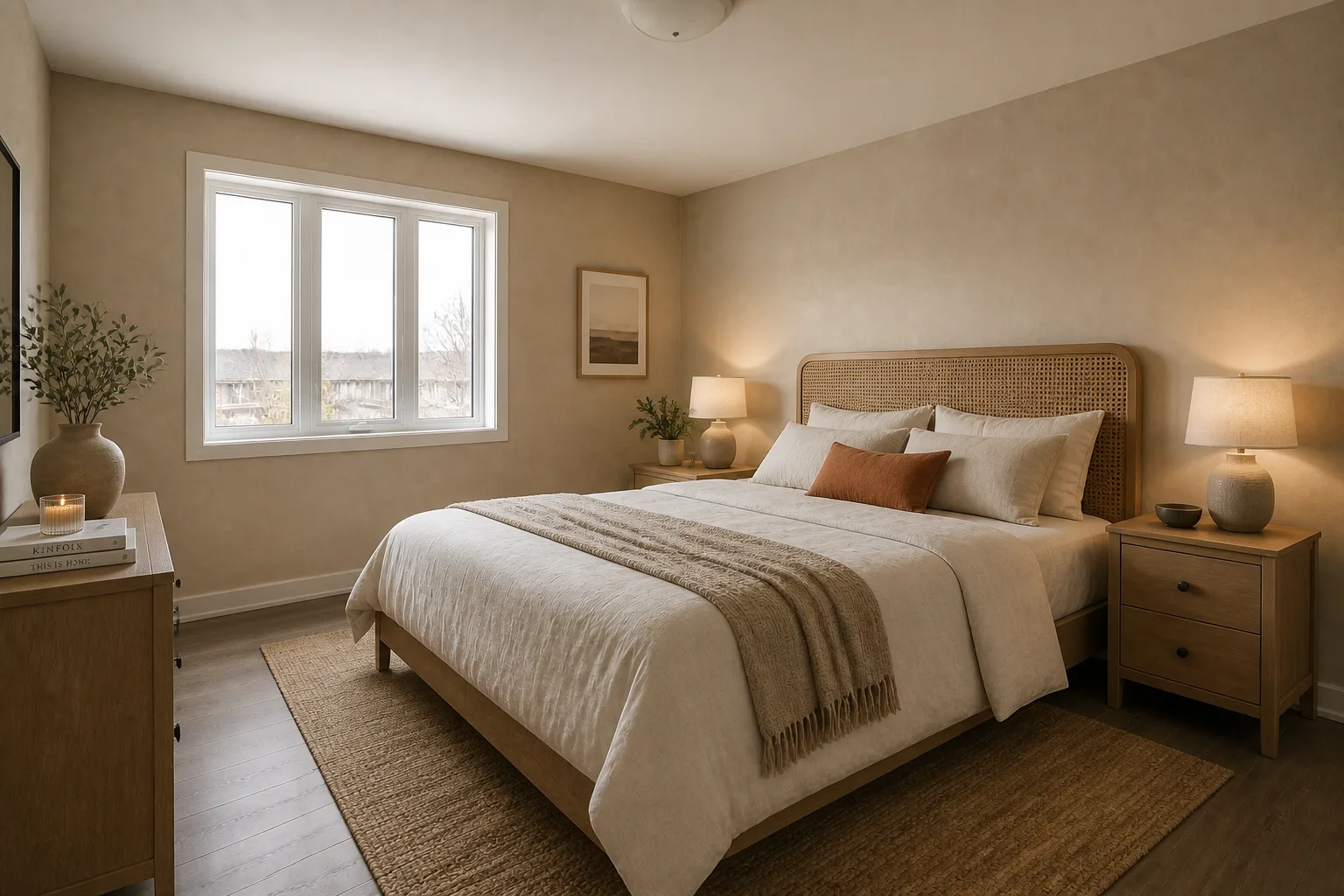 BeforeAfter
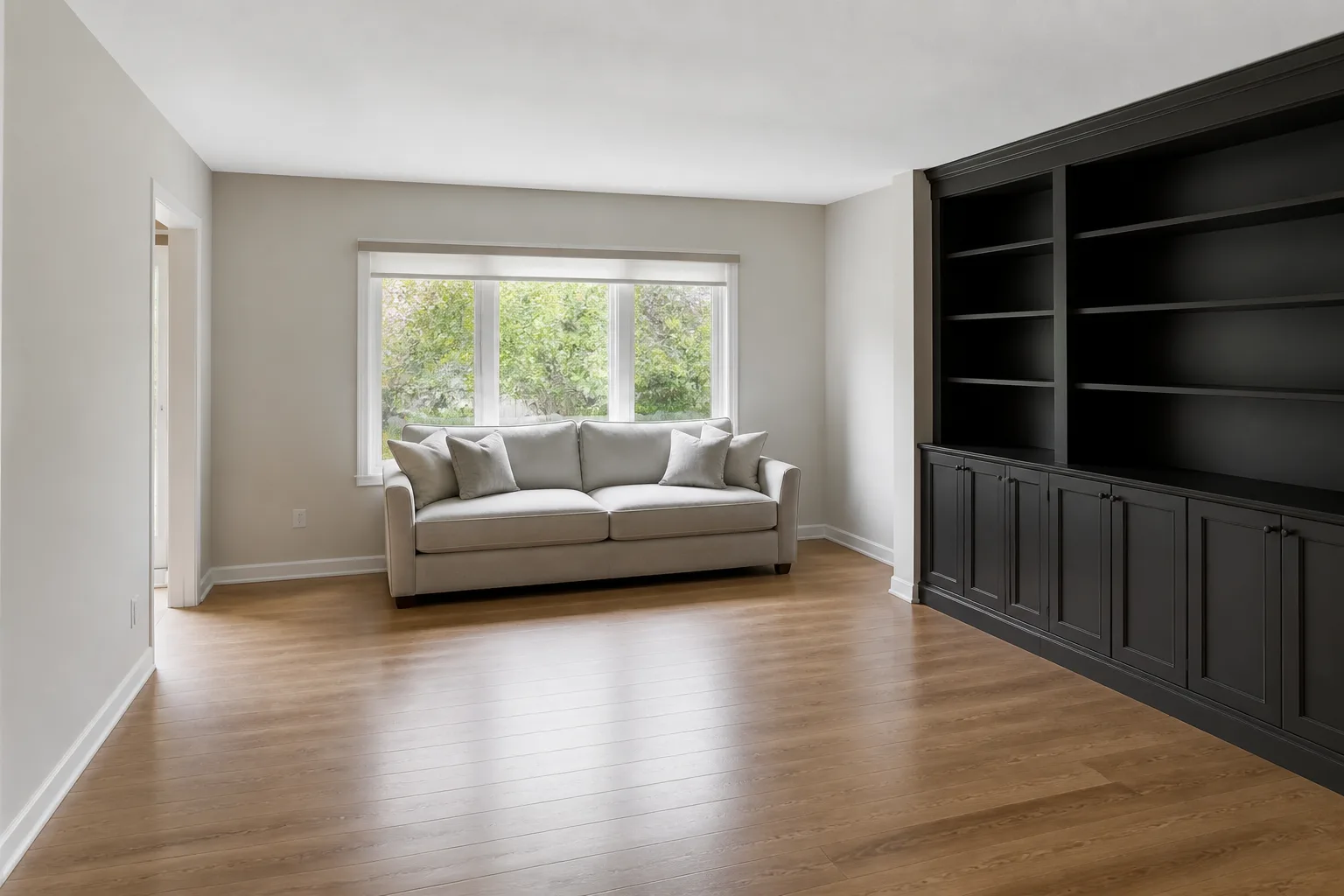
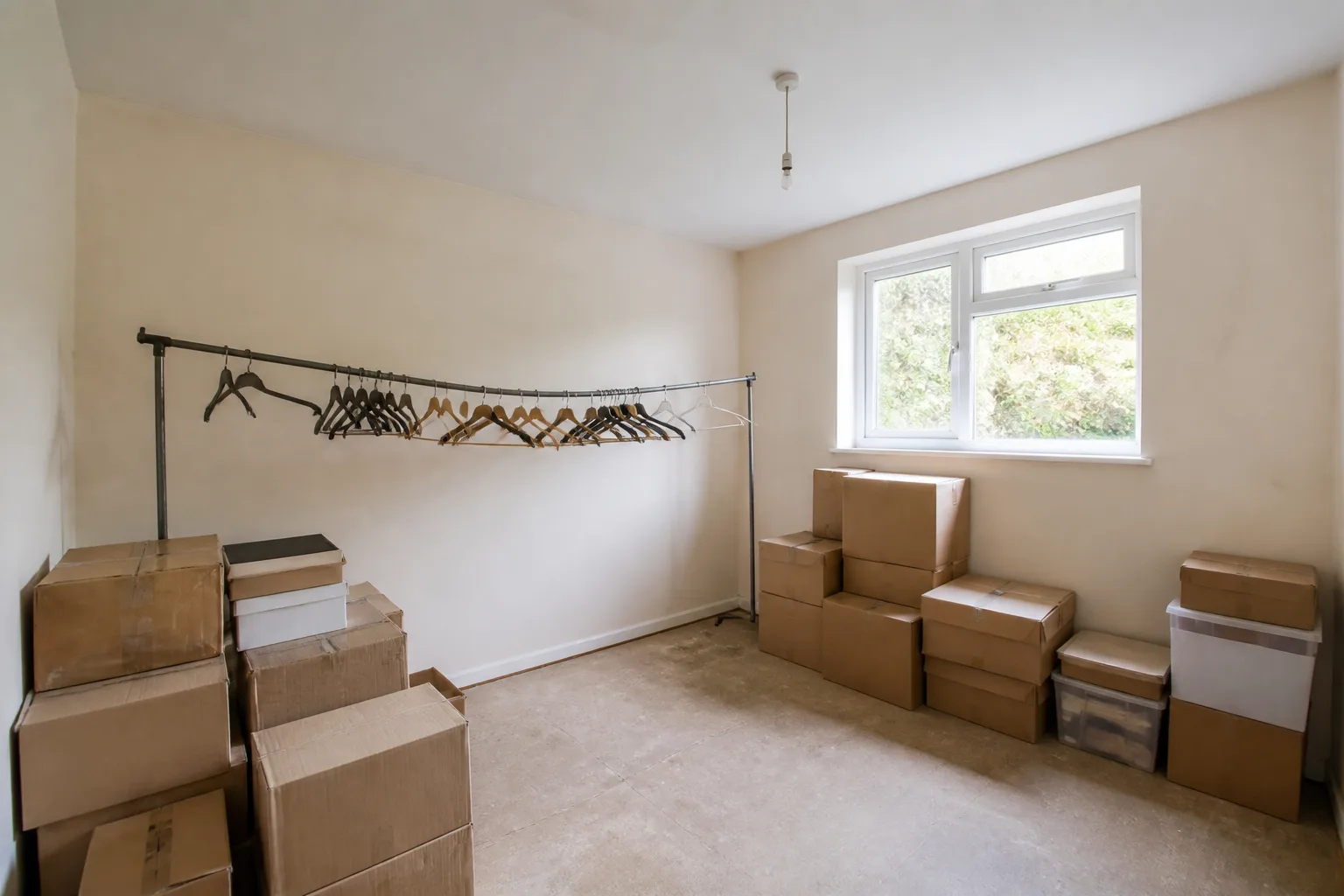
- Furnish a Bare RoomBeforeAfter
- Empty a Room
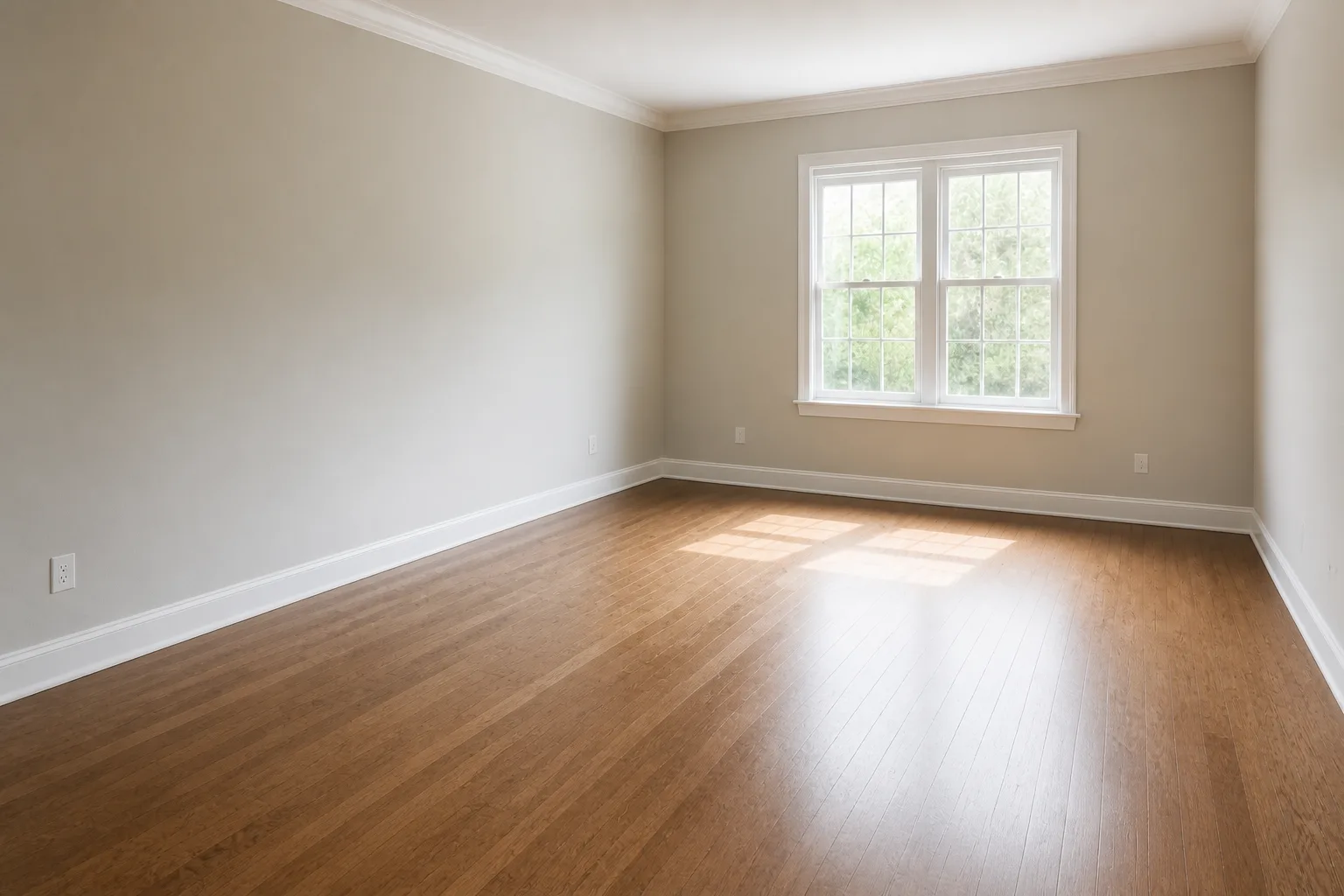 BeforeAfter
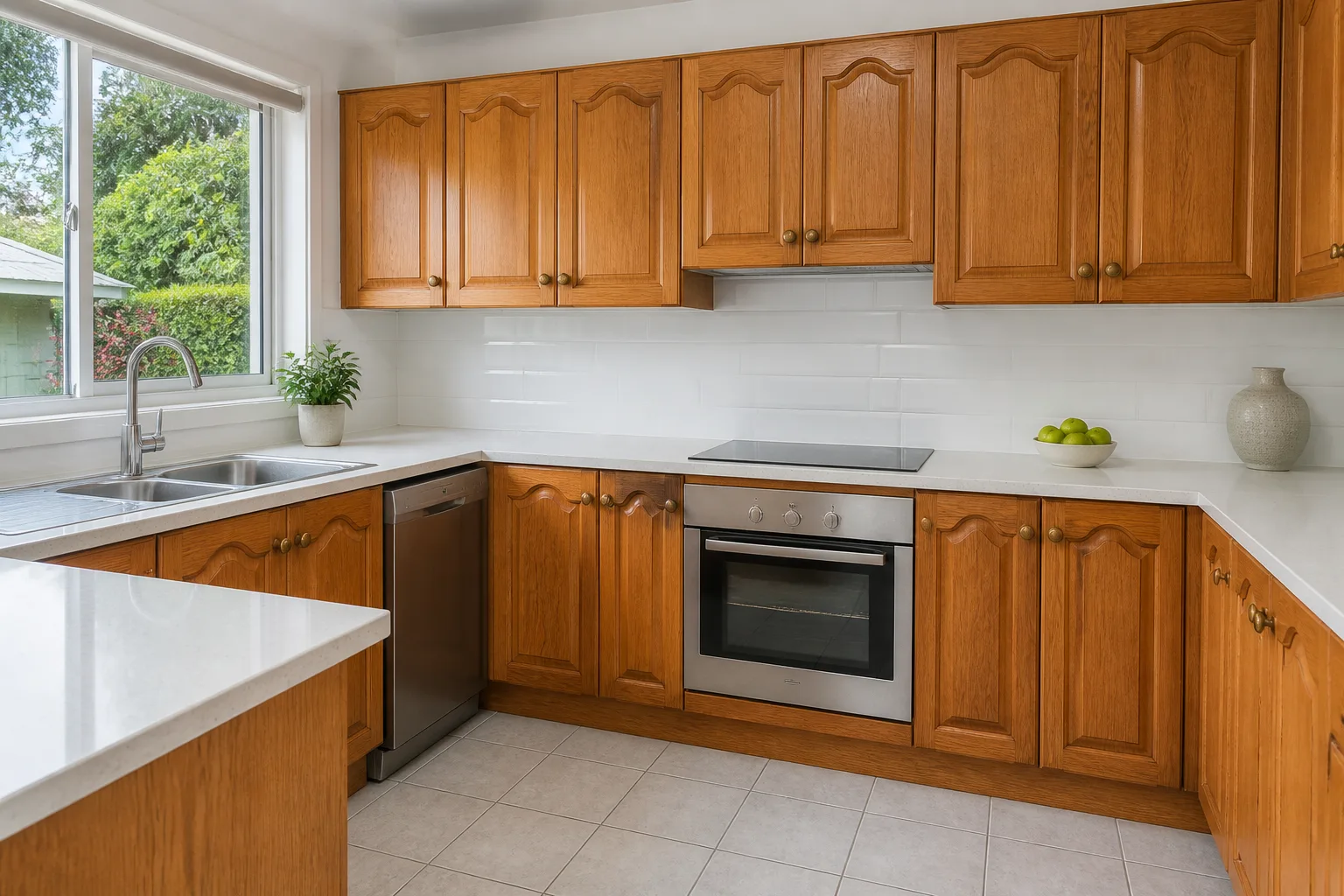
 - Kitchen Design
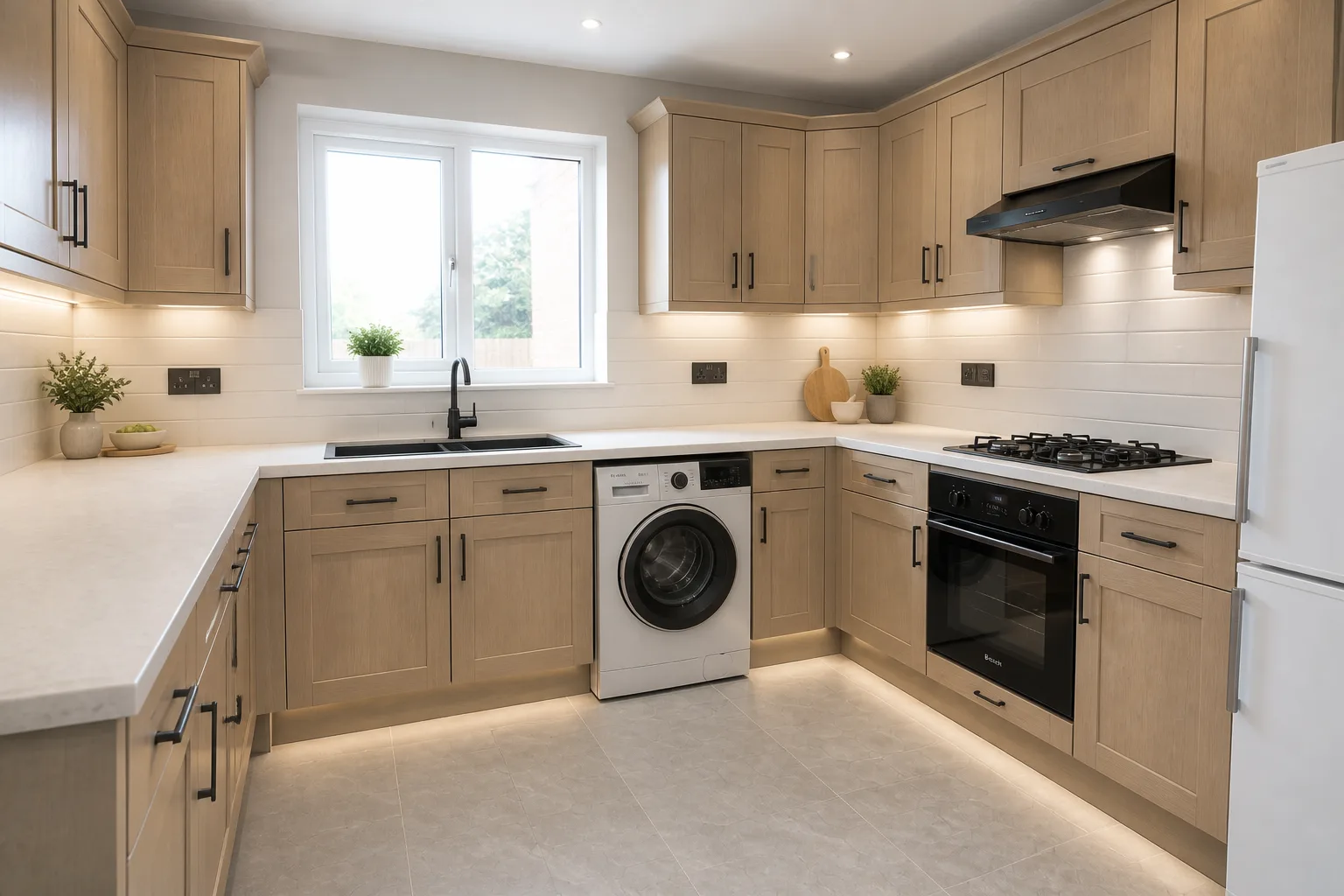 BeforeAfter
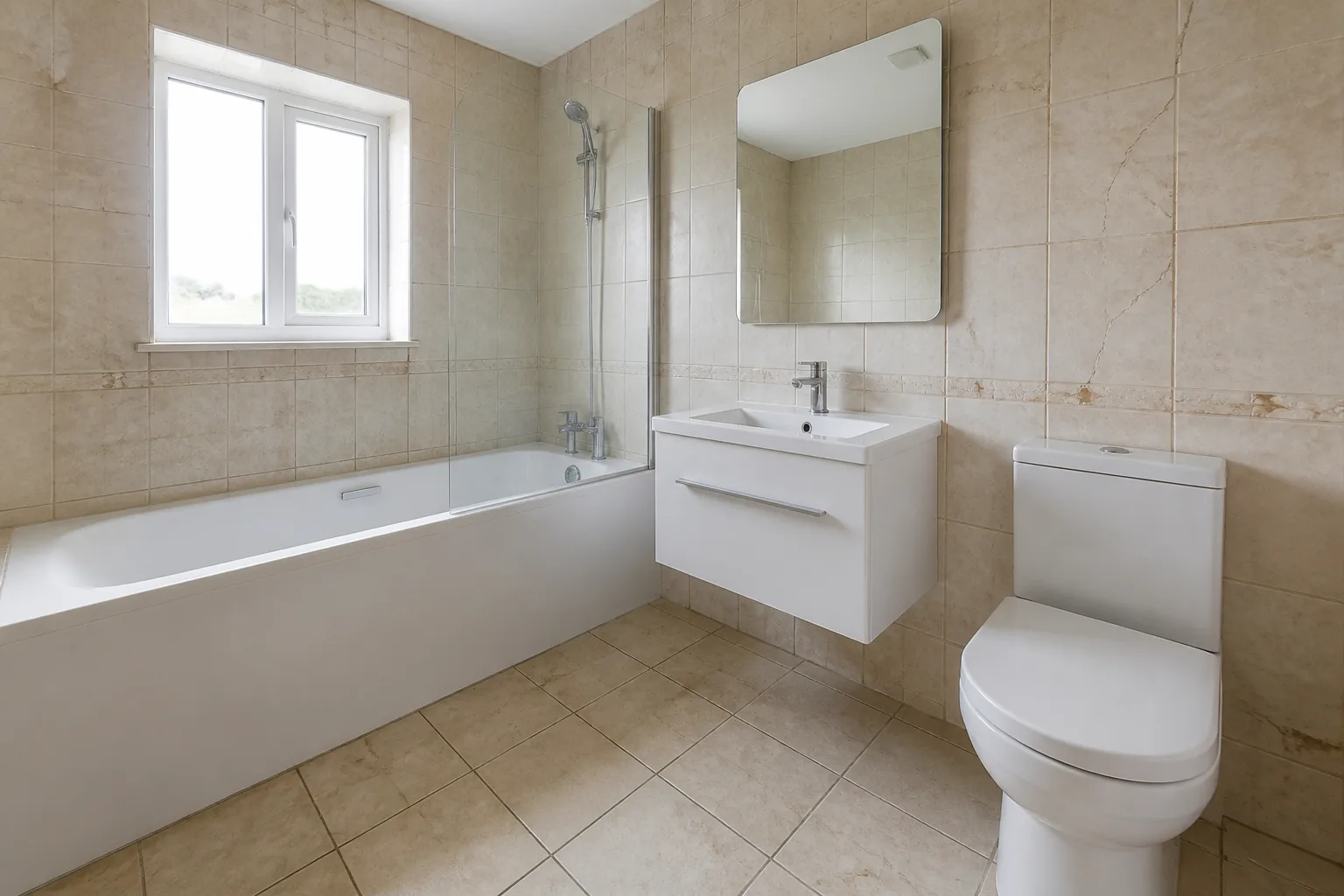
 - Bathroom Design
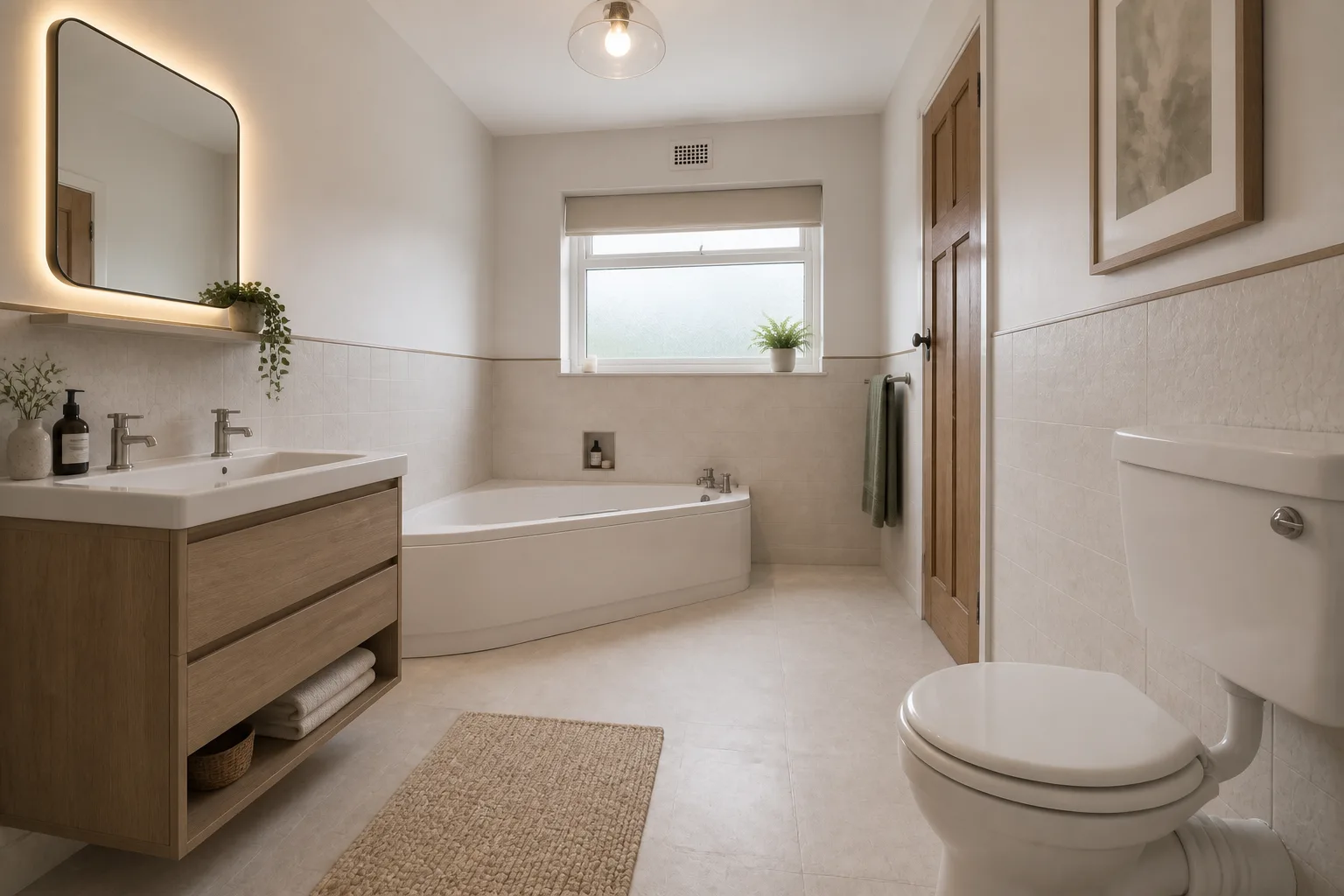 BeforeAfter
 - Basement Room Design
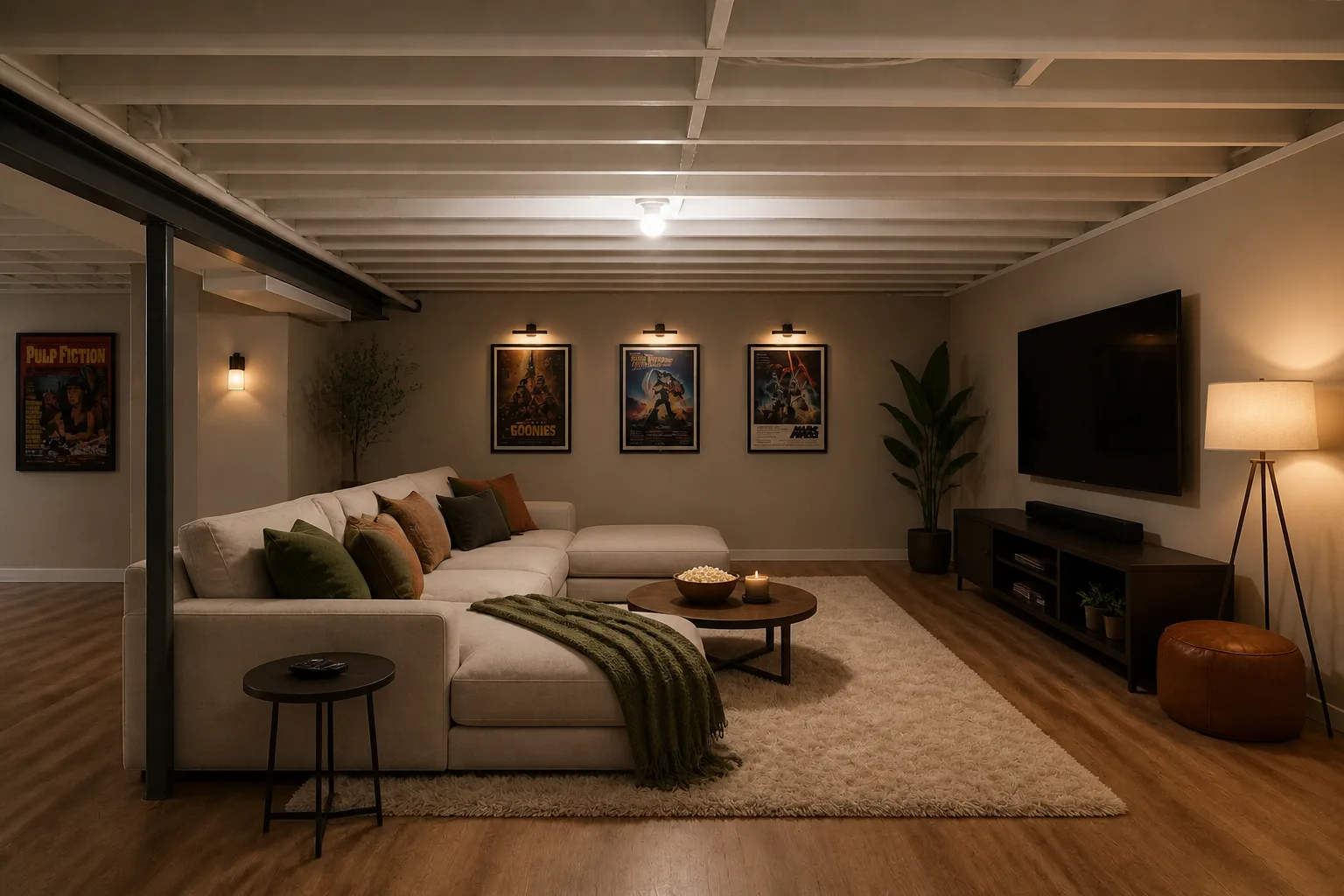 BeforeAfter
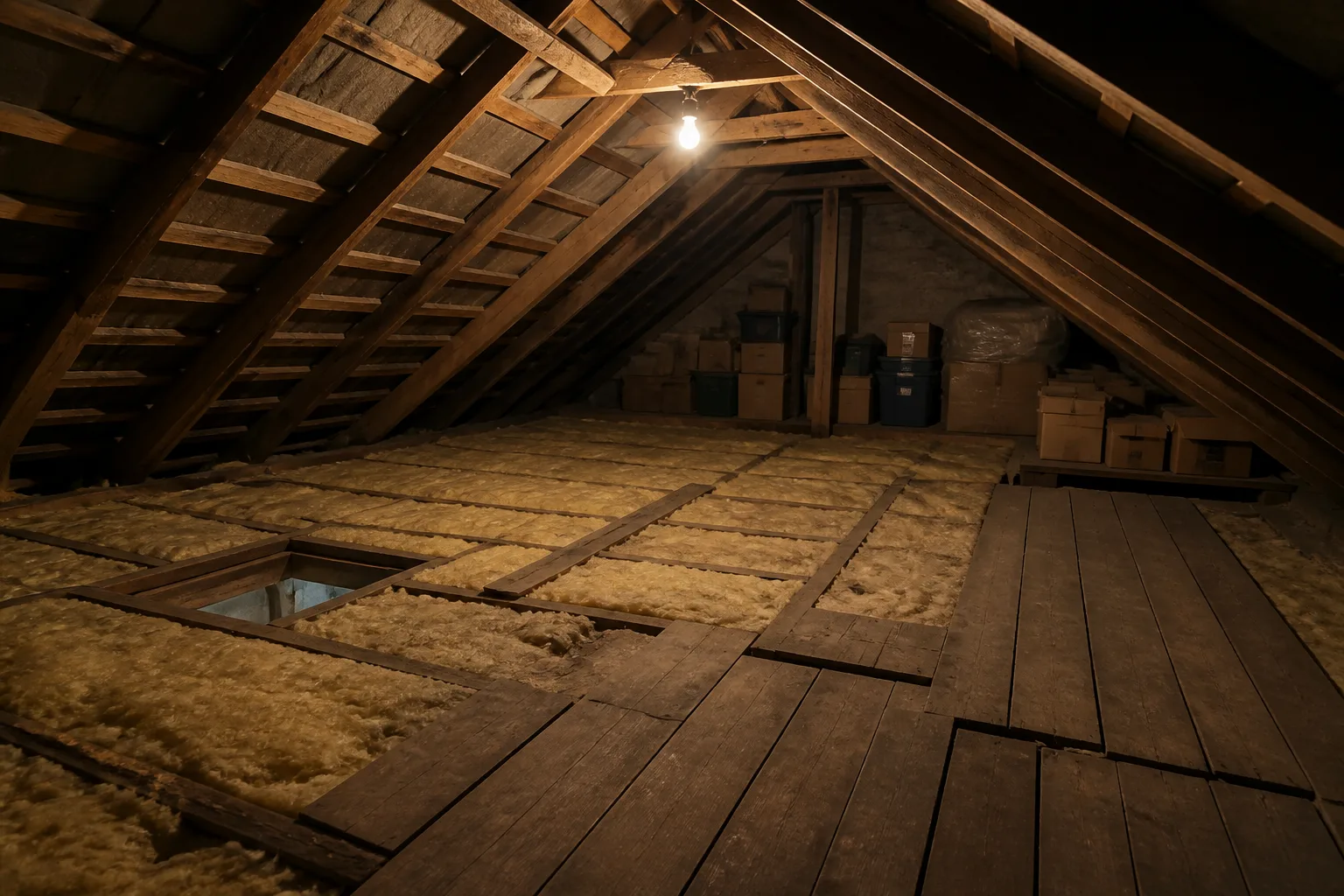
 - Attic Room Design
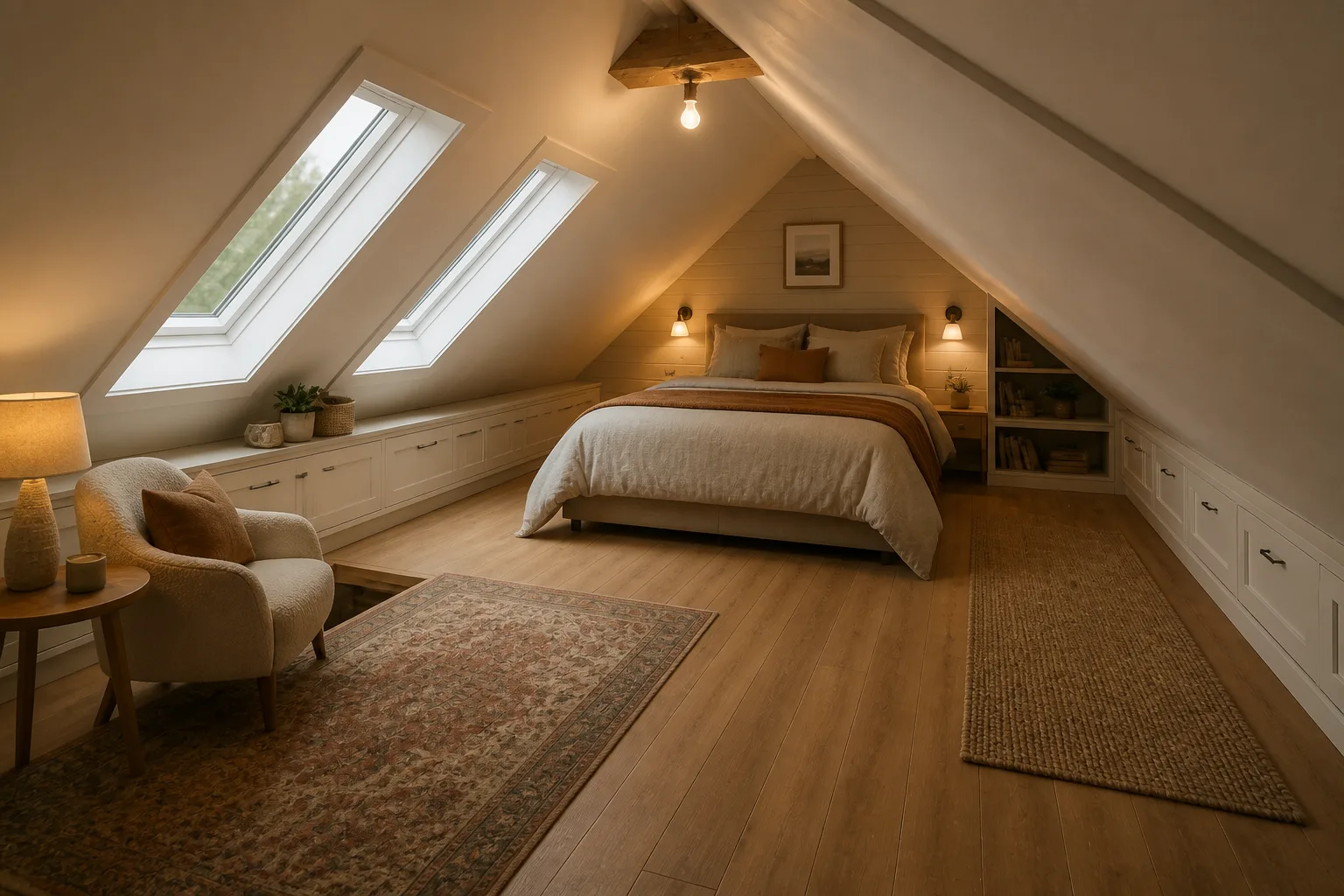 BeforeAfter
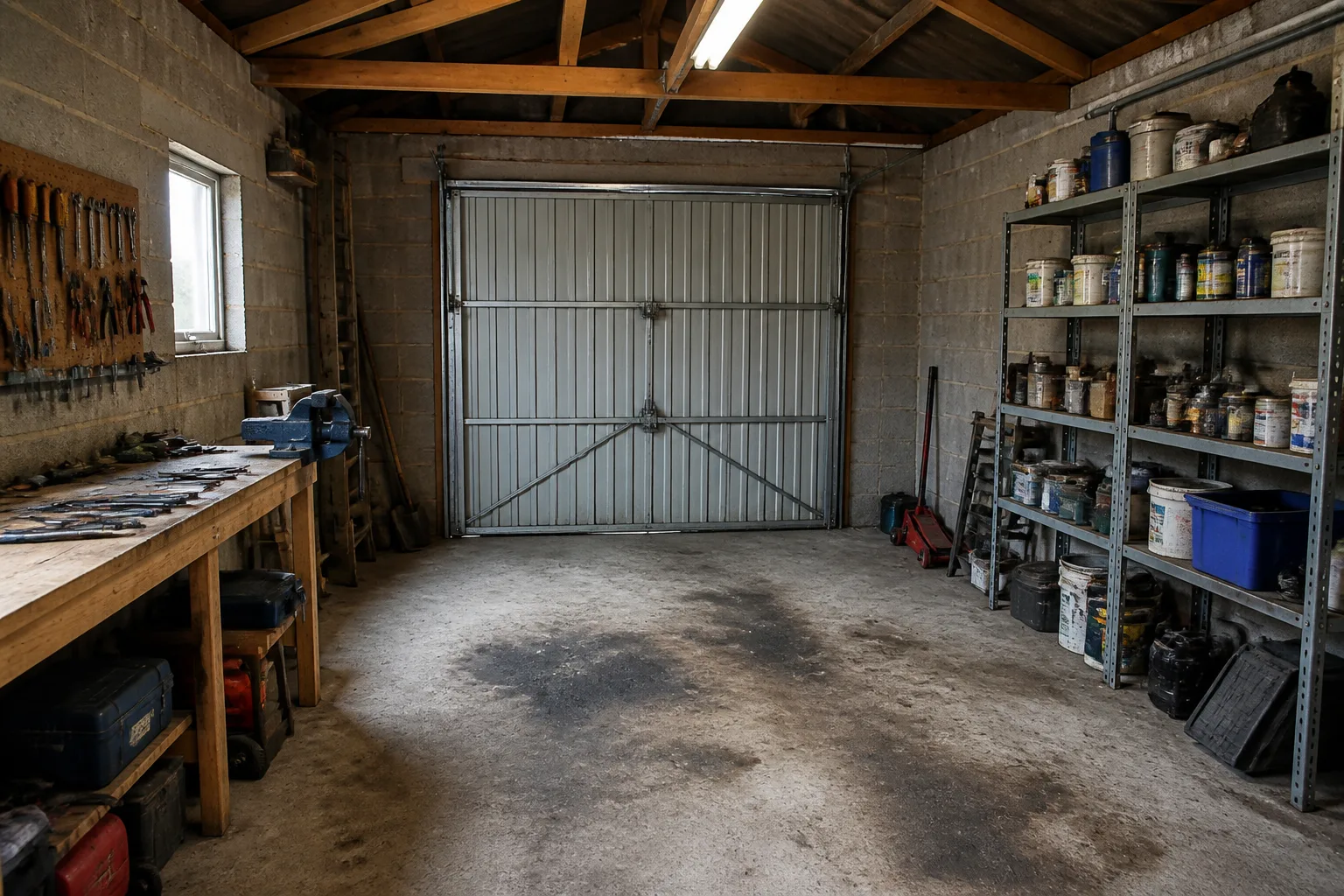
 - Garage Room Design
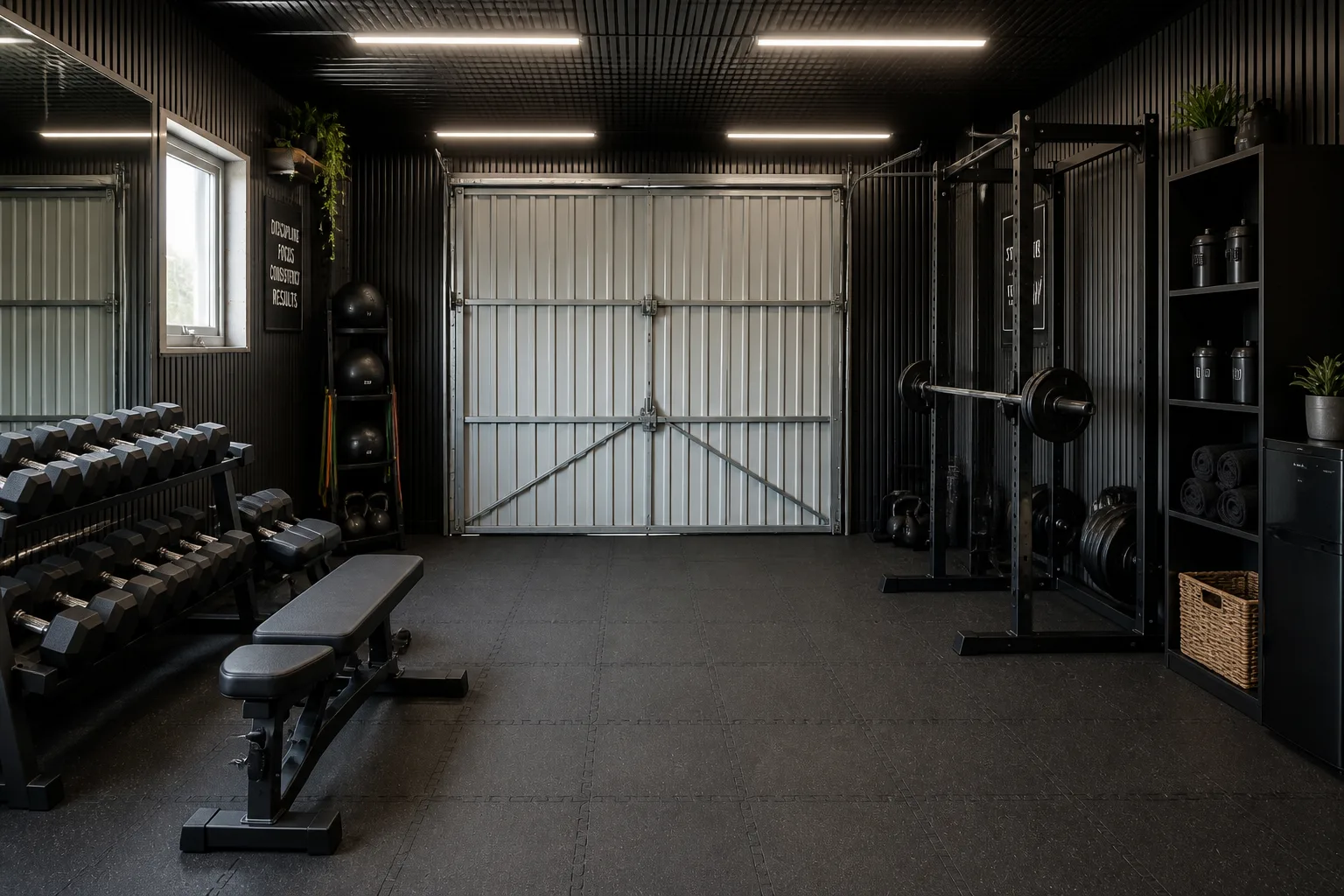 BeforeAfter
 - Closet Layout
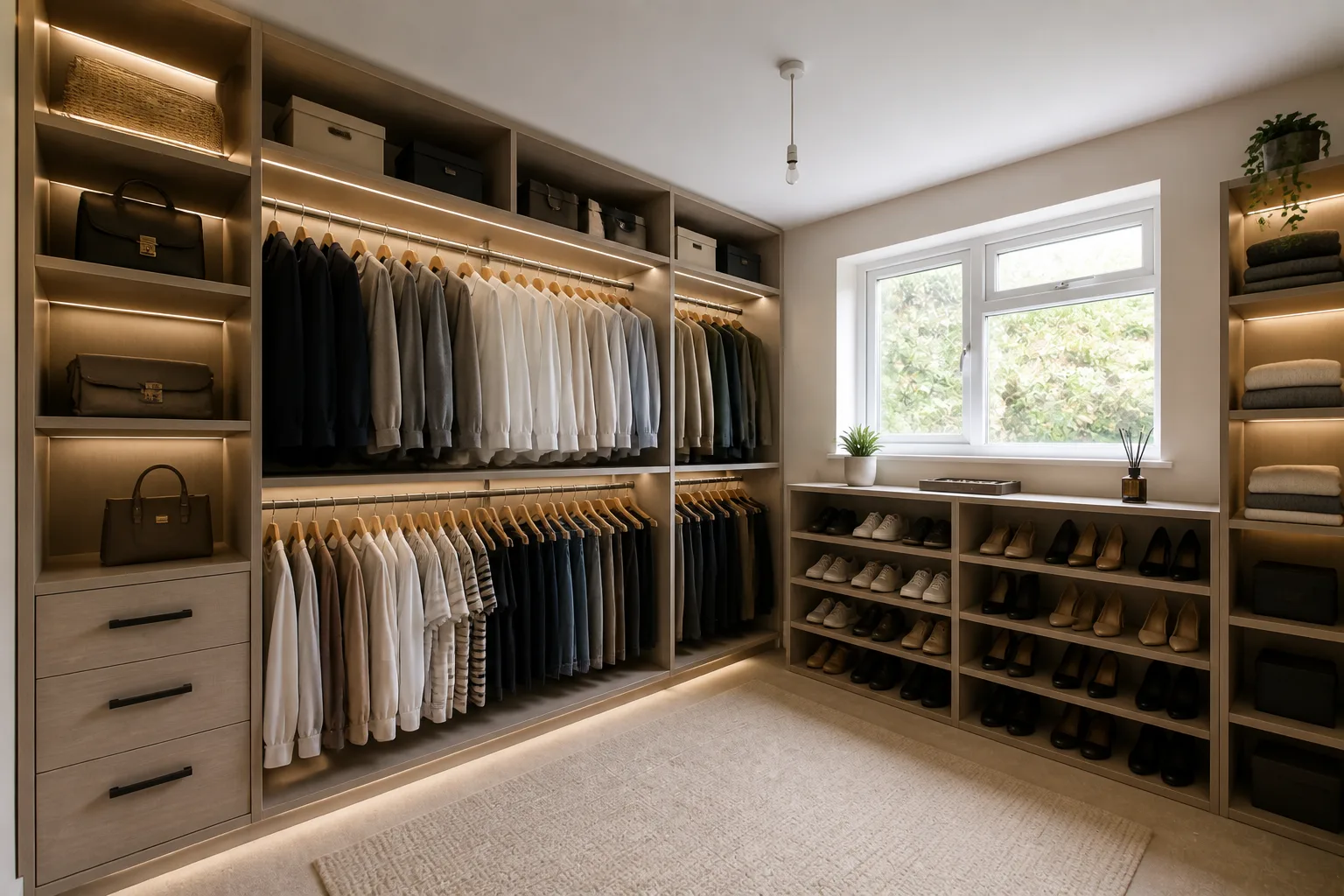 BeforeAfter
 - Home Office Design
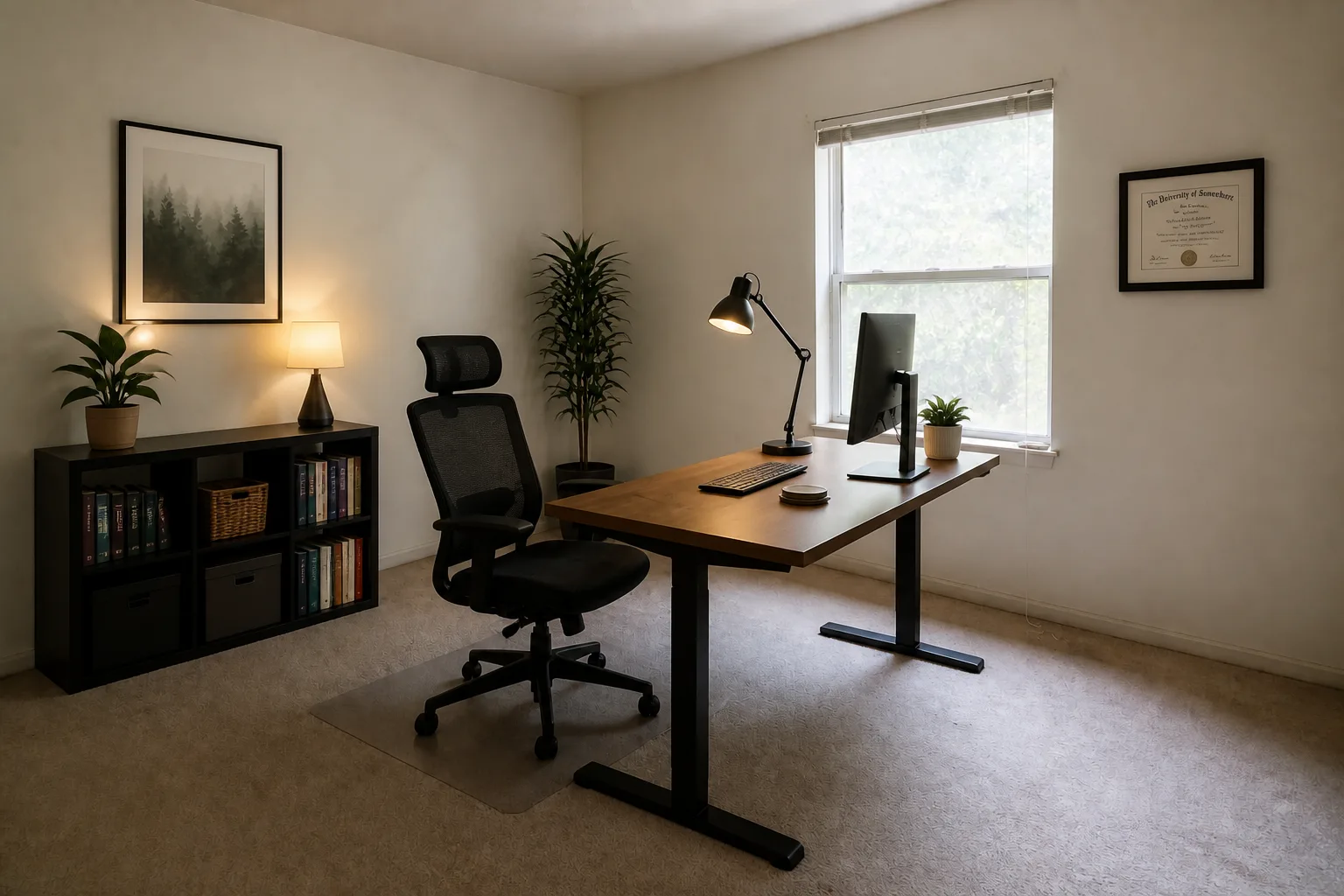 BeforeAfter
 - Nursery Design
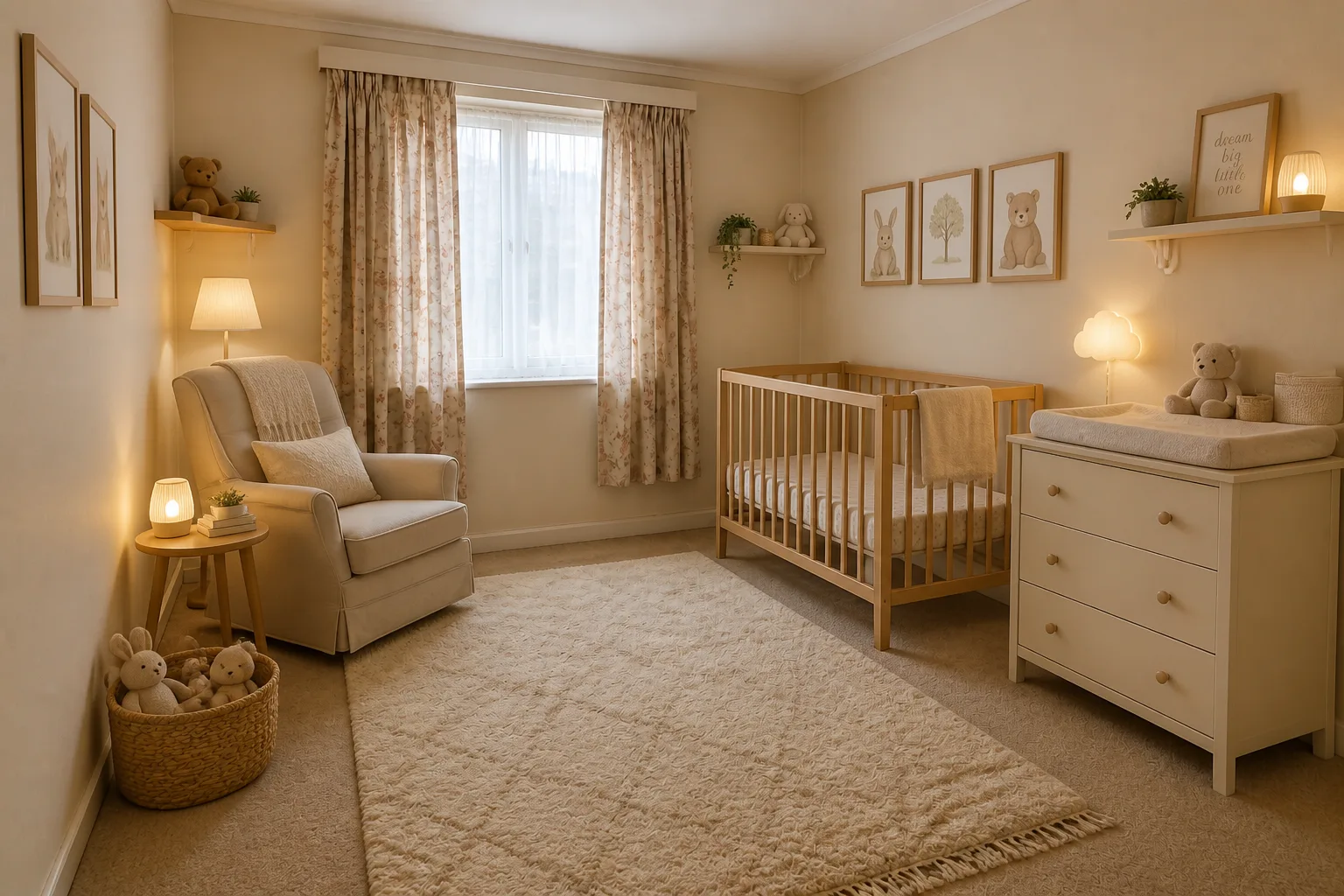 BeforeAfter
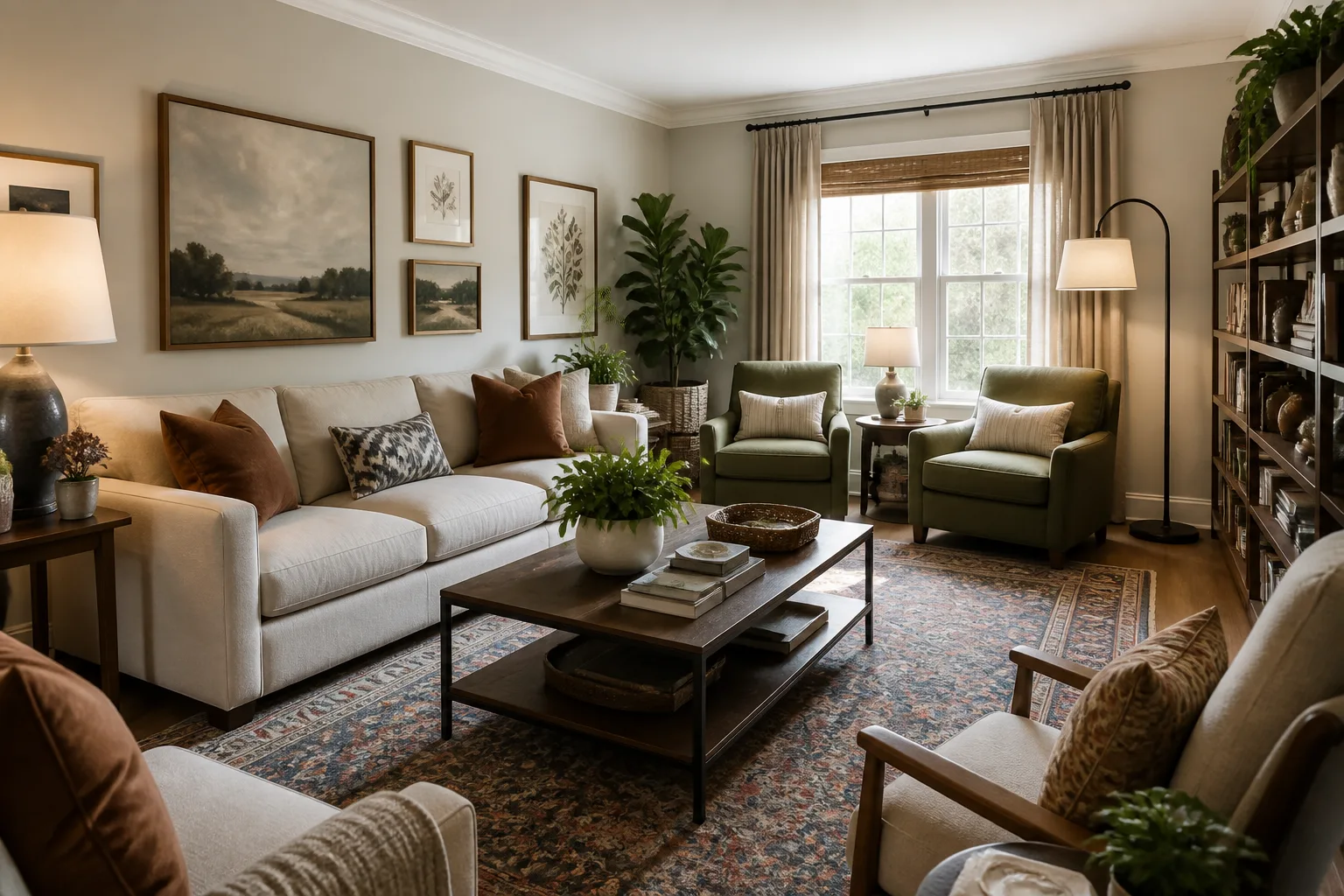
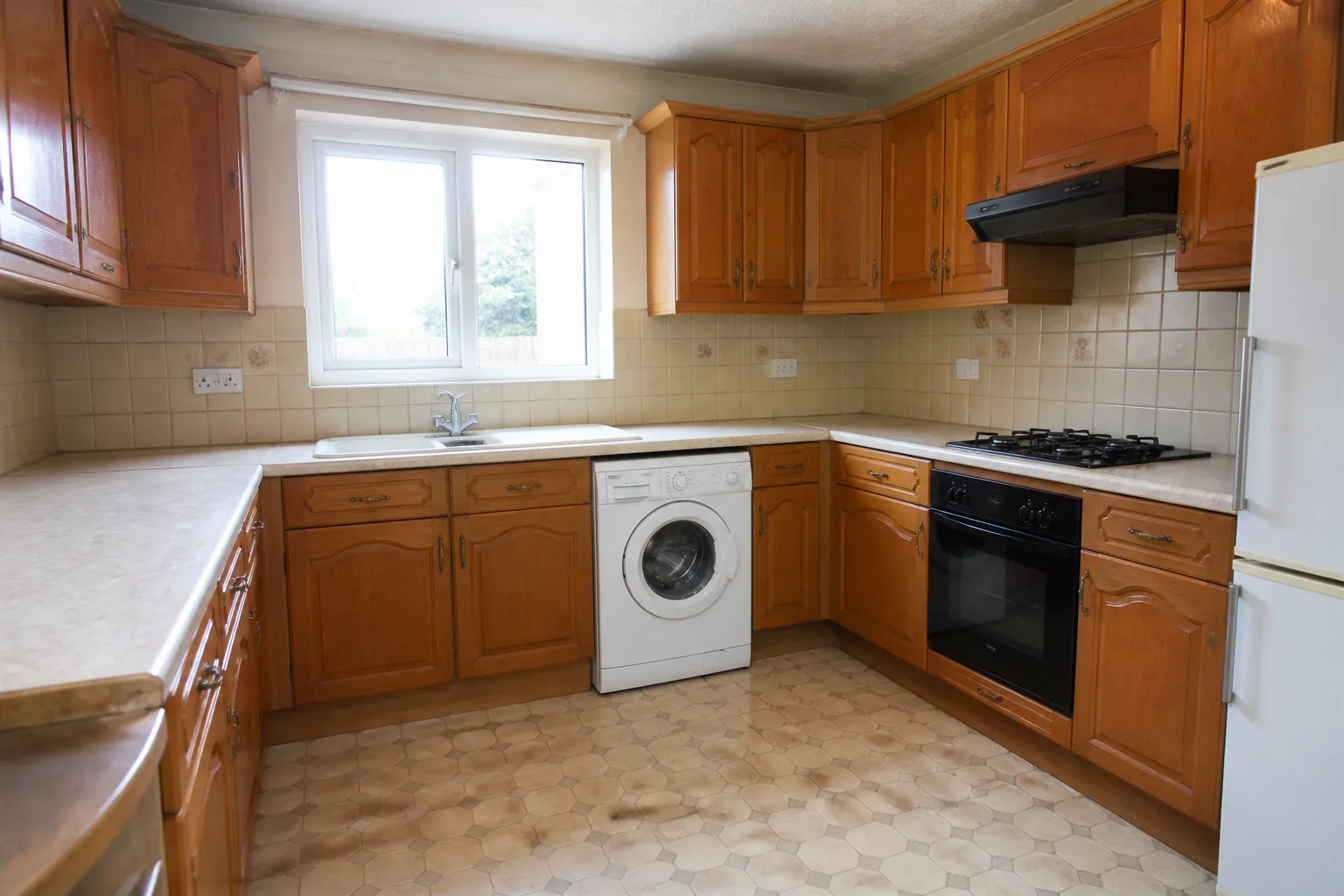
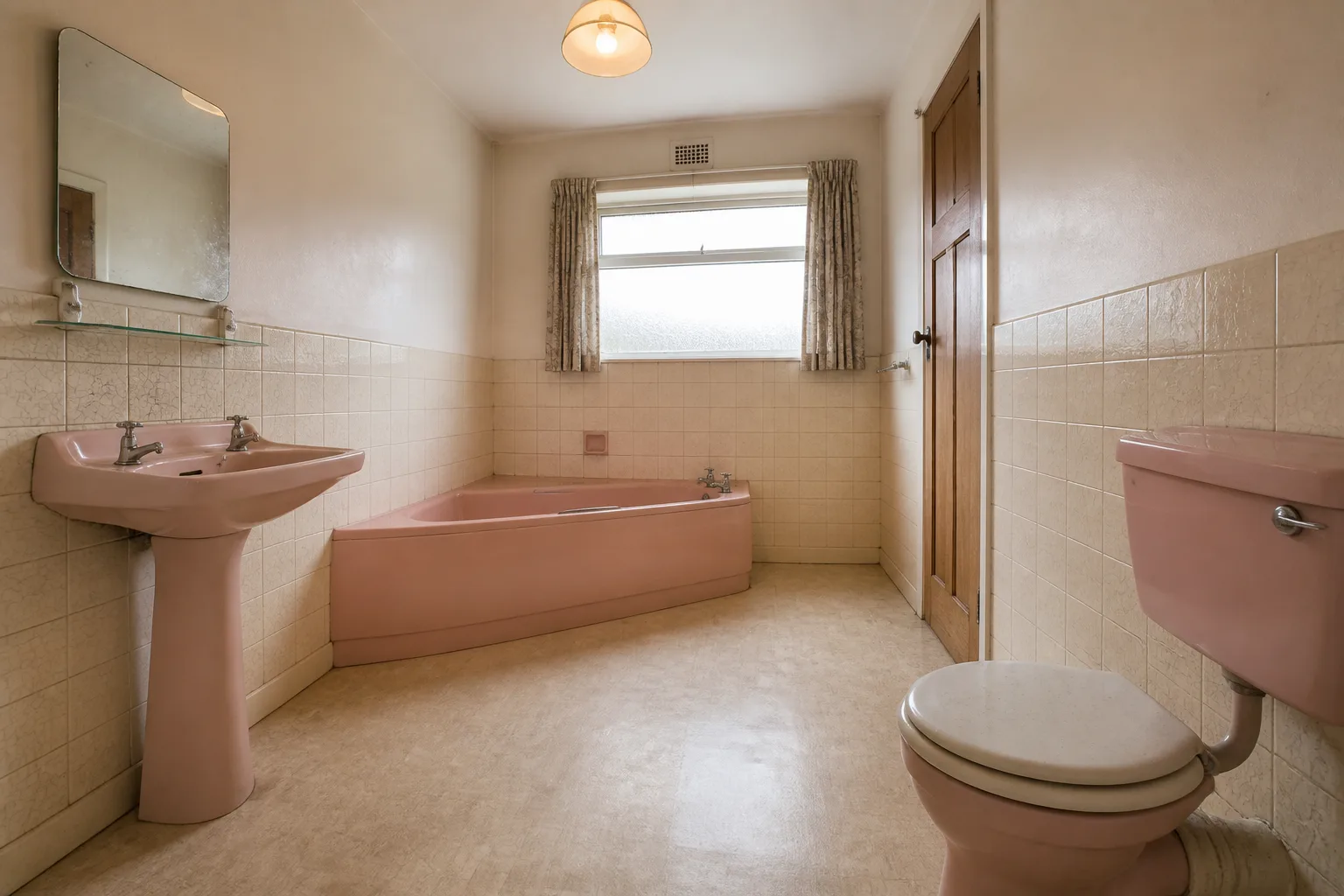
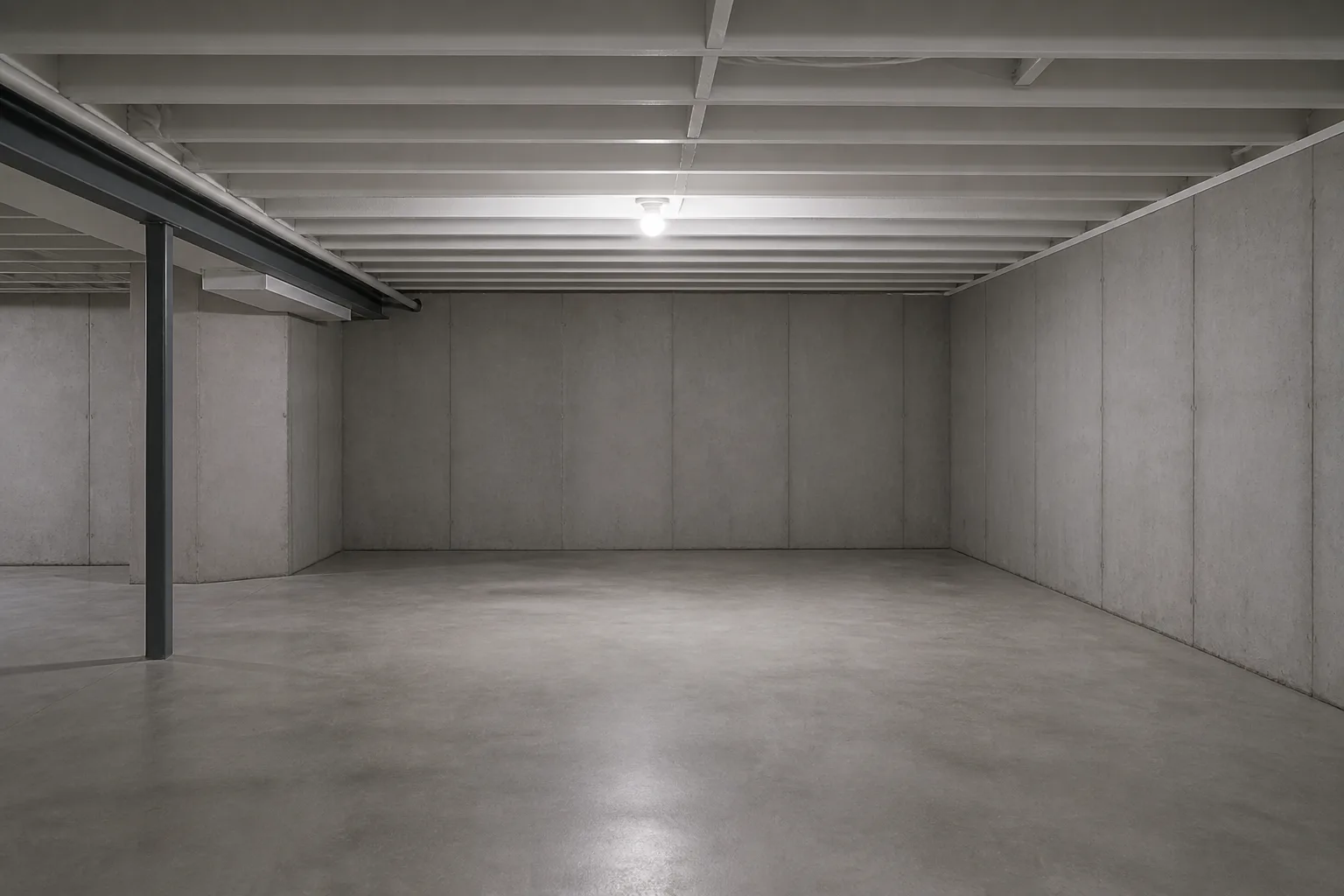
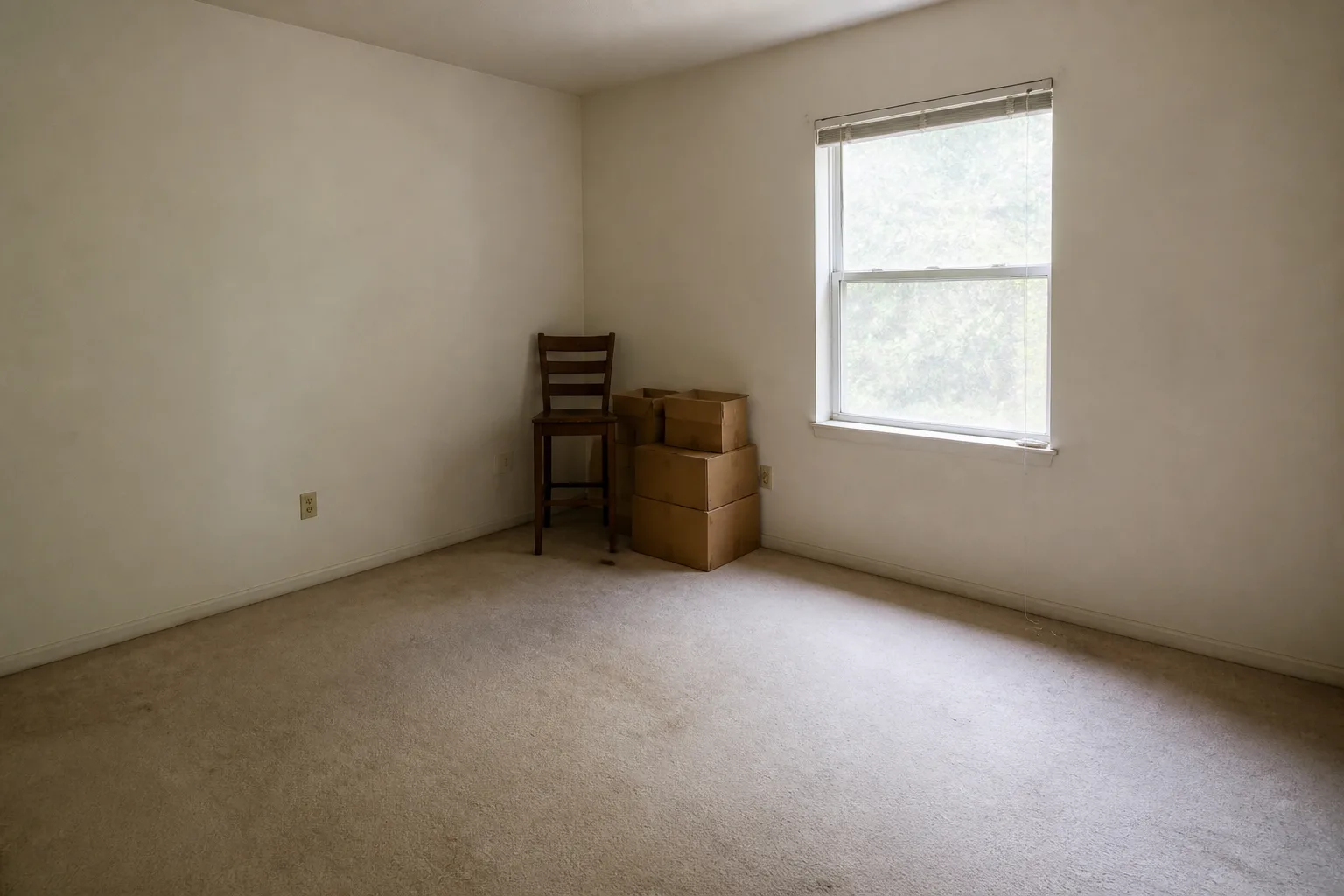
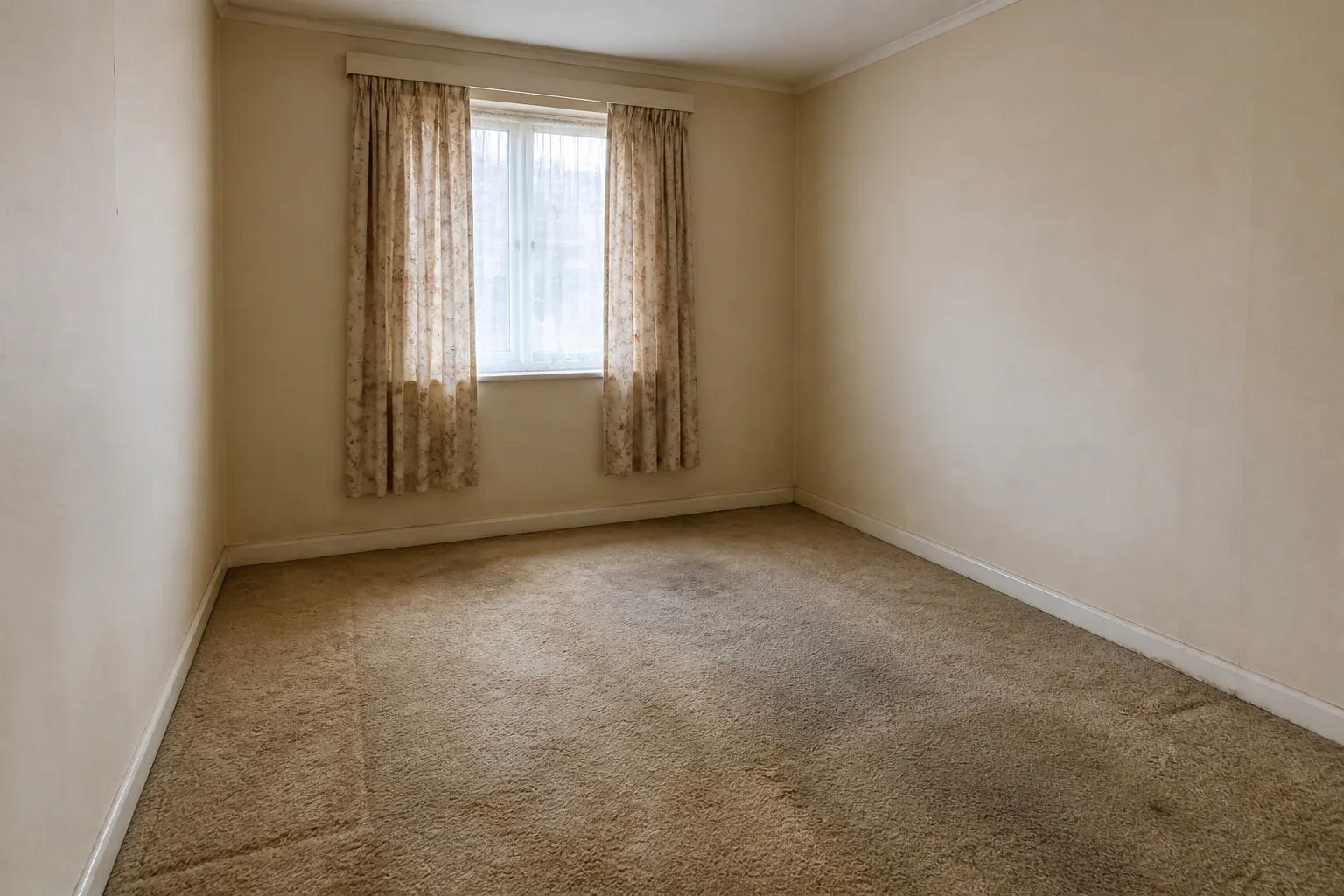
- Paint Color Try-OnBeforeAfter
- Wallpaper Preview
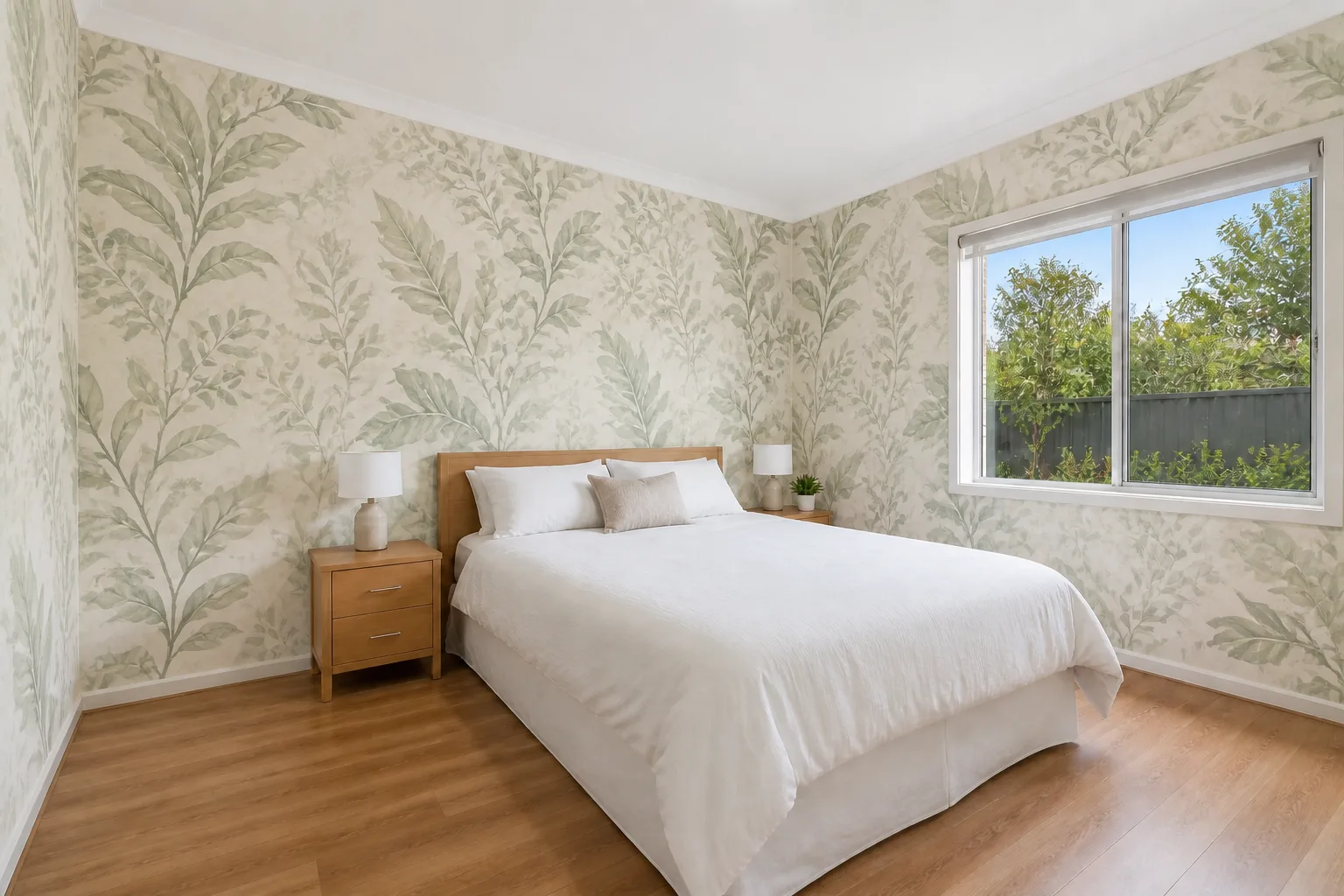 BeforeAfter
 - Change the Flooring
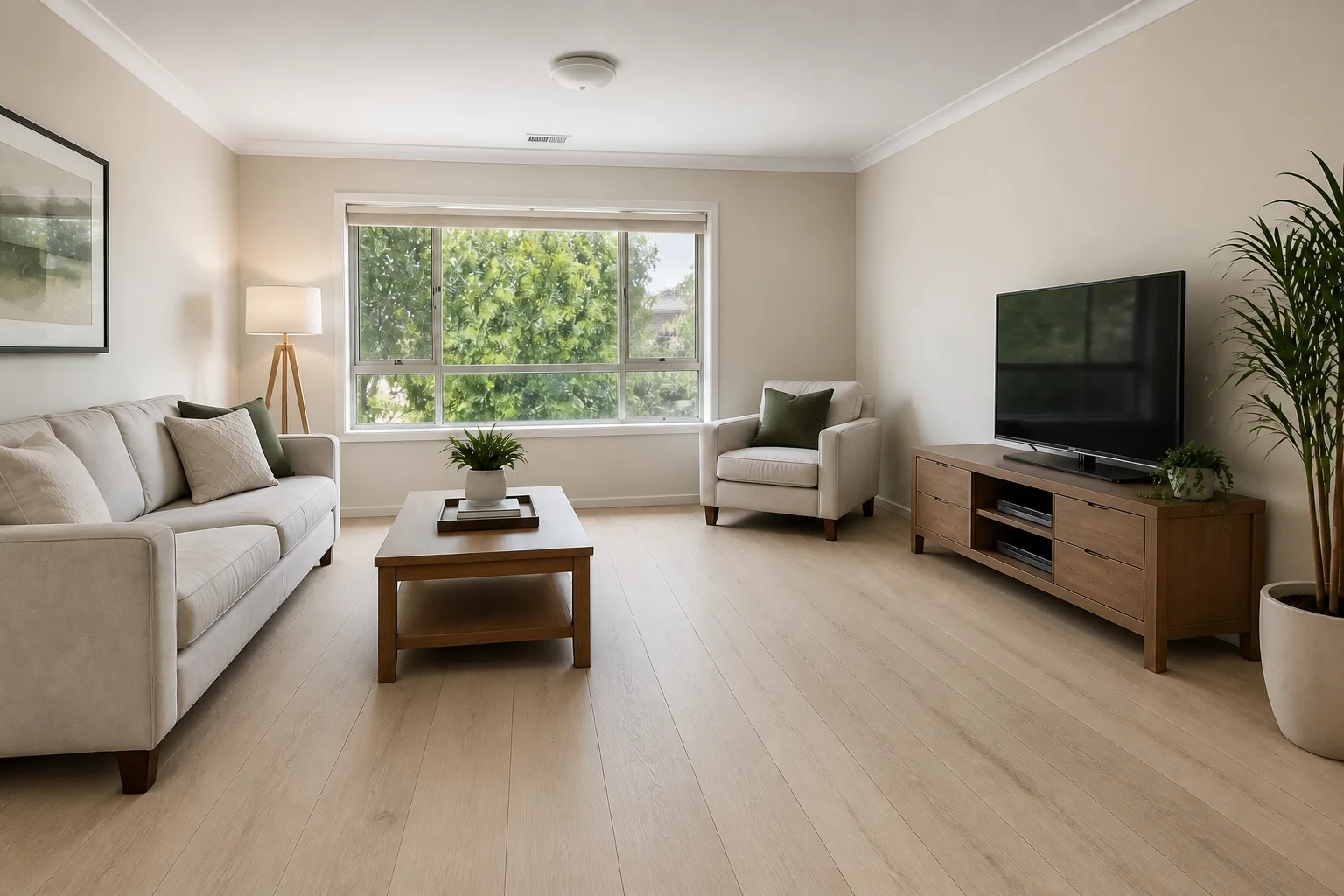 BeforeAfter
 - Countertop Try-On
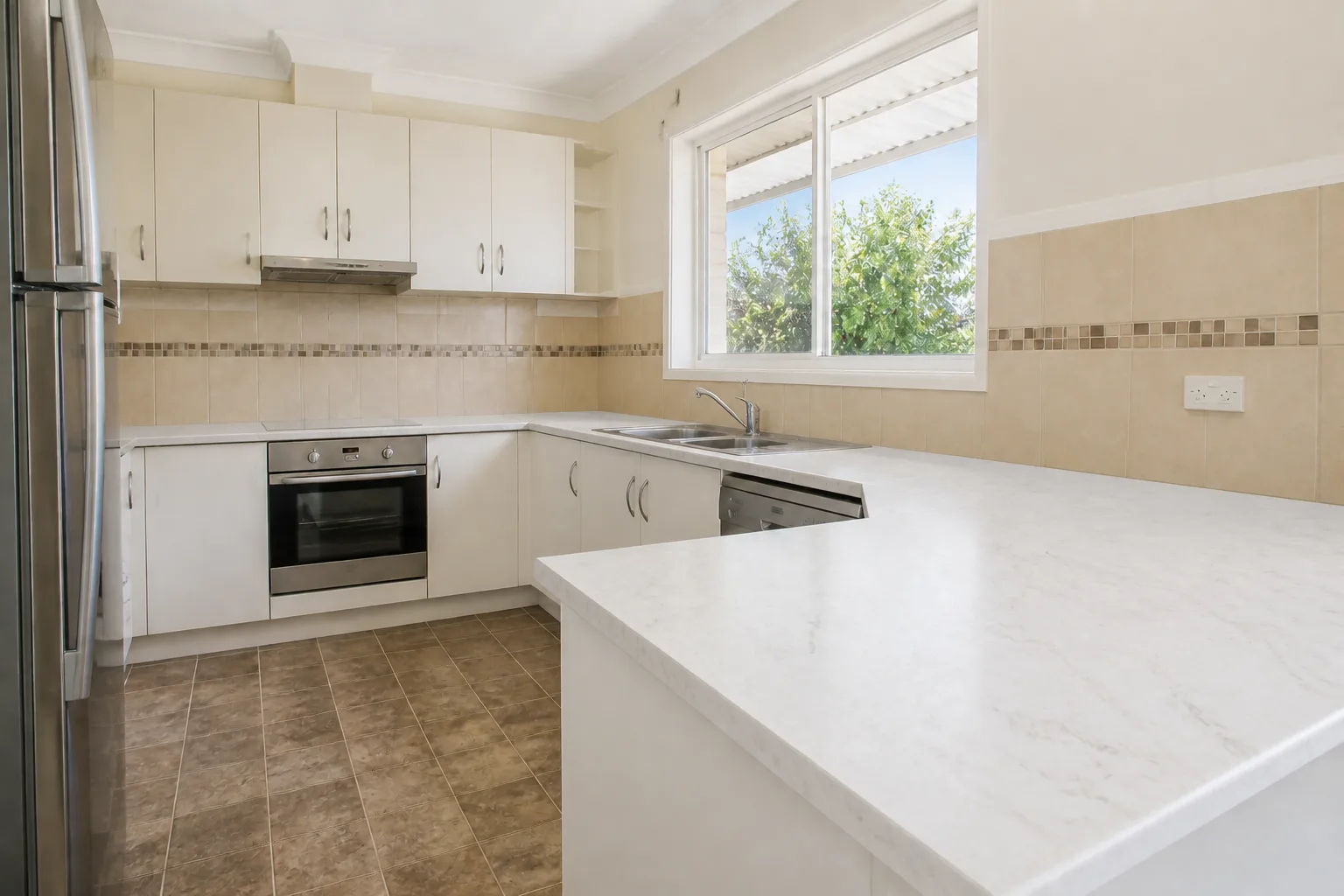 BeforeAfter
 - Backsplash Try-On
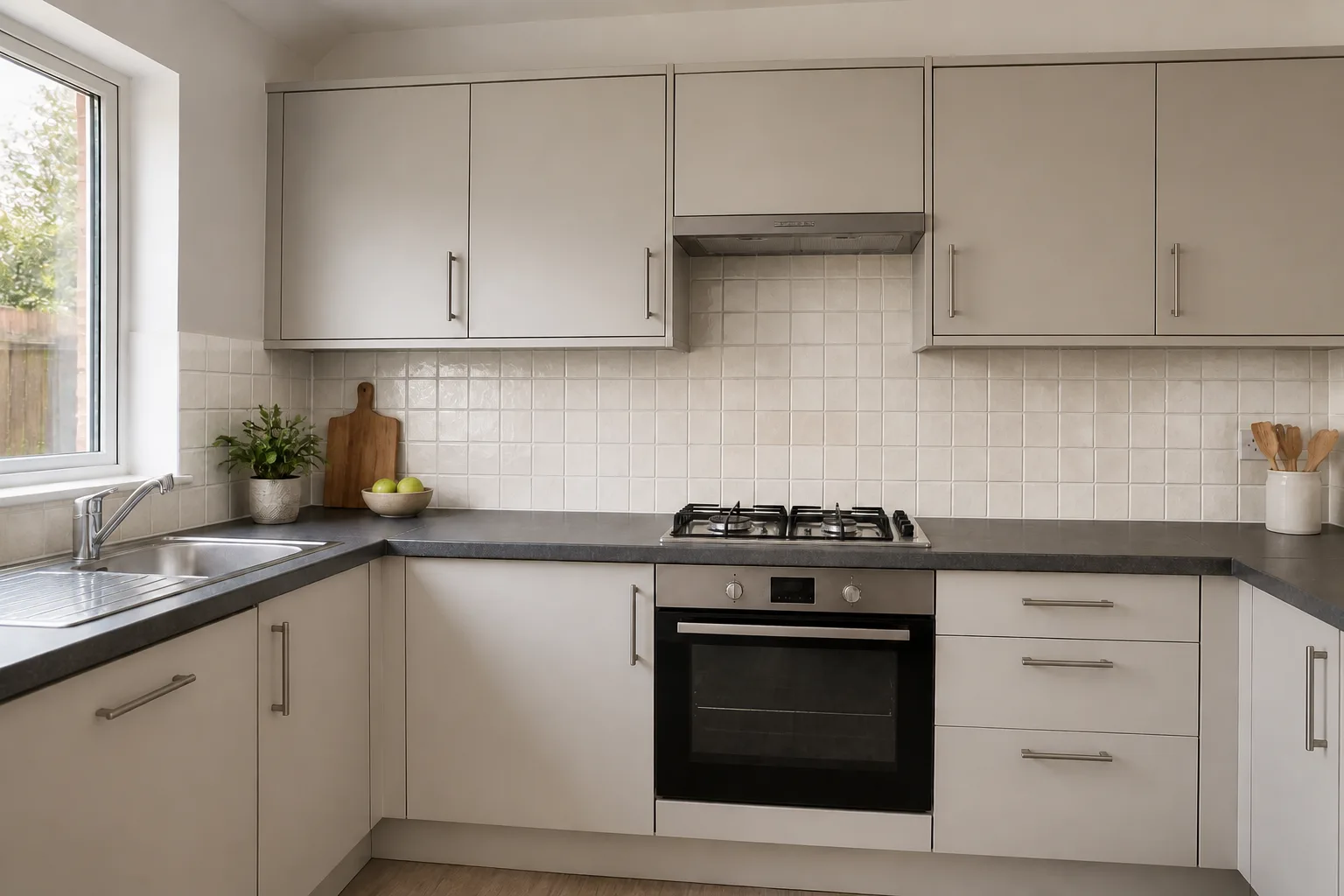 BeforeAfter
 - Recolor the Cabinets
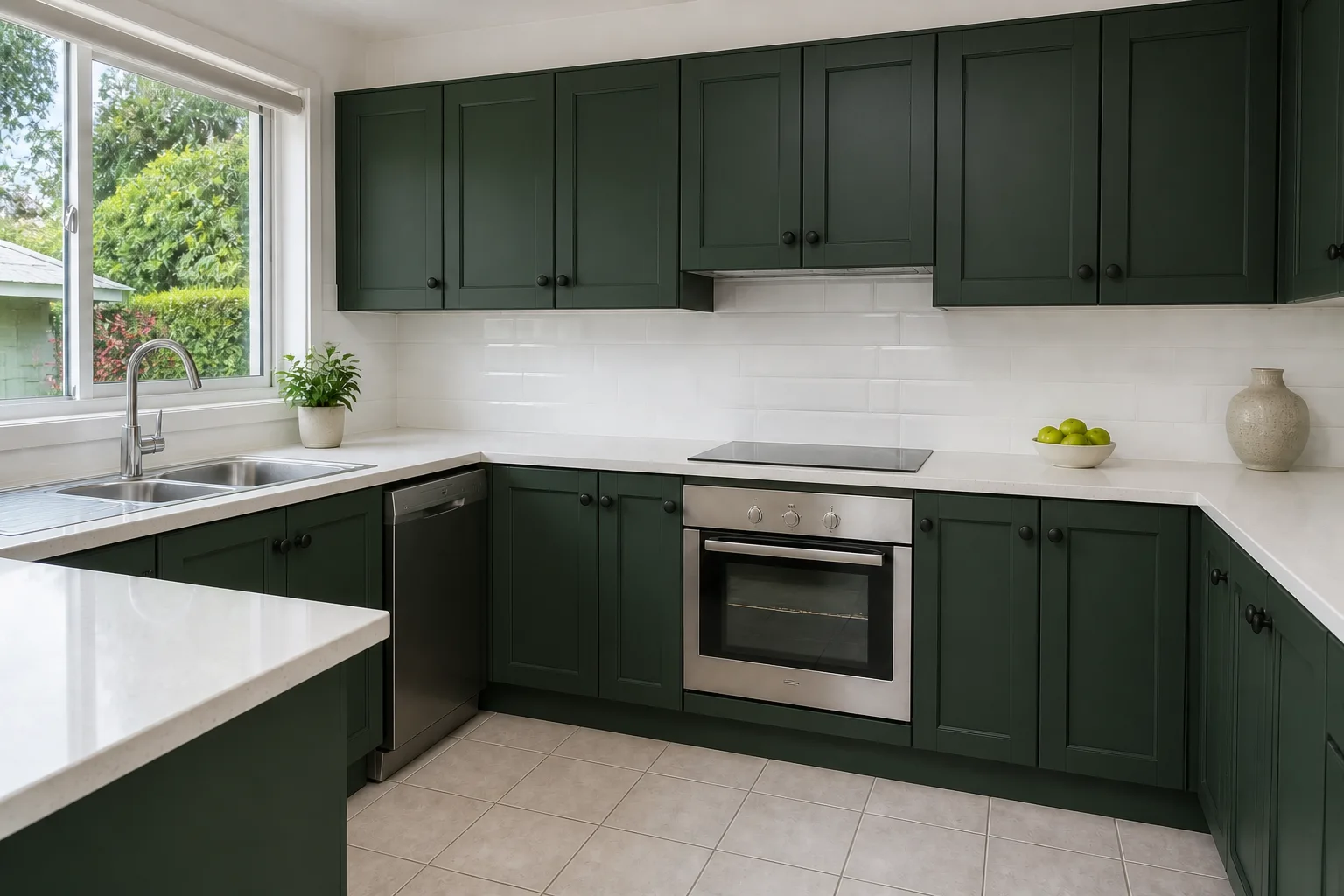 BeforeAfter
 - Retile a Bathroom
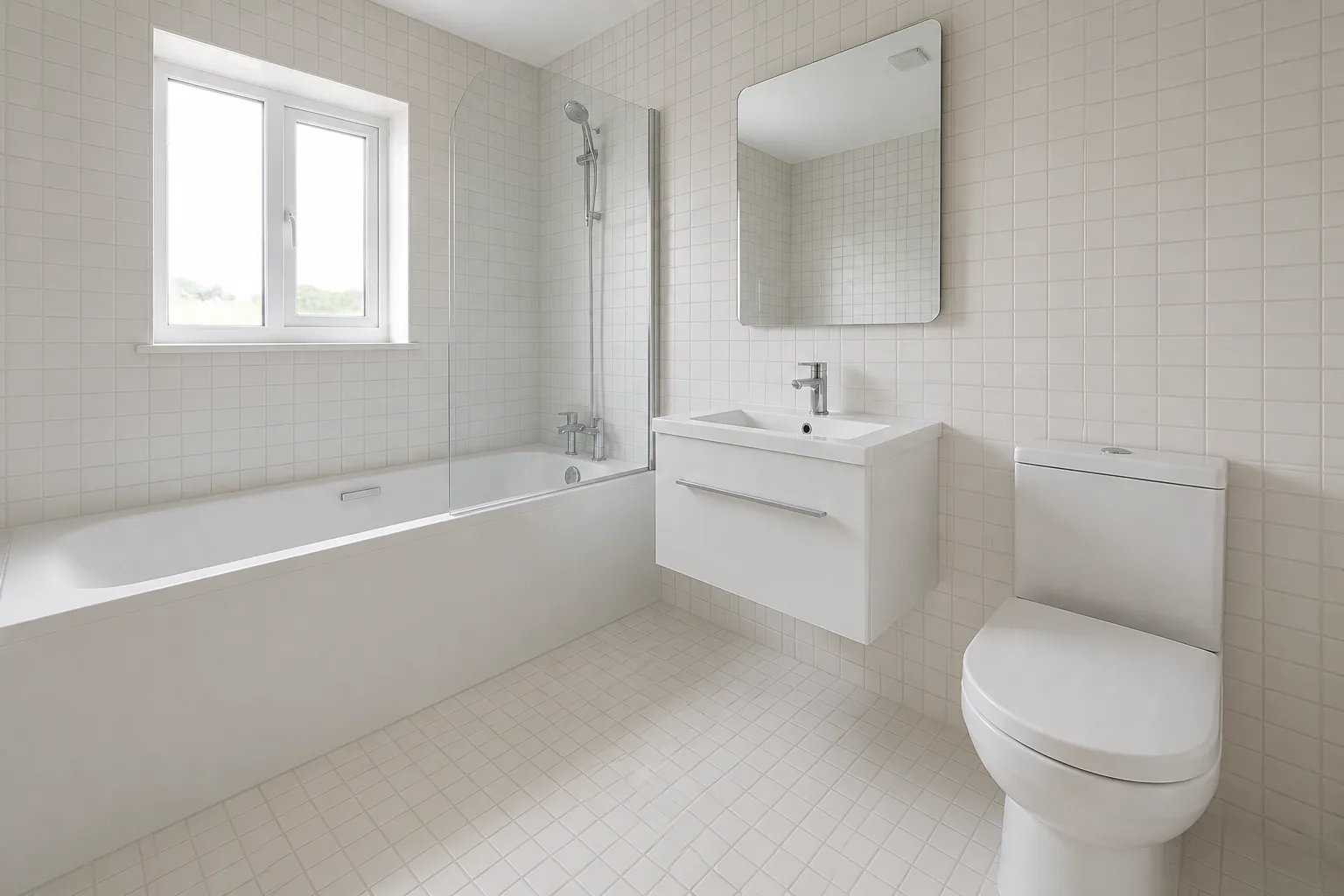 BeforeAfter
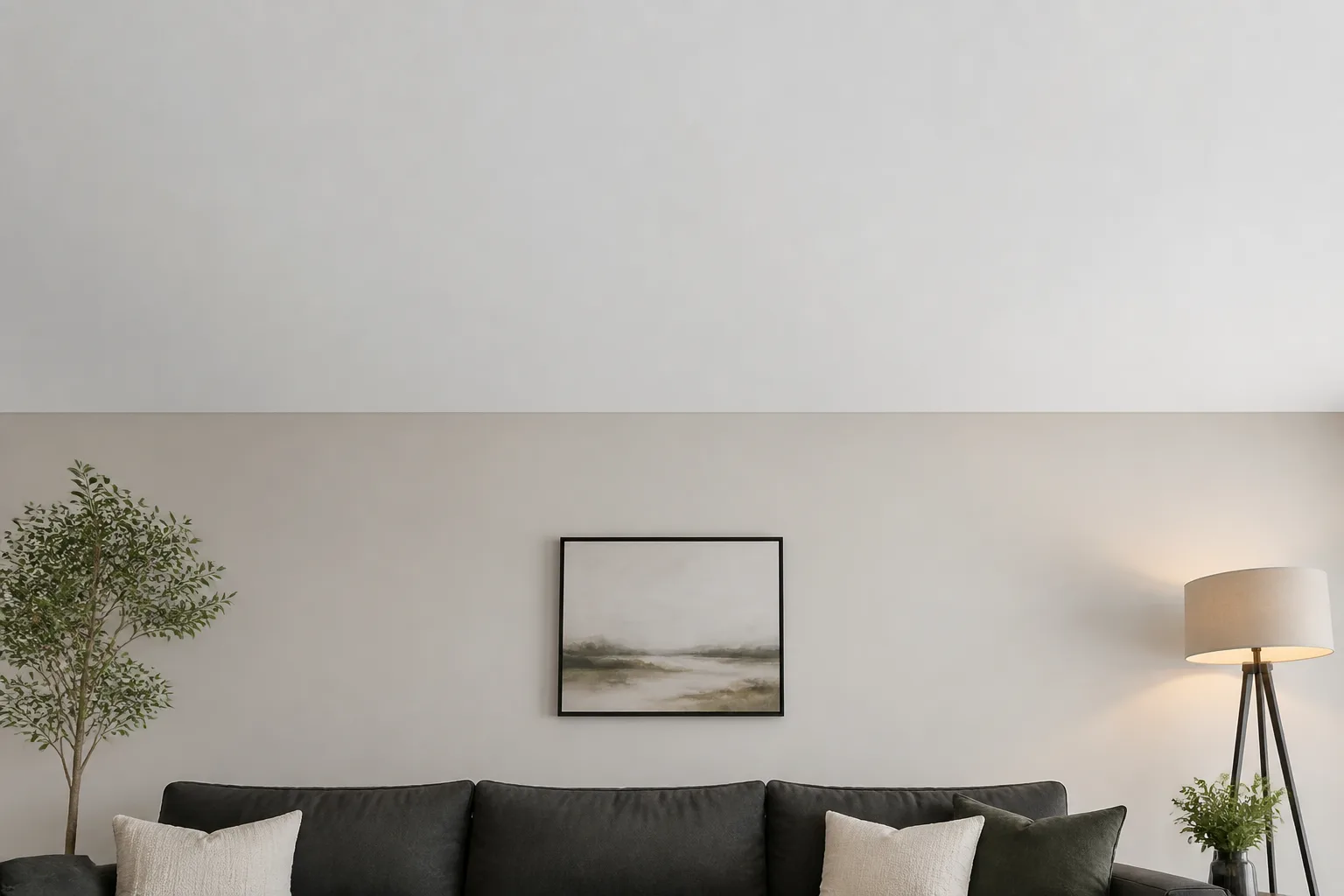
 - Redo the Ceiling
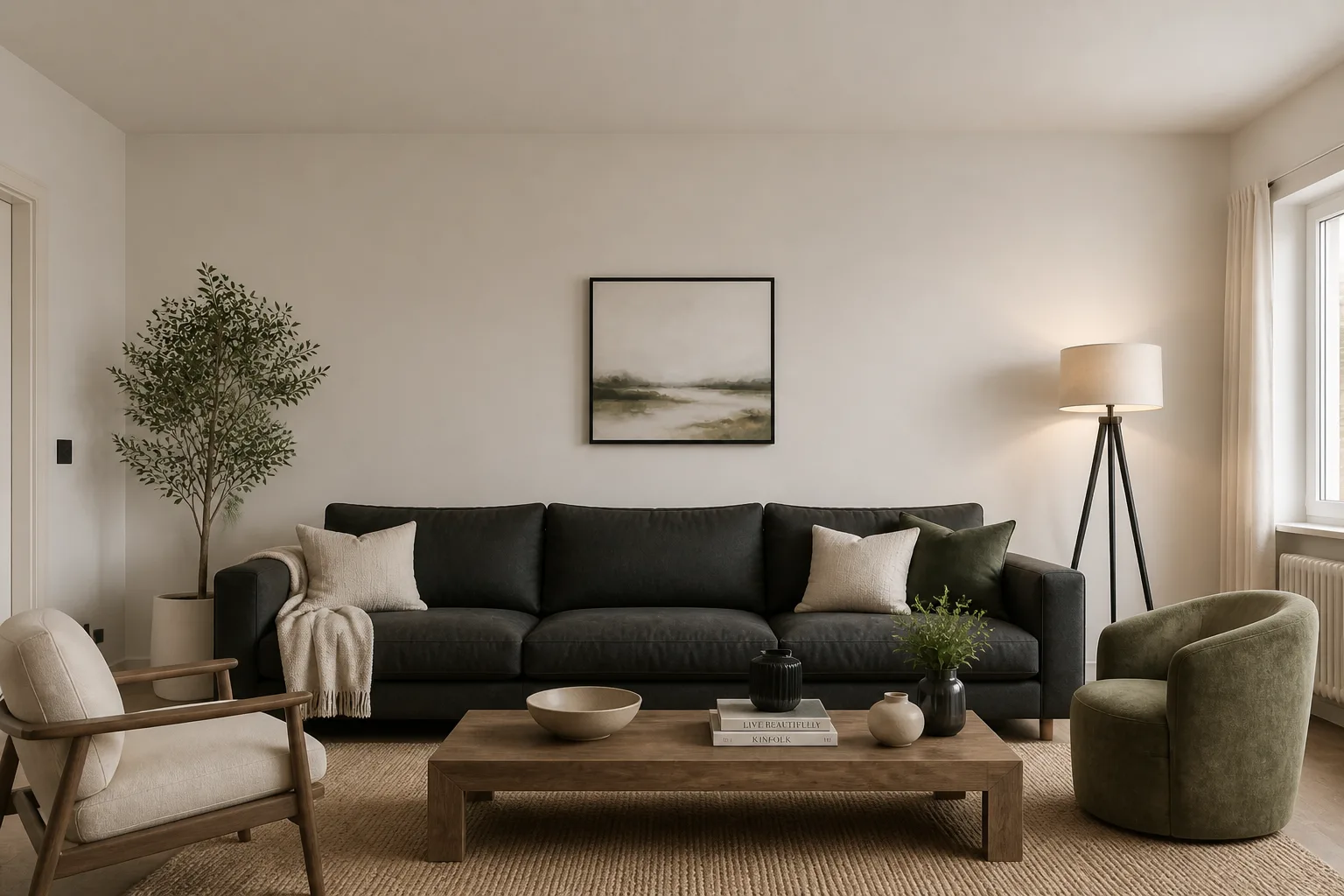 BeforeAfter
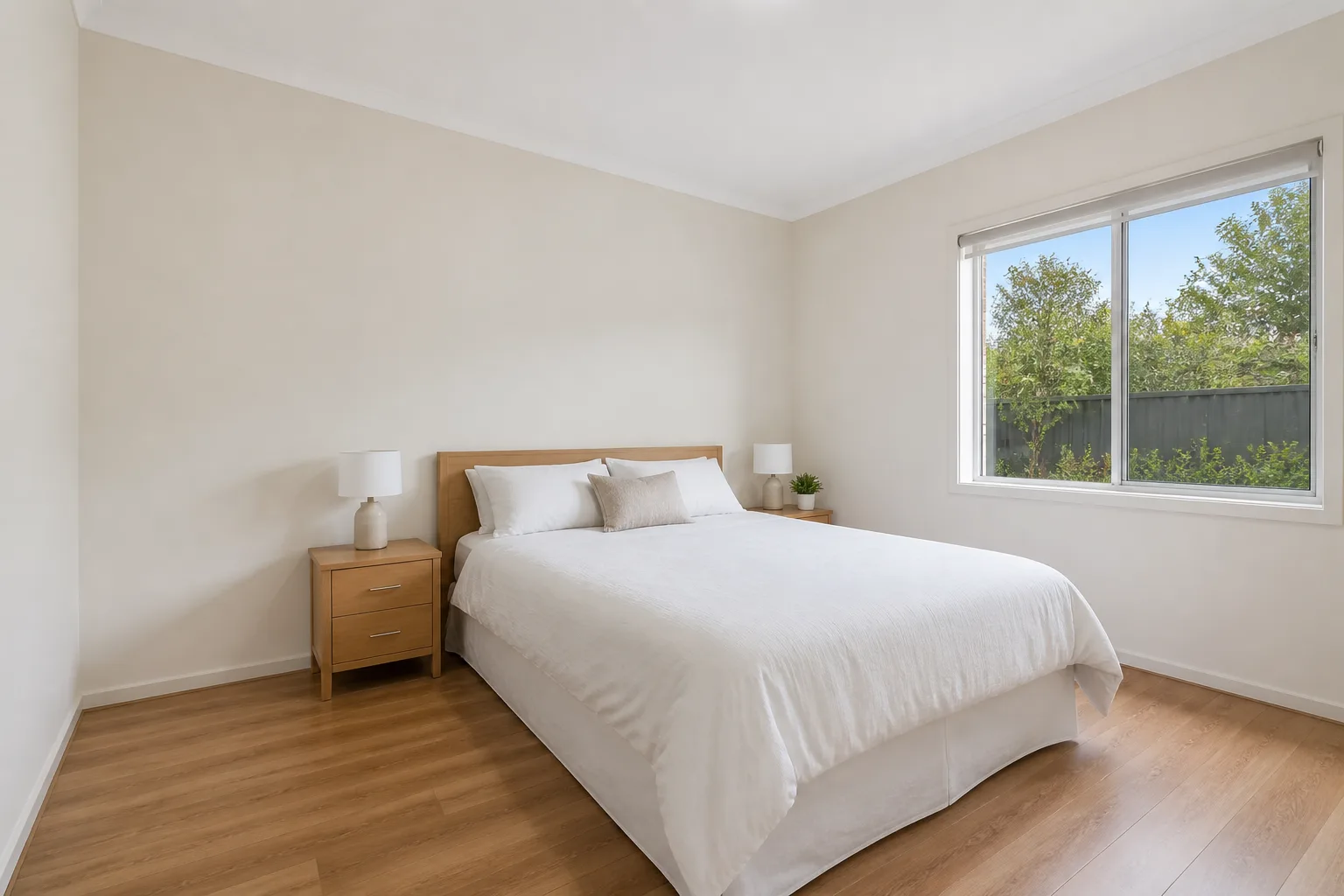
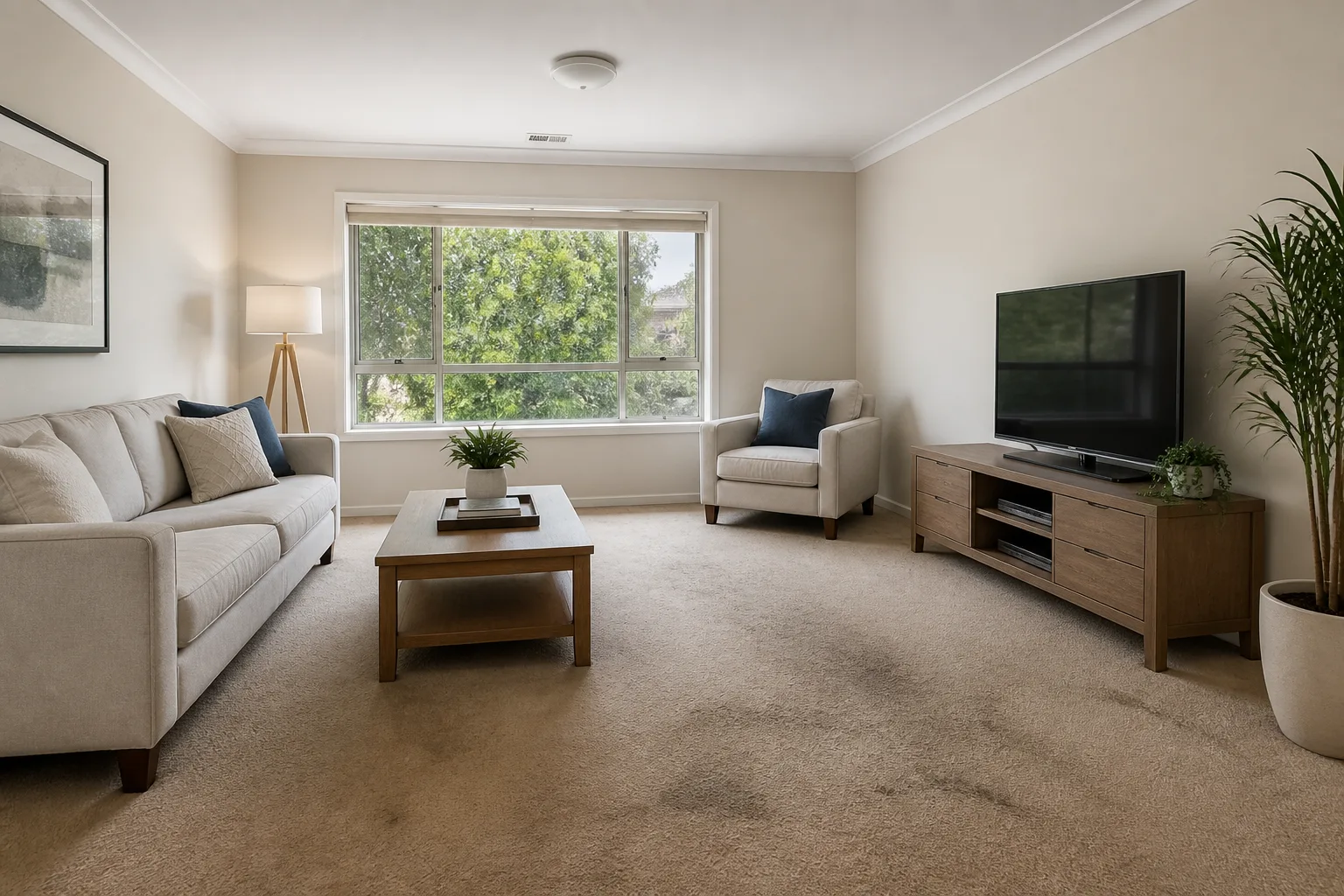
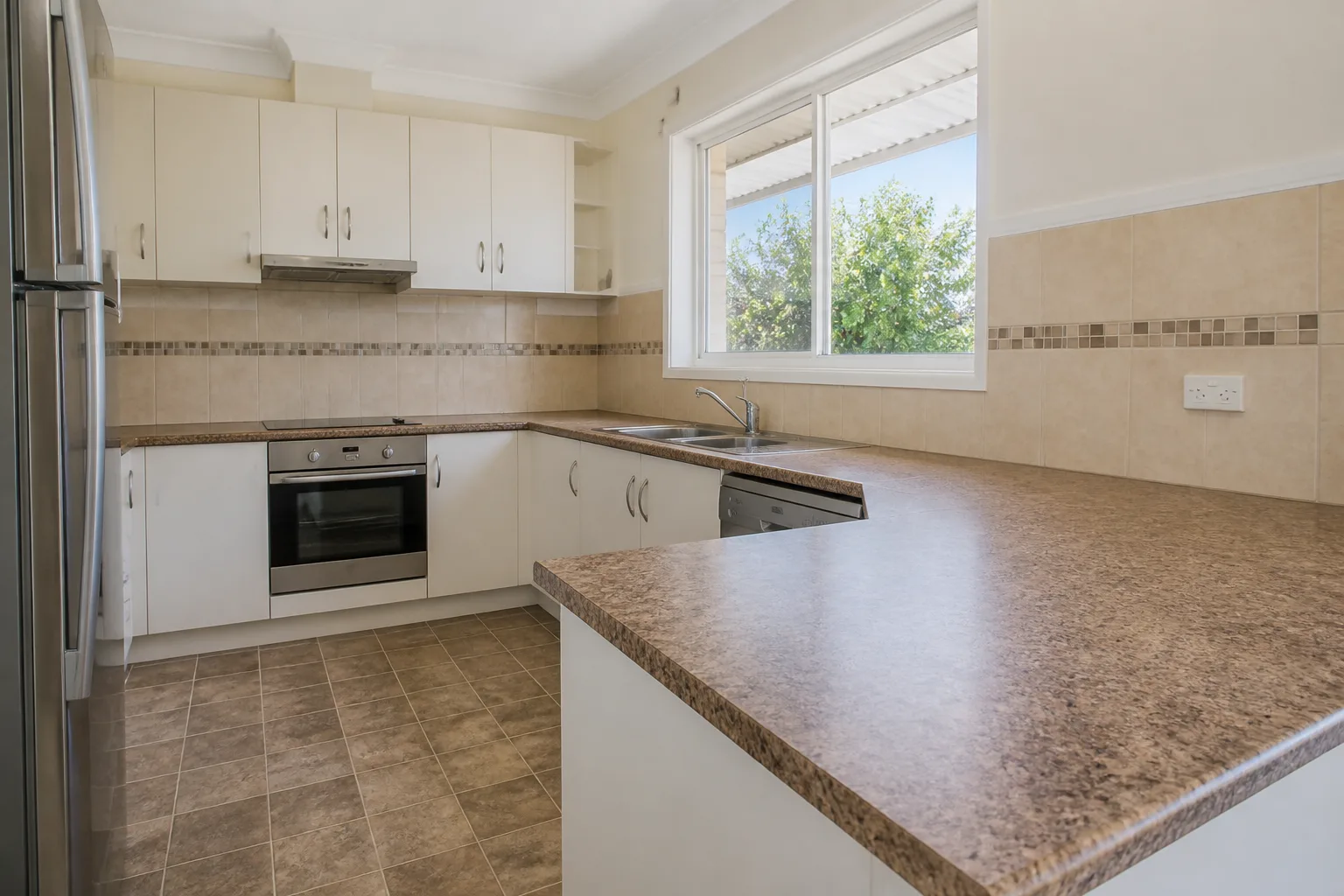
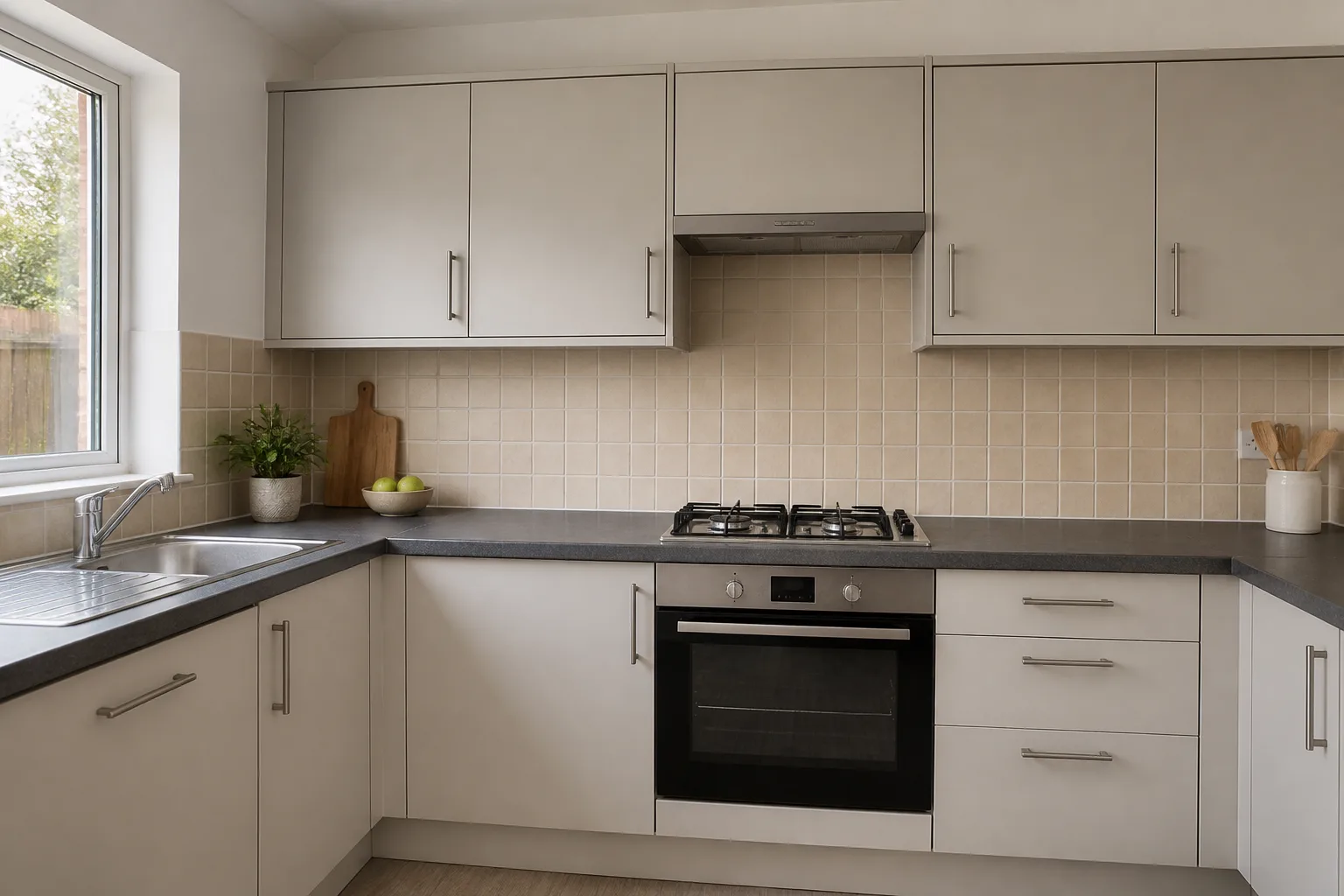
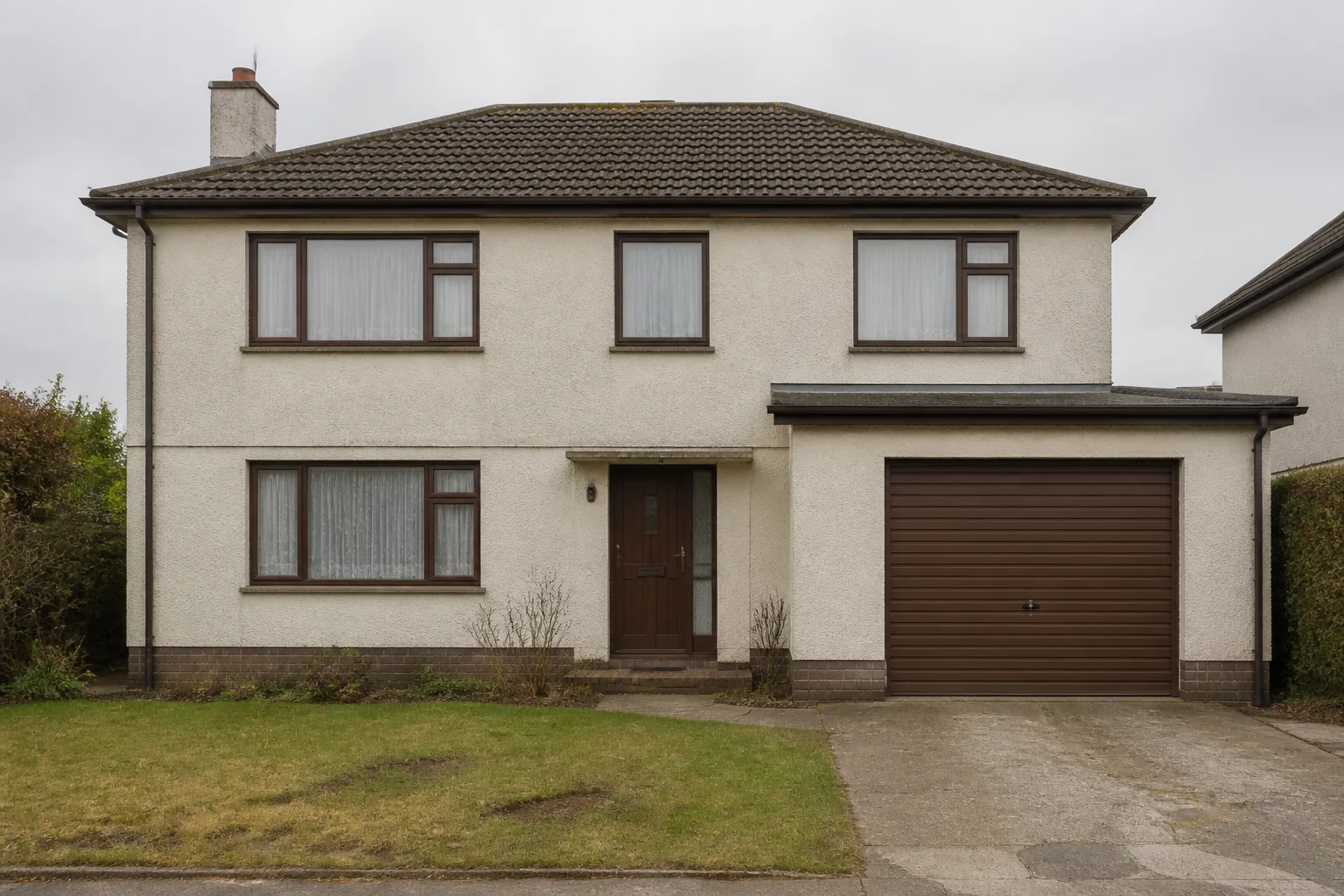
- House Exterior Design
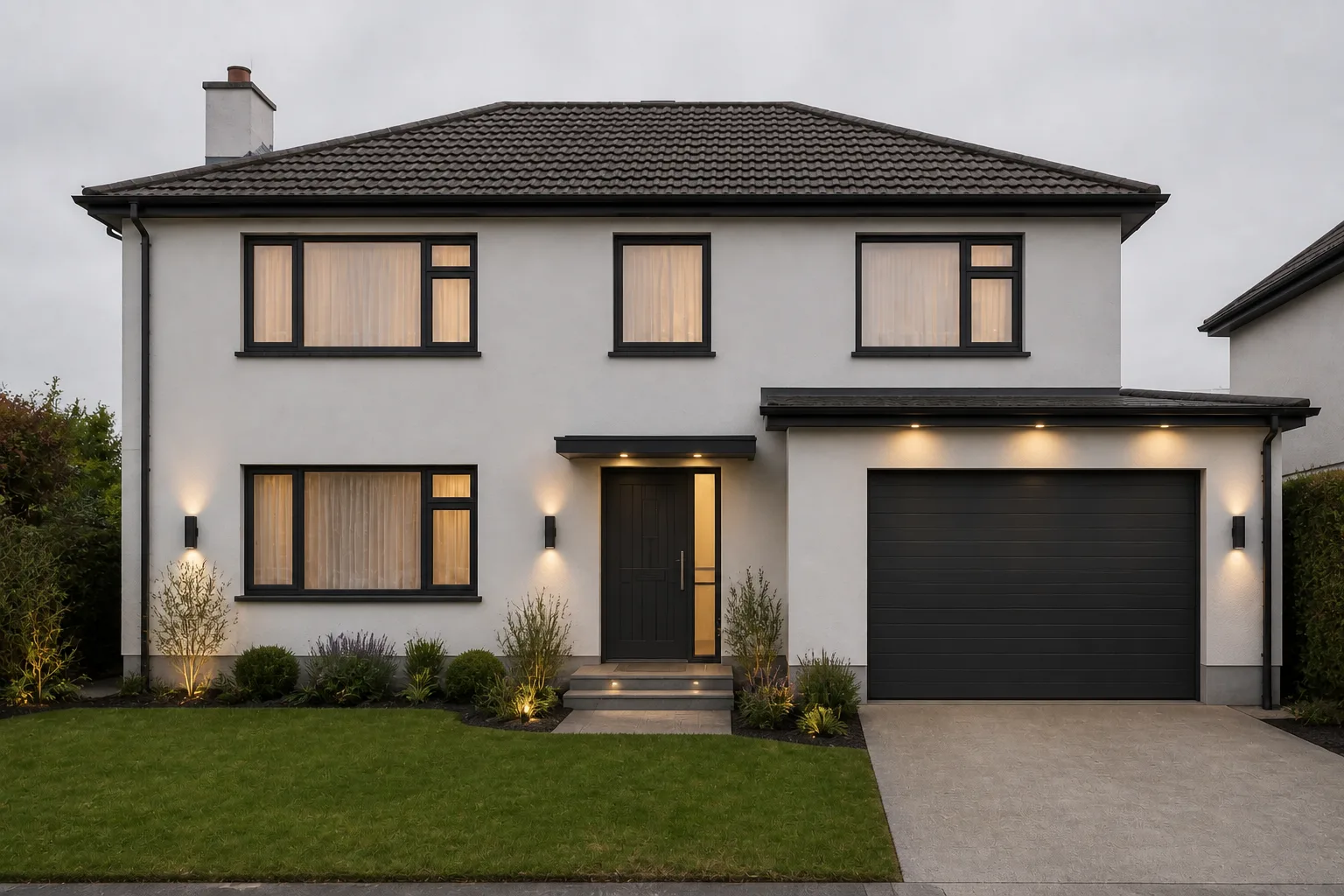 BeforeAfter
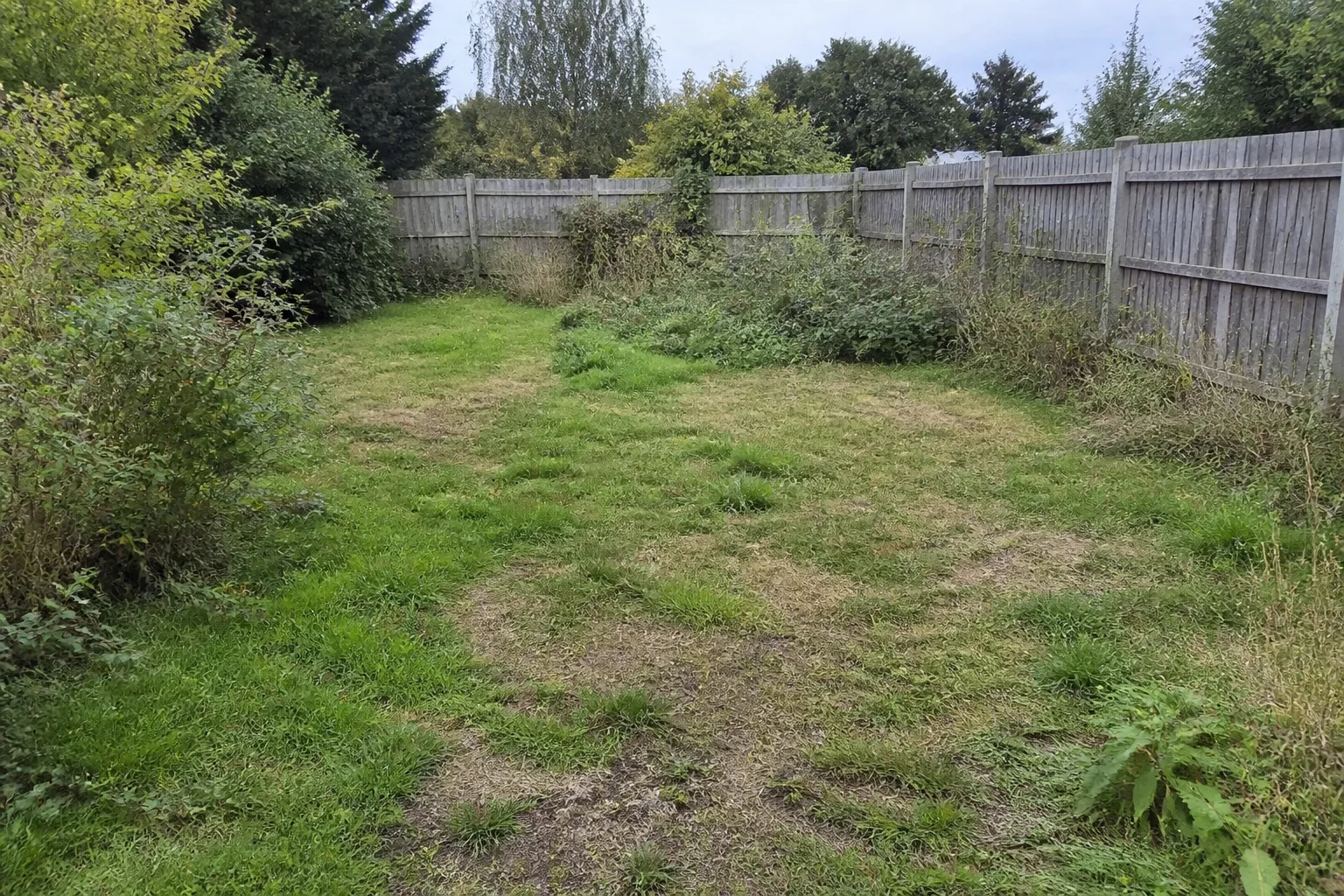
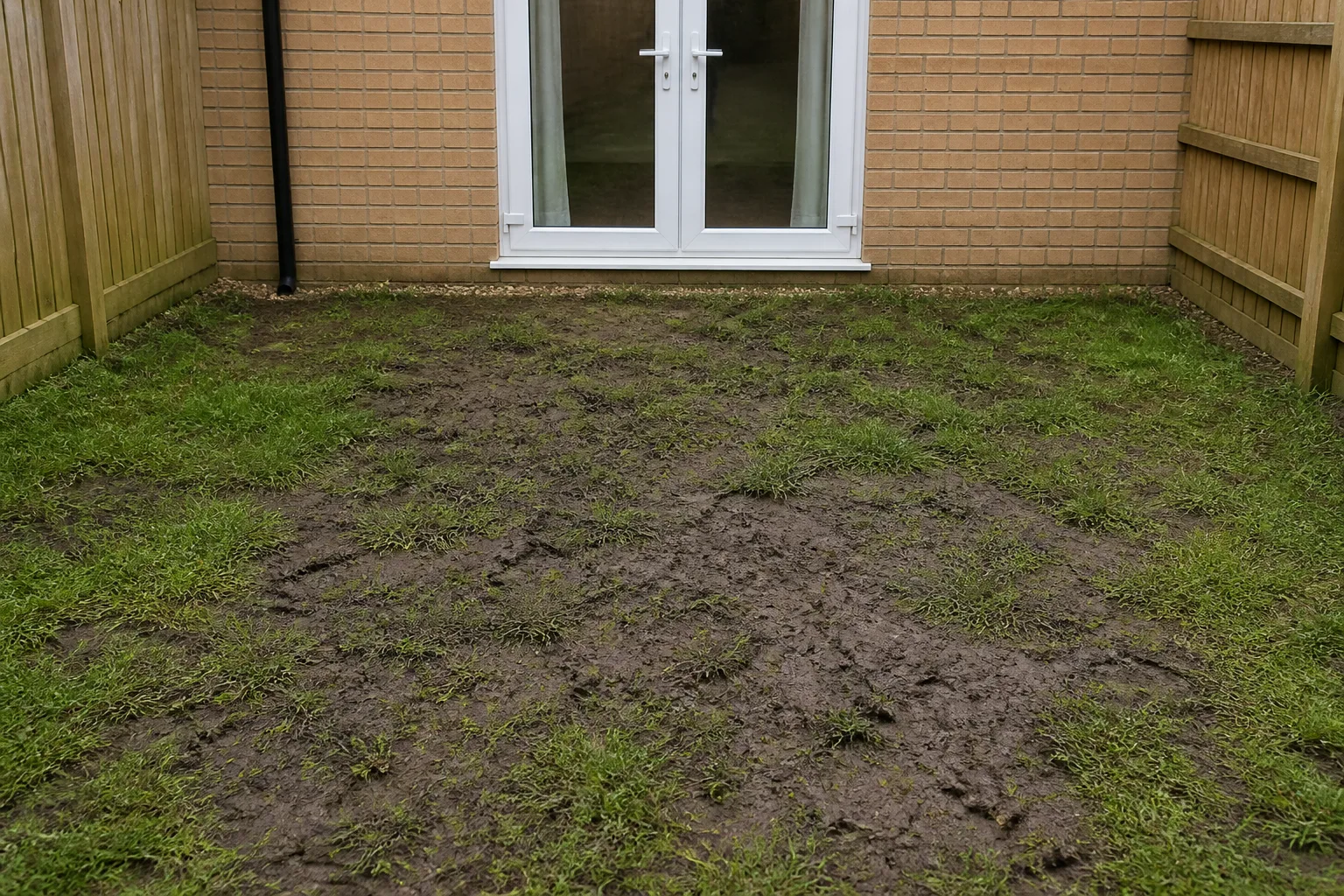
 - Yard Design
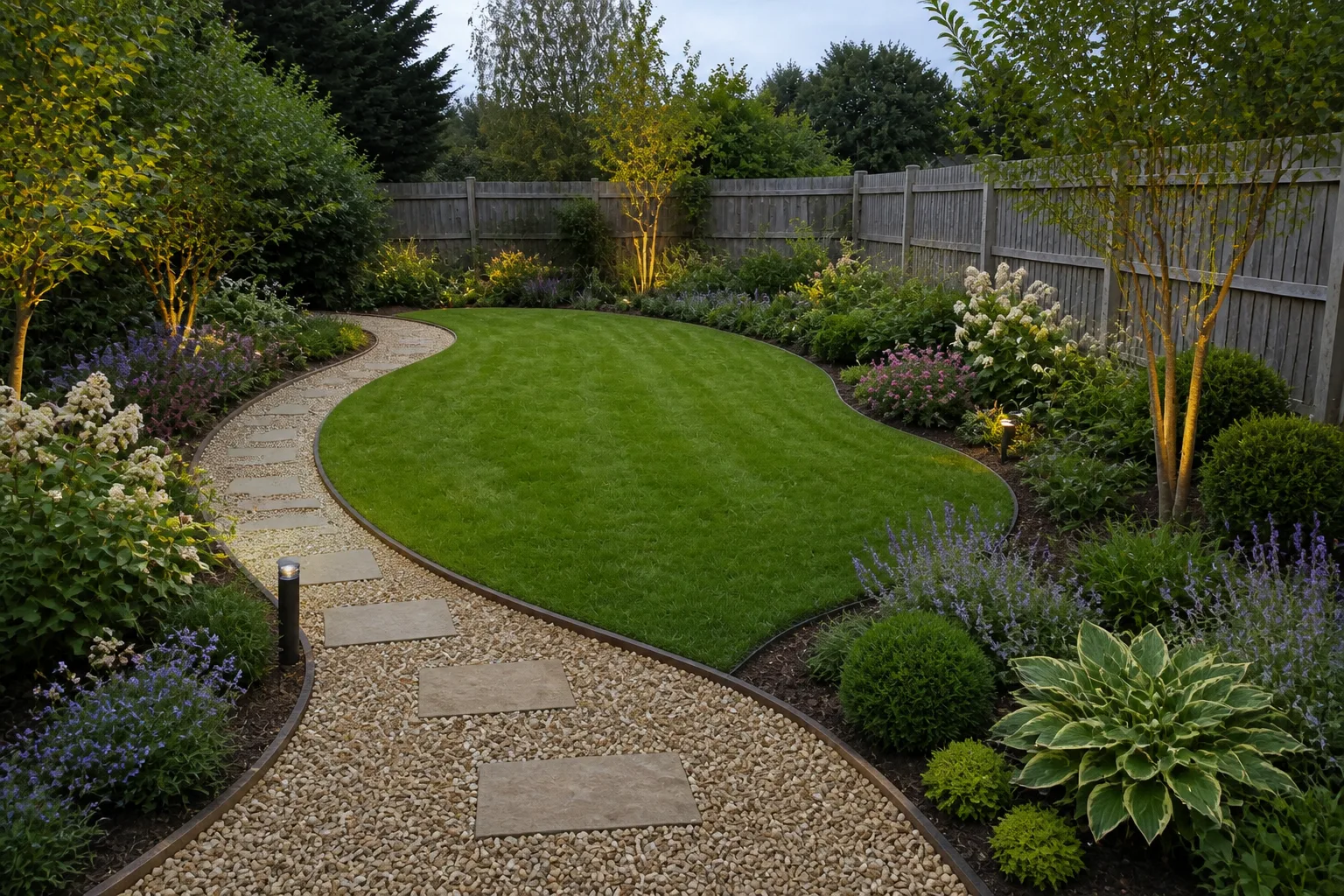 BeforeAfter
 - Outdoor Room Design
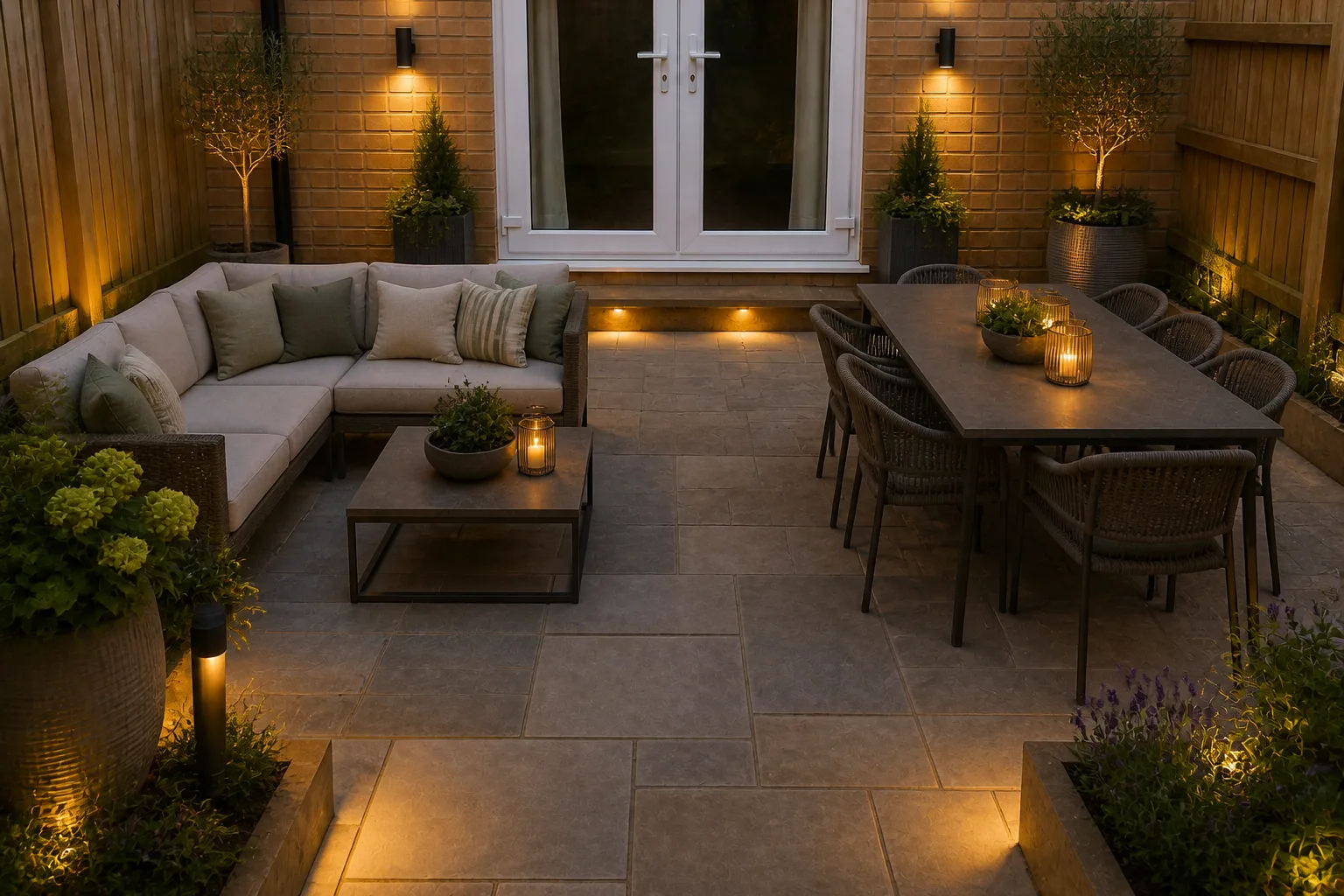 BeforeAfter
 - Pool Area Design
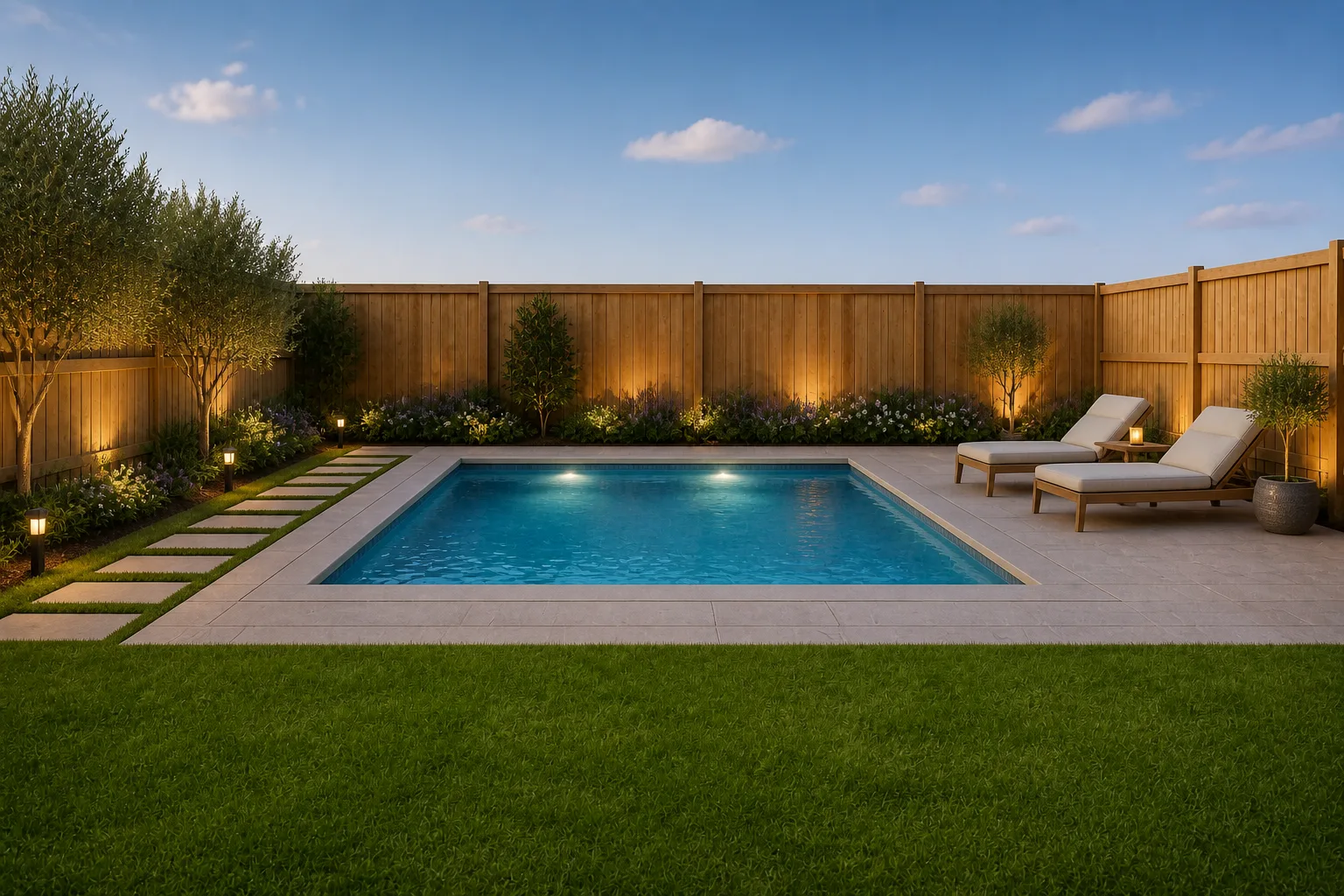 BeforeAfter
 - Twilight Photo
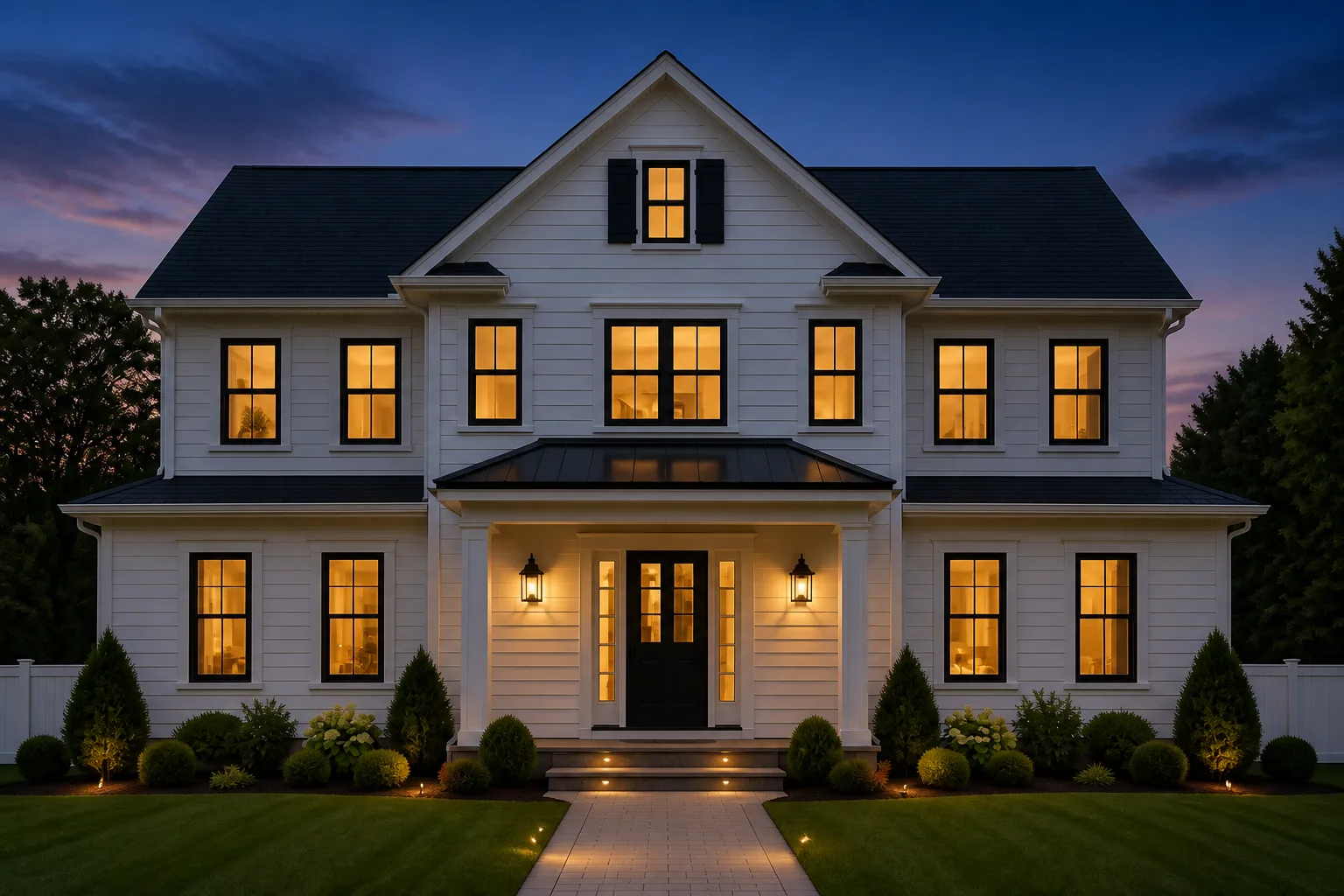 BeforeAfter
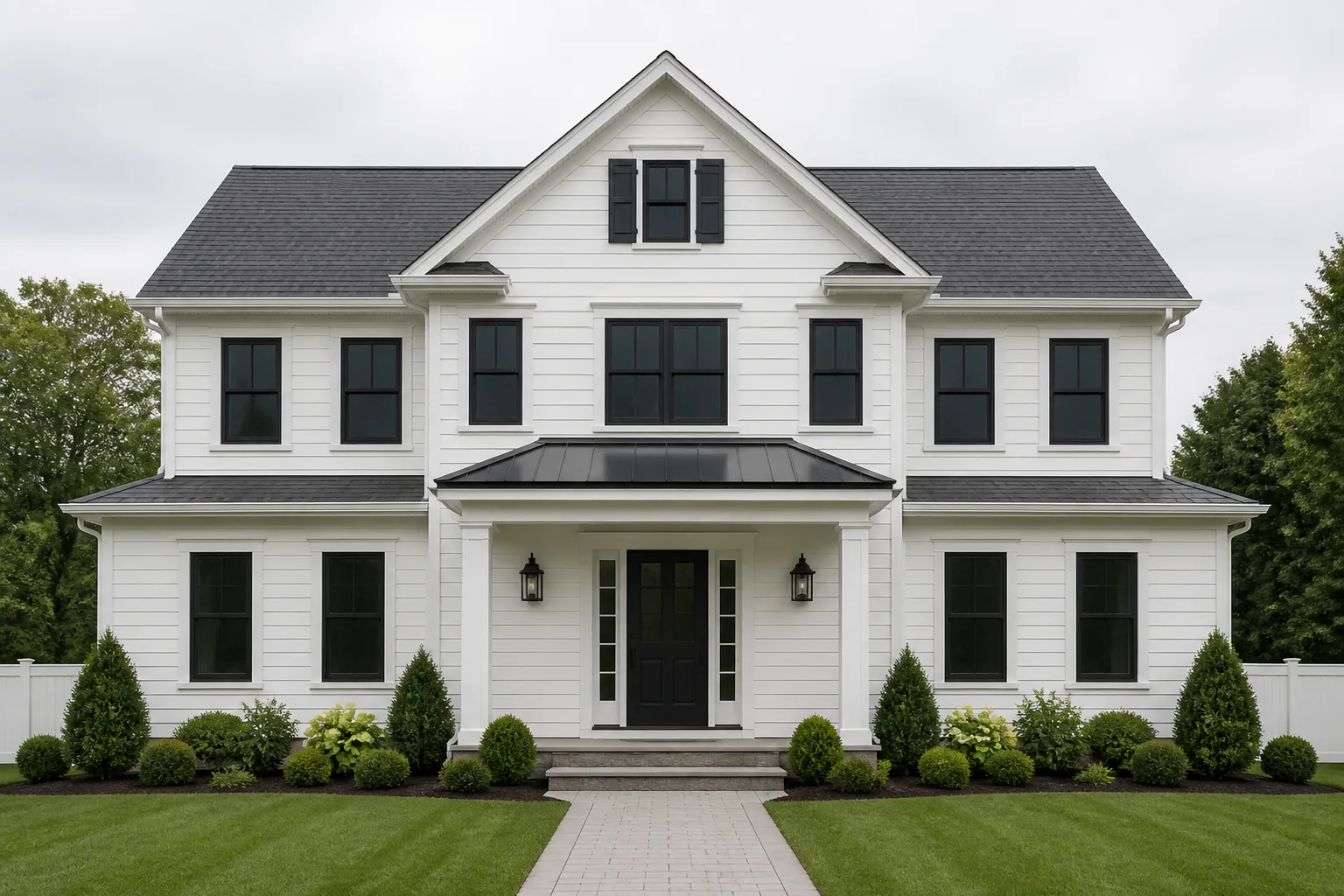
- Brighten a Room
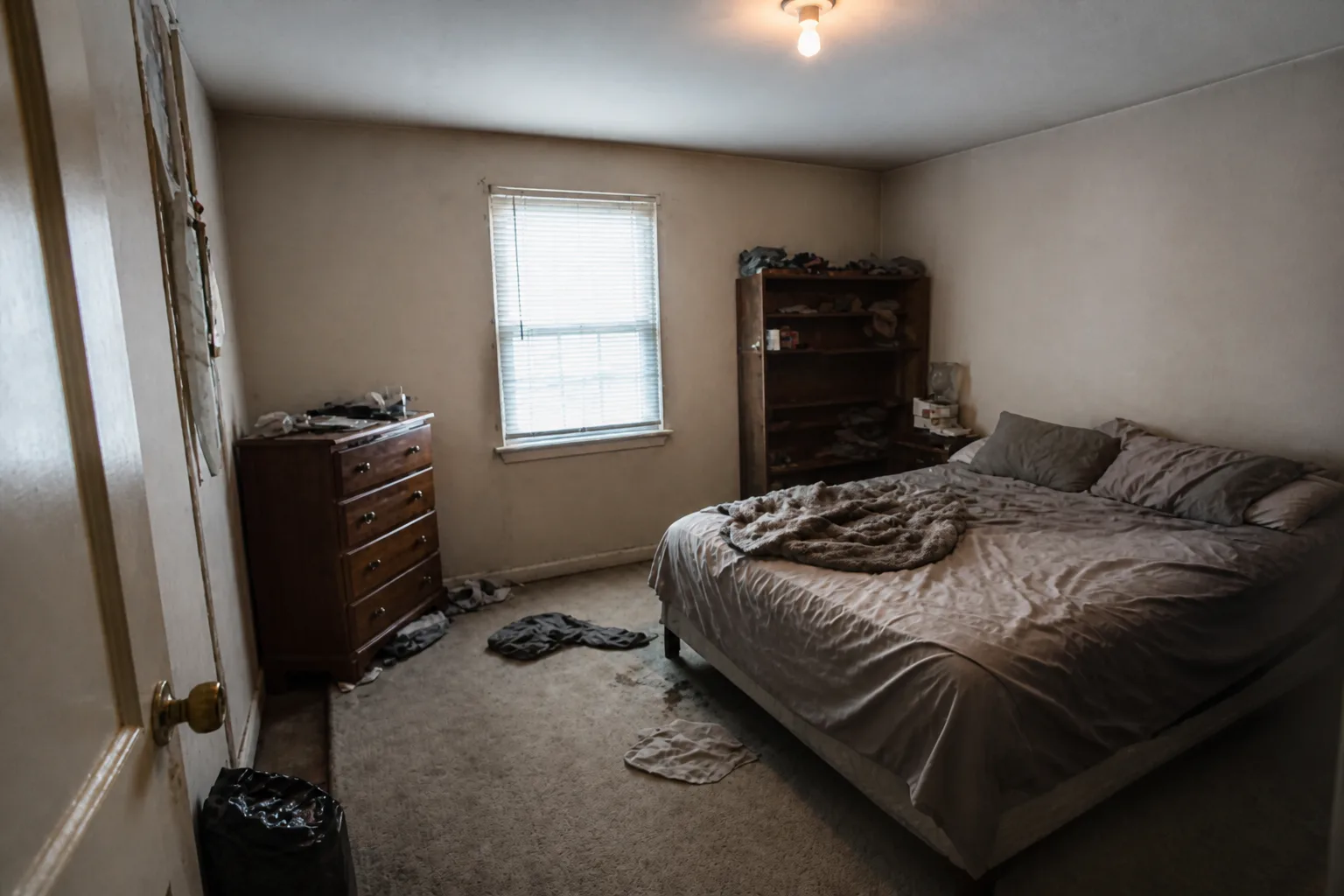 BeforeAfter
 - Photo Cleanup
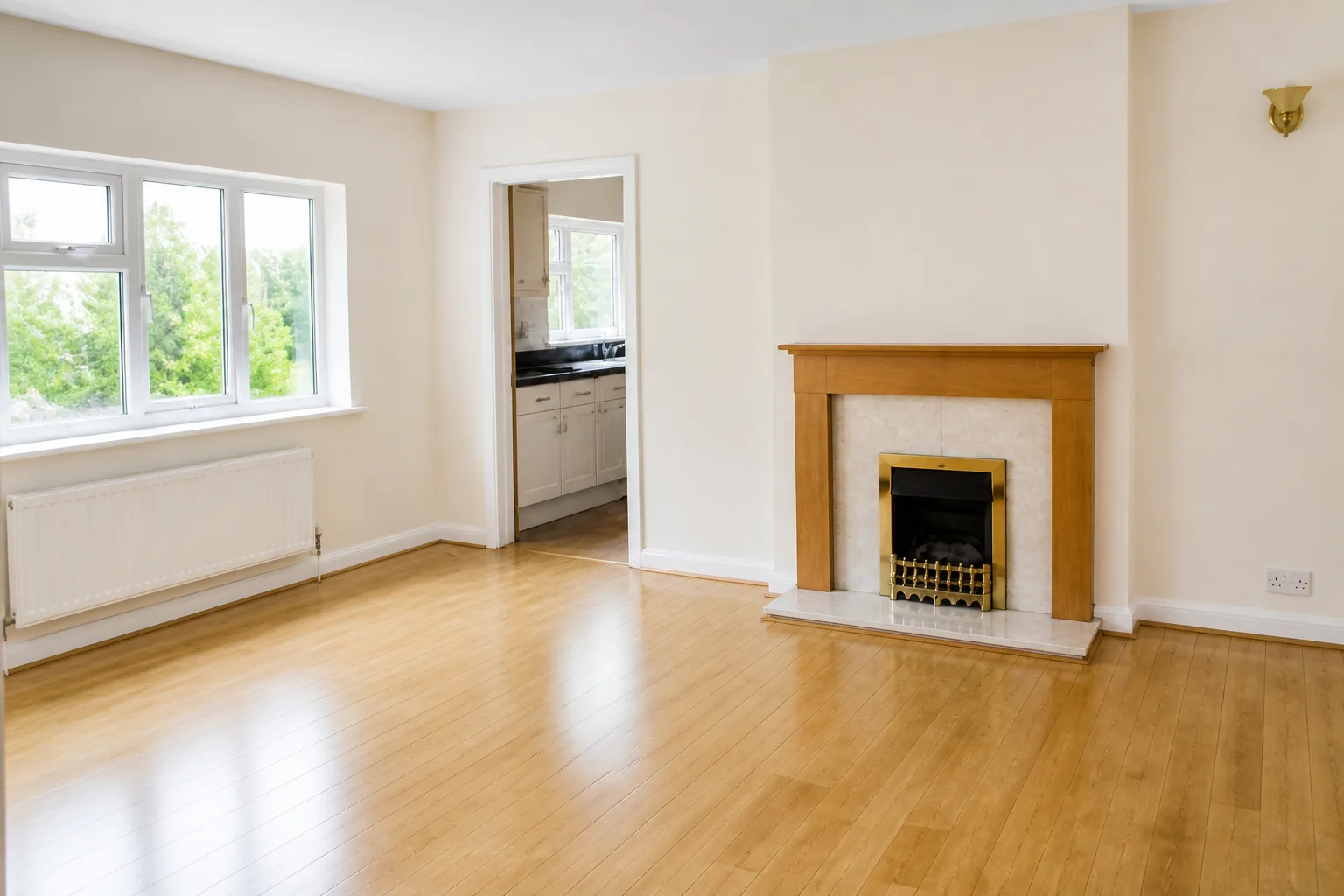 BeforeAfter
 - Neutral Room Reset
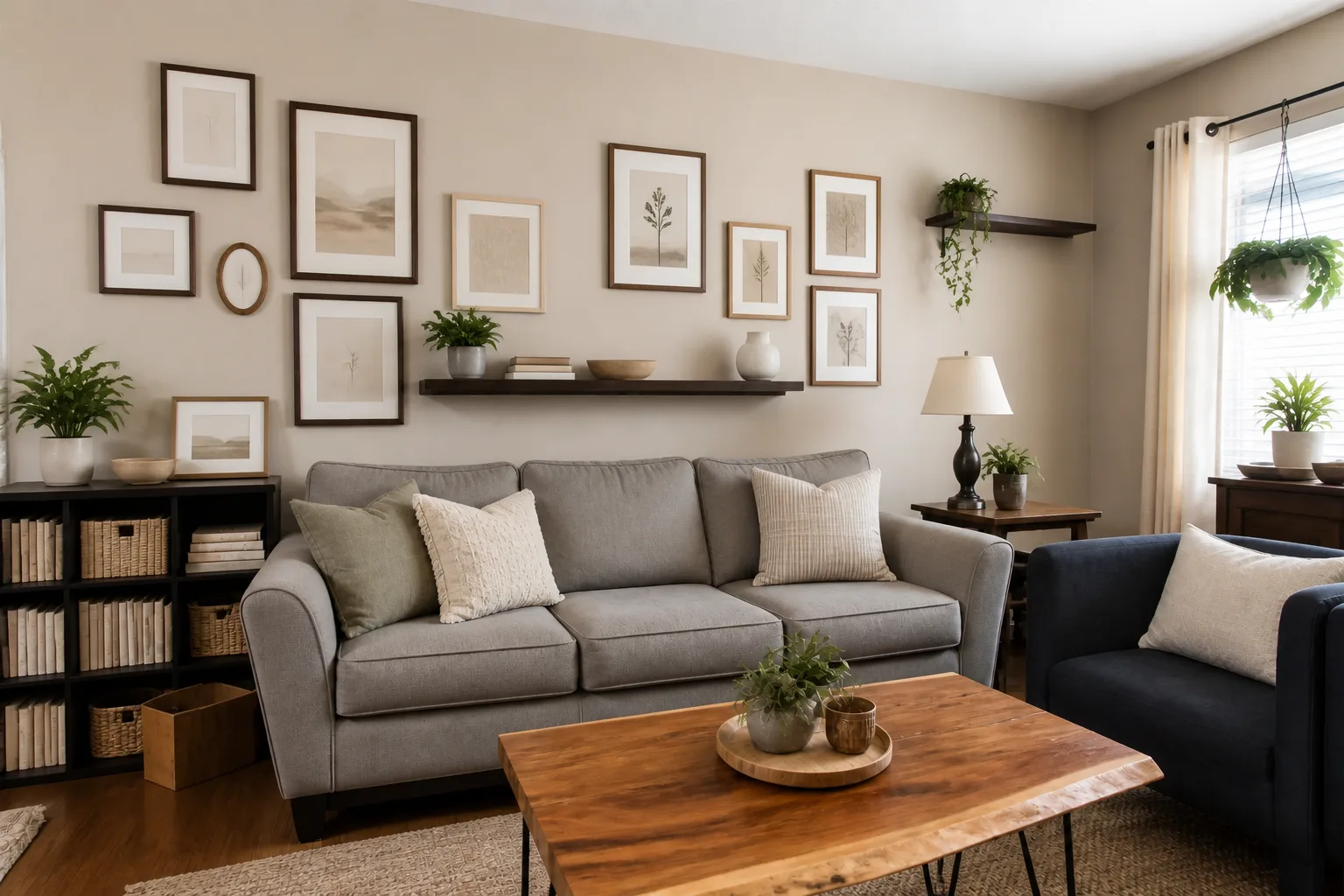 BeforeAfter
 - Declutter a RoomBeforeAfter
- Reframe a Photo
 BeforeAfter
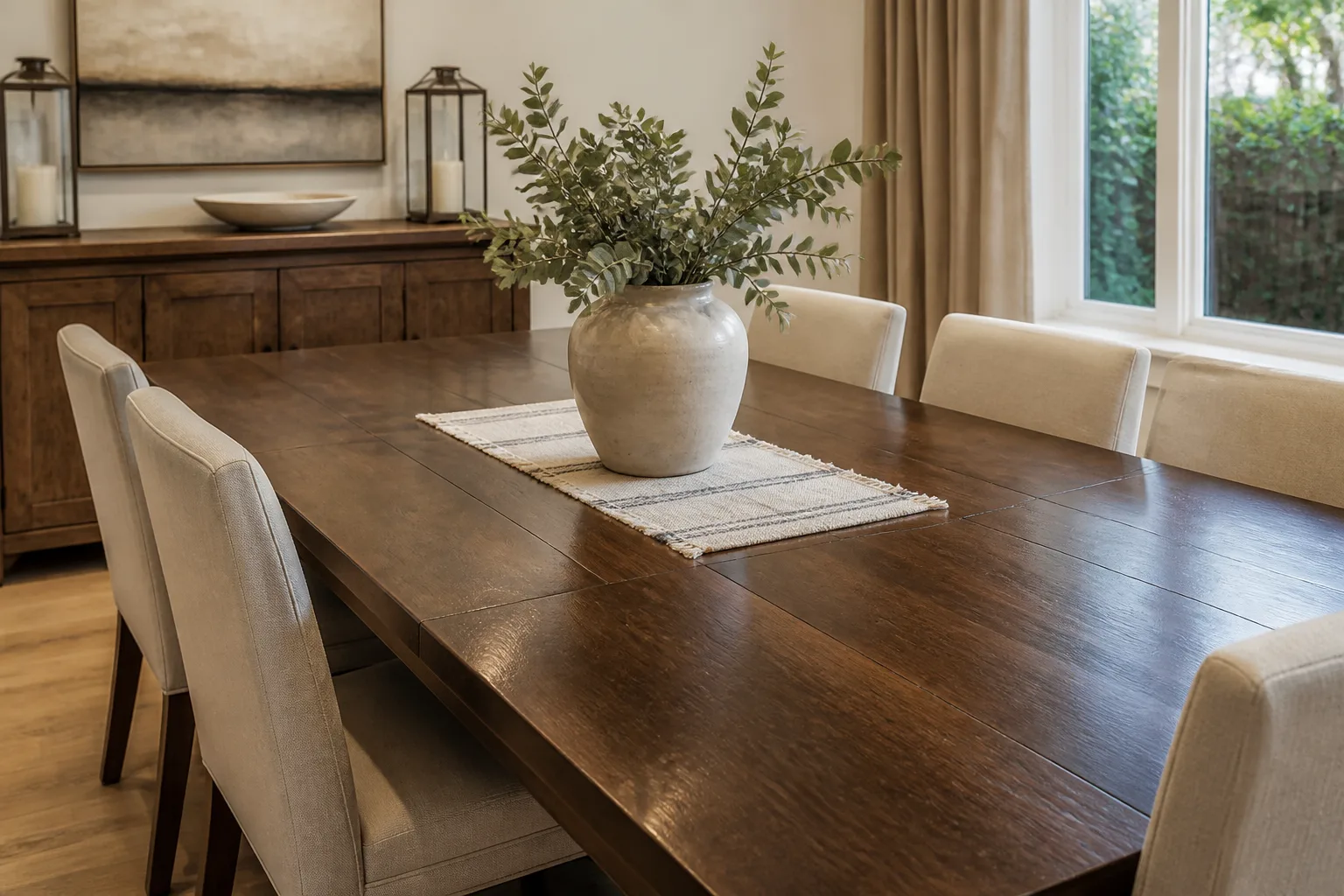
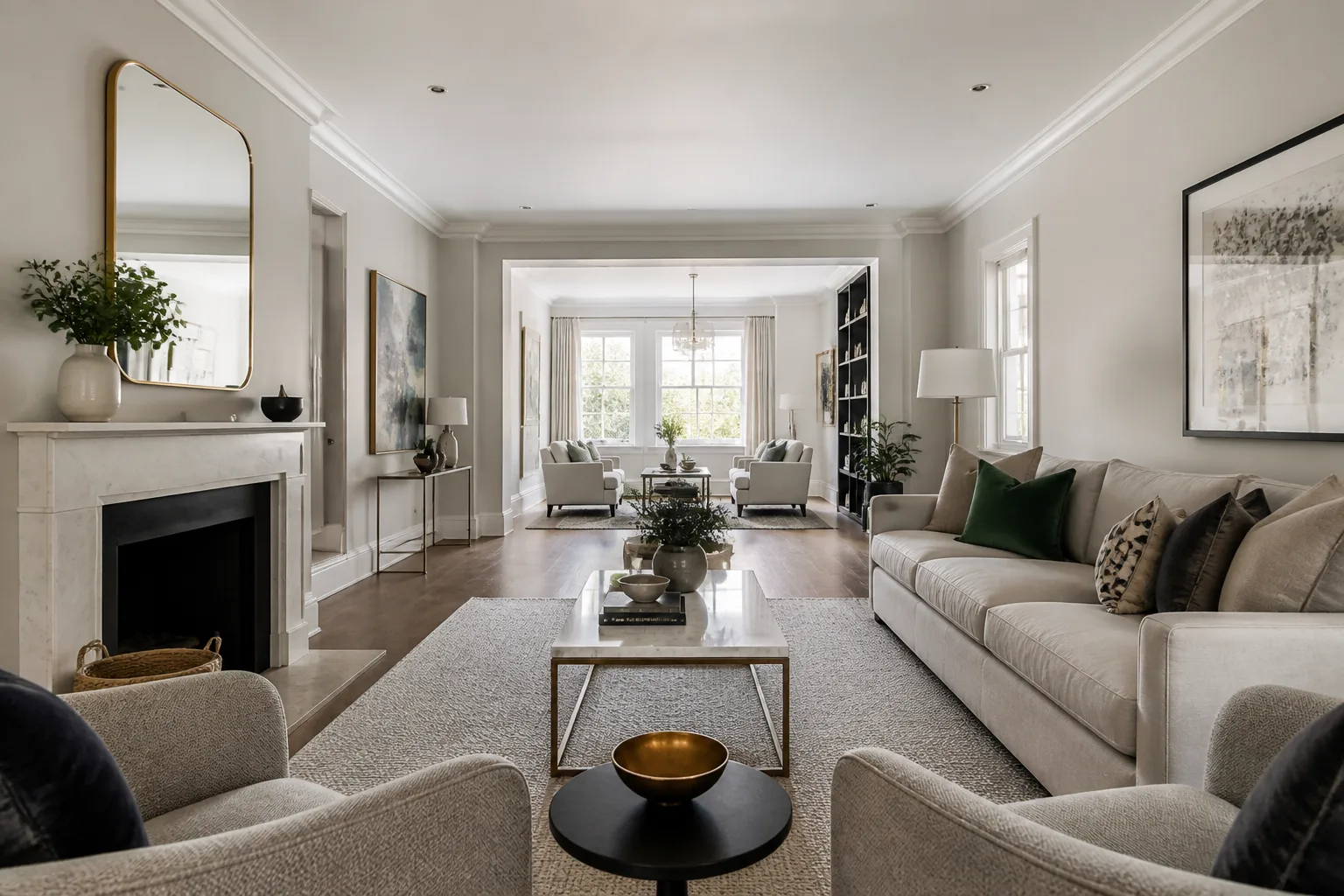
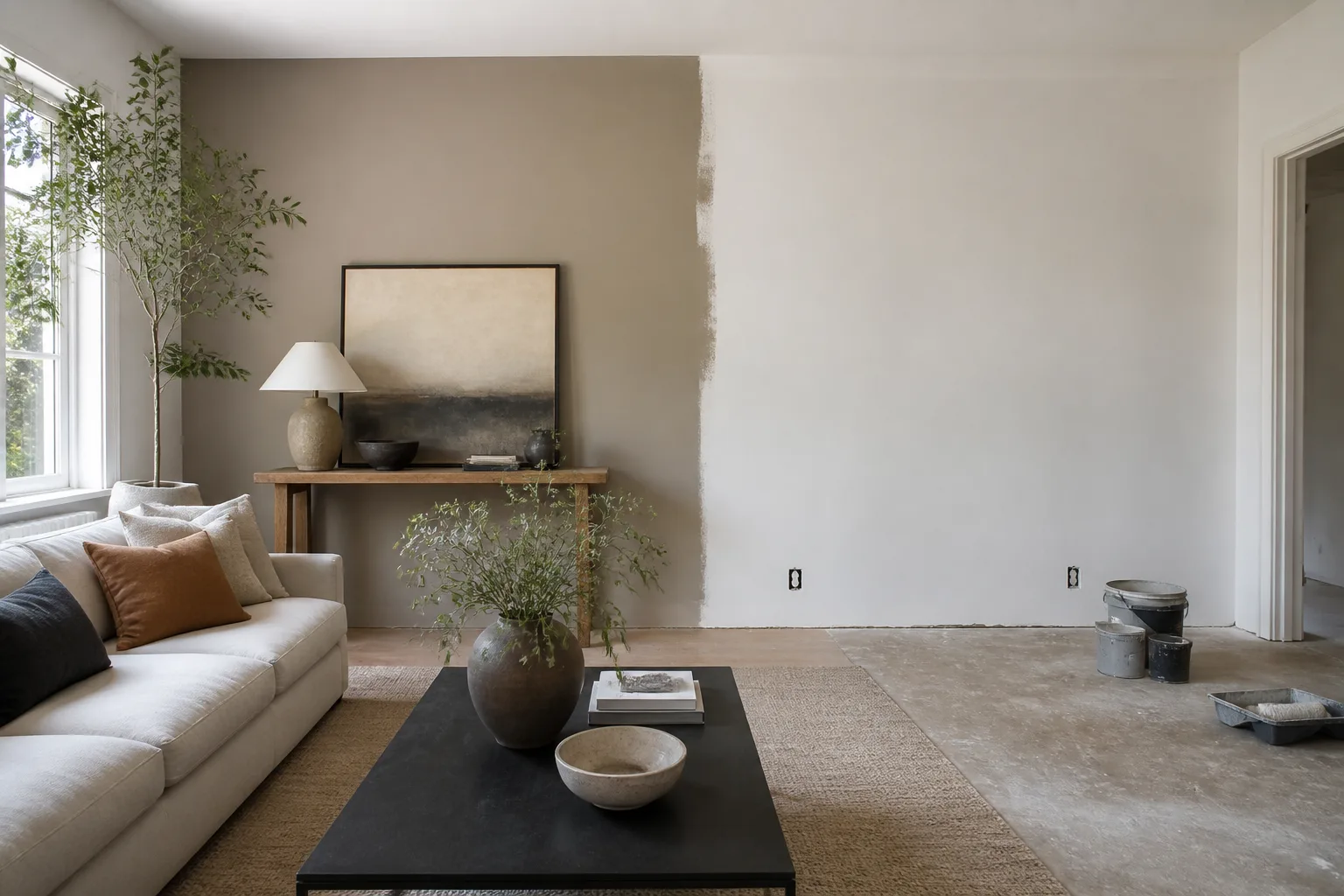
Who it is for
All 12 →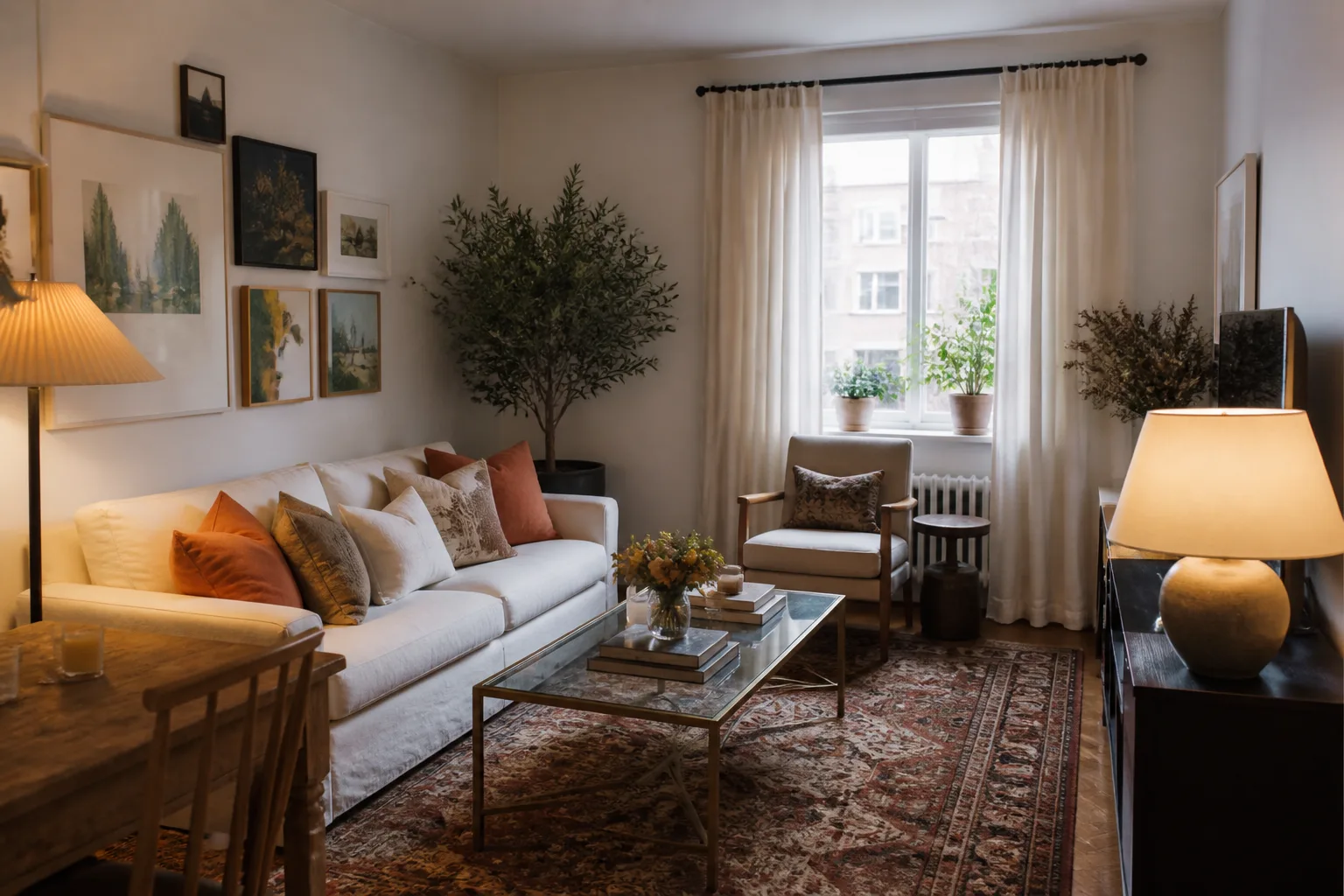 RentersThe walls are borrowed. The room can still be yours.
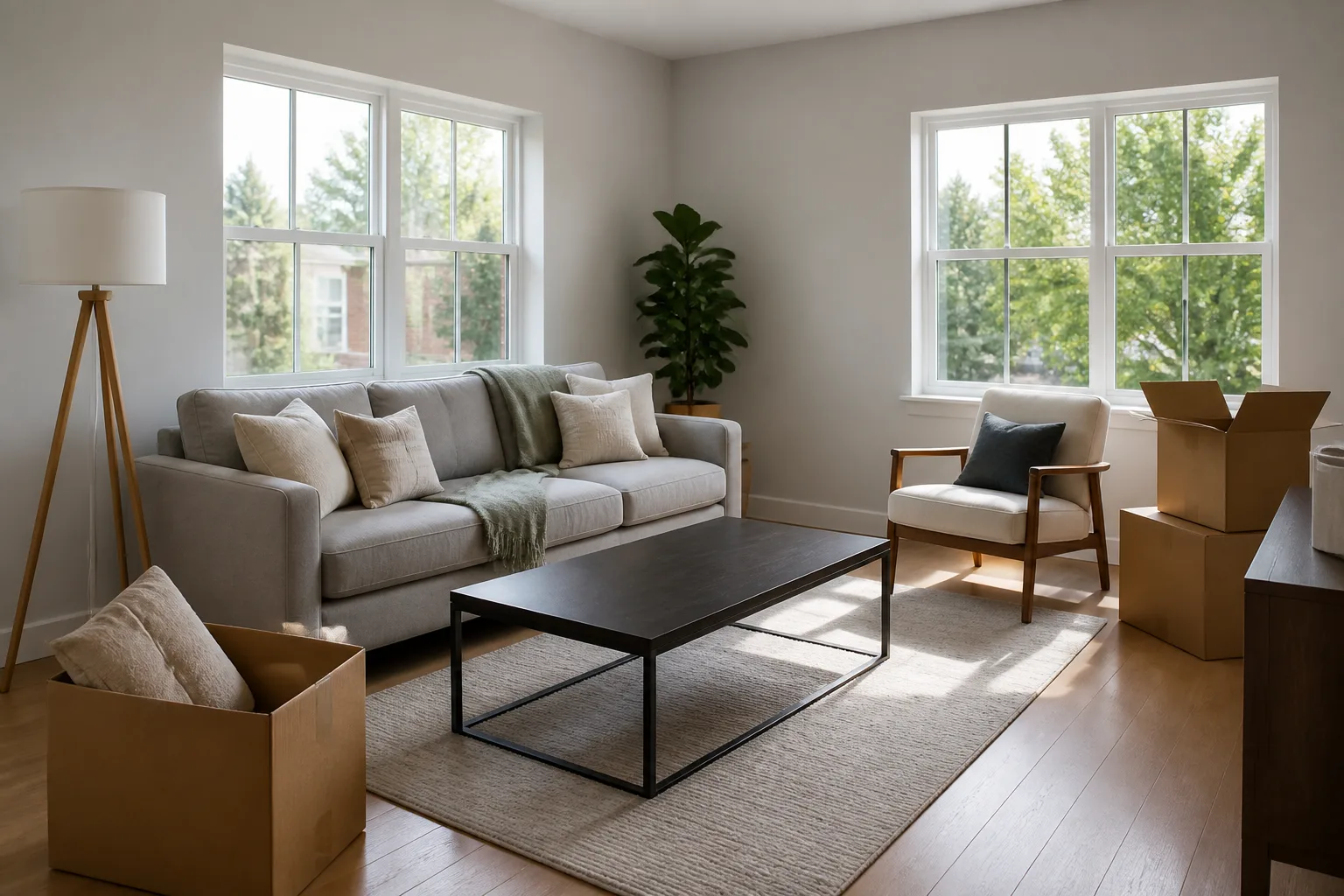 First-home buyersBetween exchange and moving day, every room is still all possibilities.
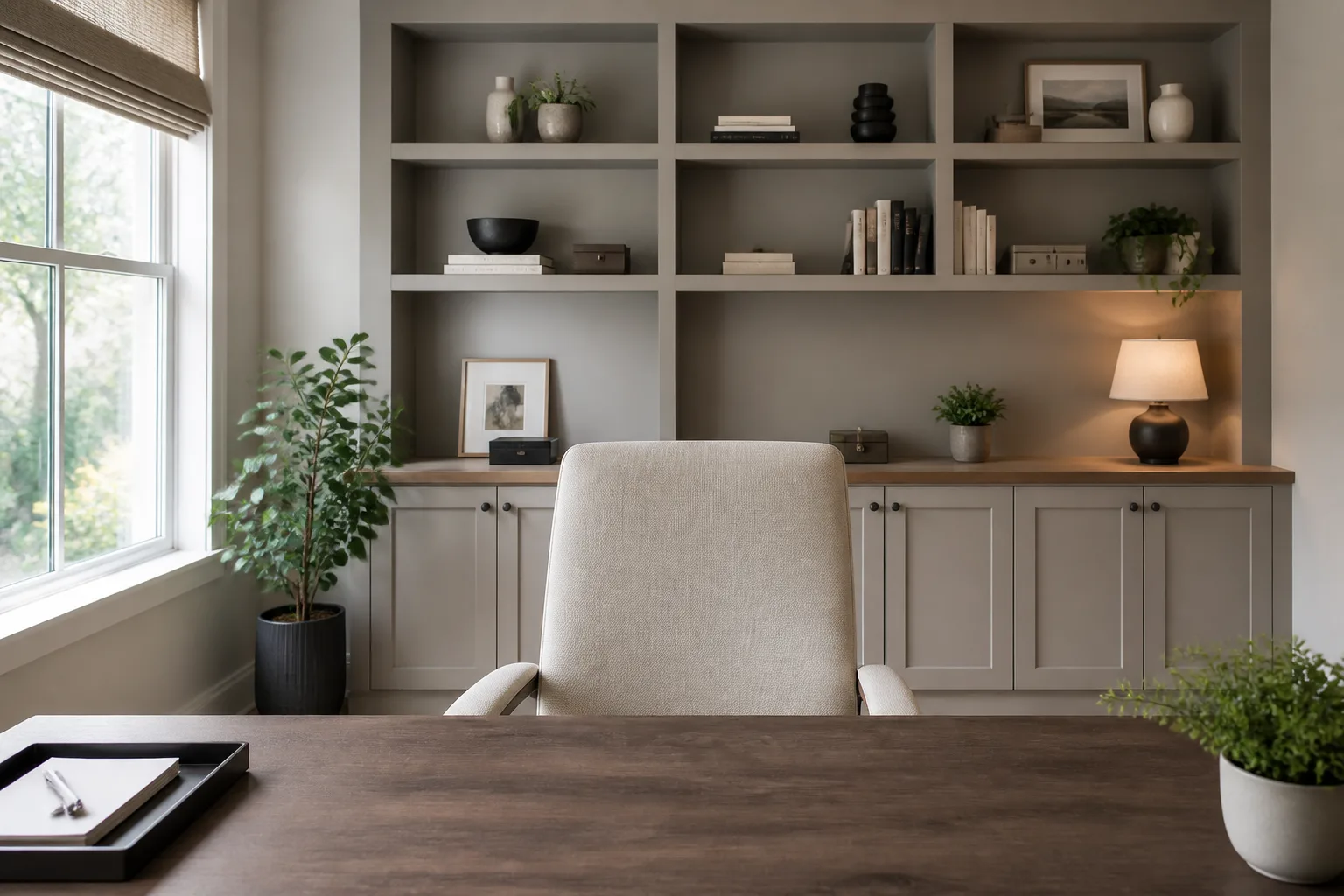 Work-from-home professionalsYou spend more waking hours in this room than any other. It shows, one way or the other.
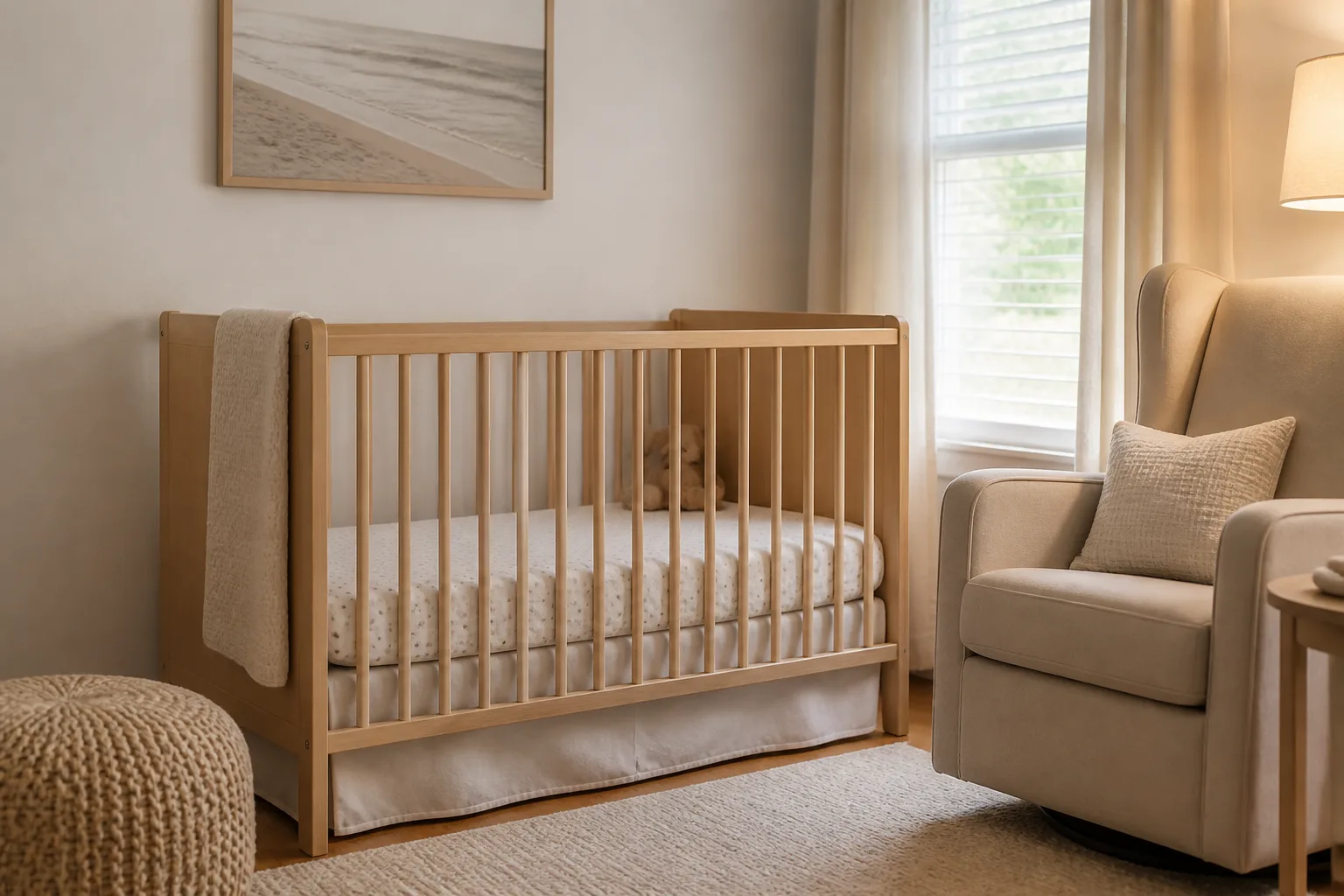 Expecting & new parentsThe room has a deadline, the budget has a limit, and the client cannot talk yet.
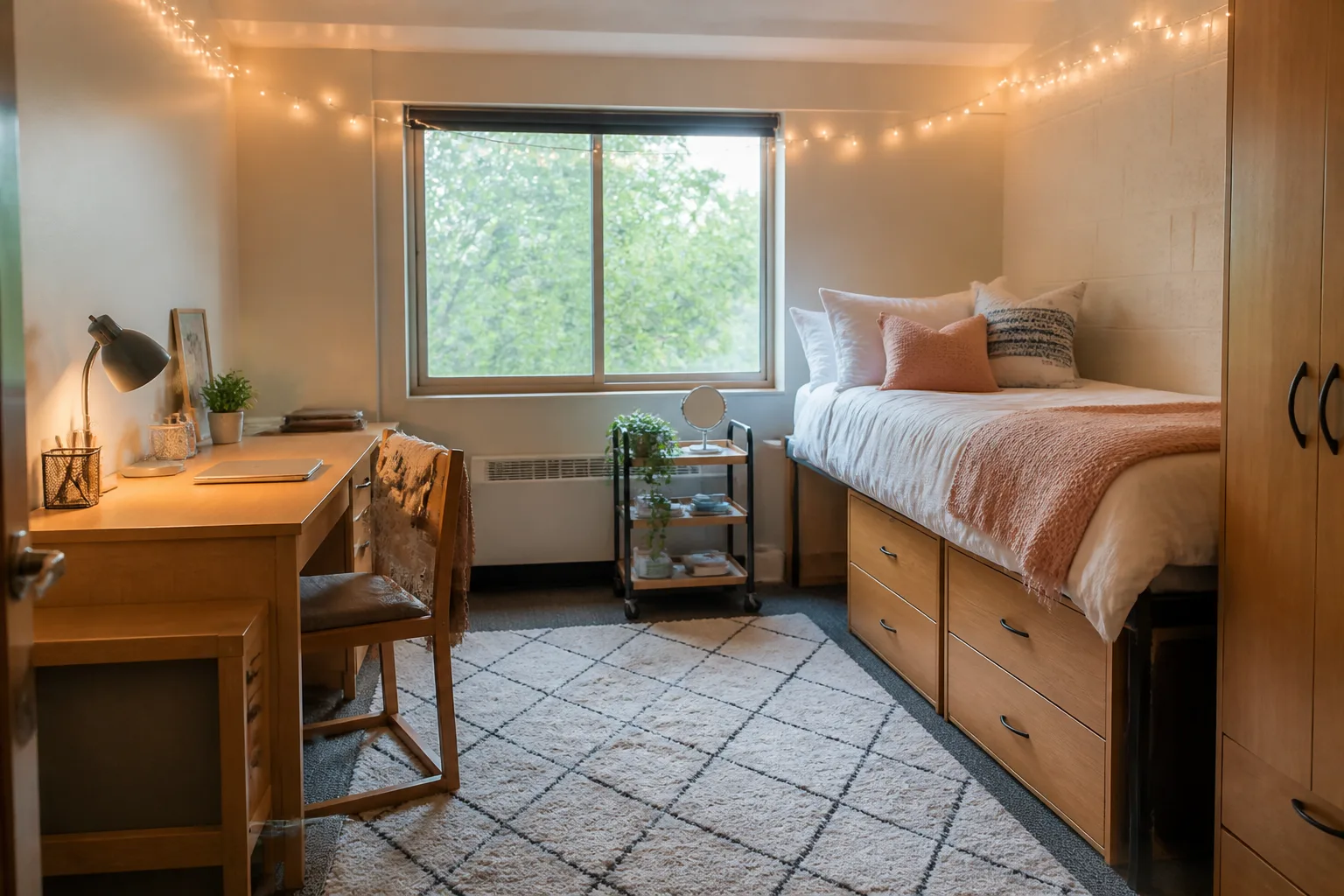 StudentsOne room, nine months, everything you own. Make it want you back.
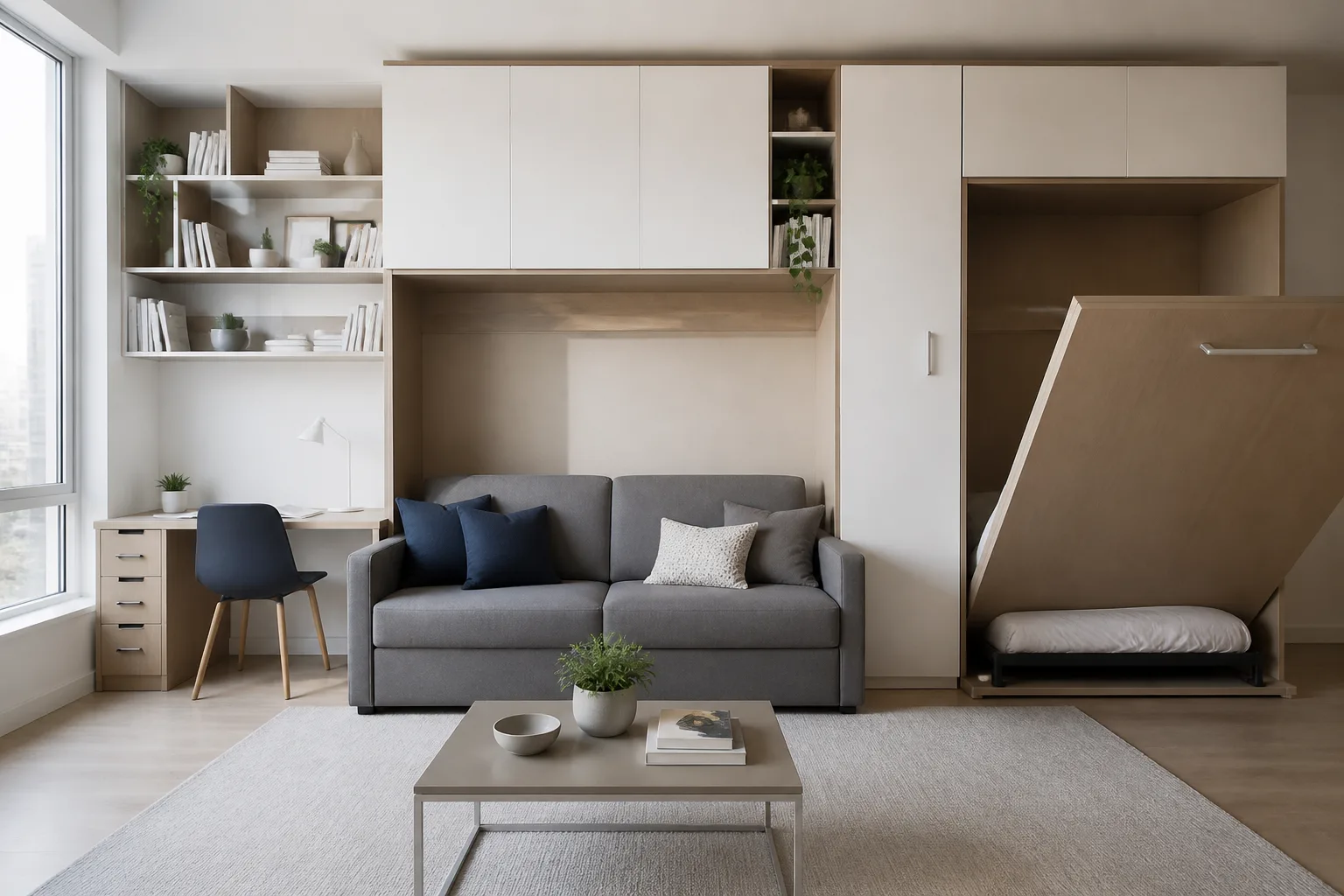 Small-space householdsYou do not need more room. You need the room you have, correctly spent.
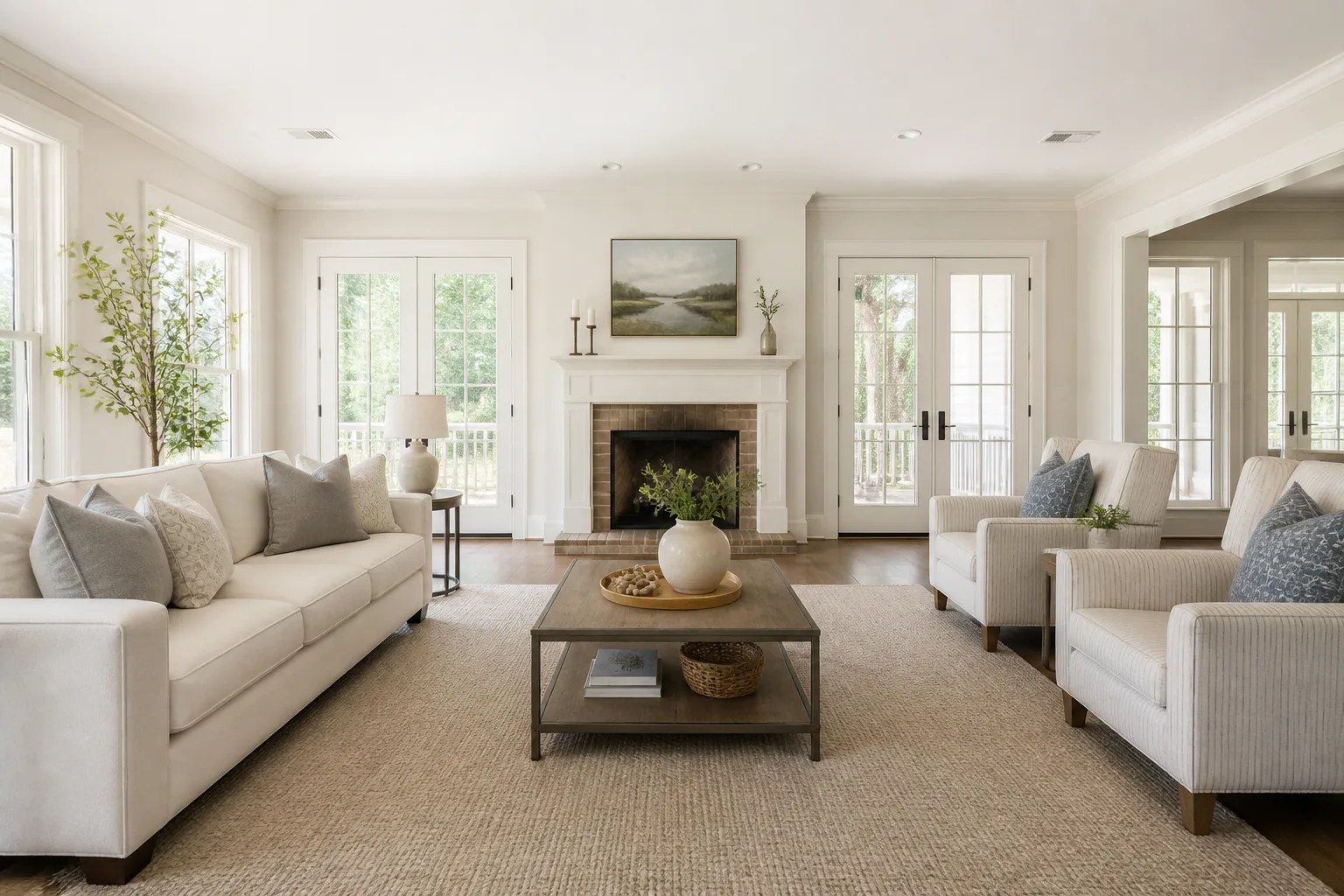 Home sellersBuyers scroll fast and rooms get one frame each to argue back.
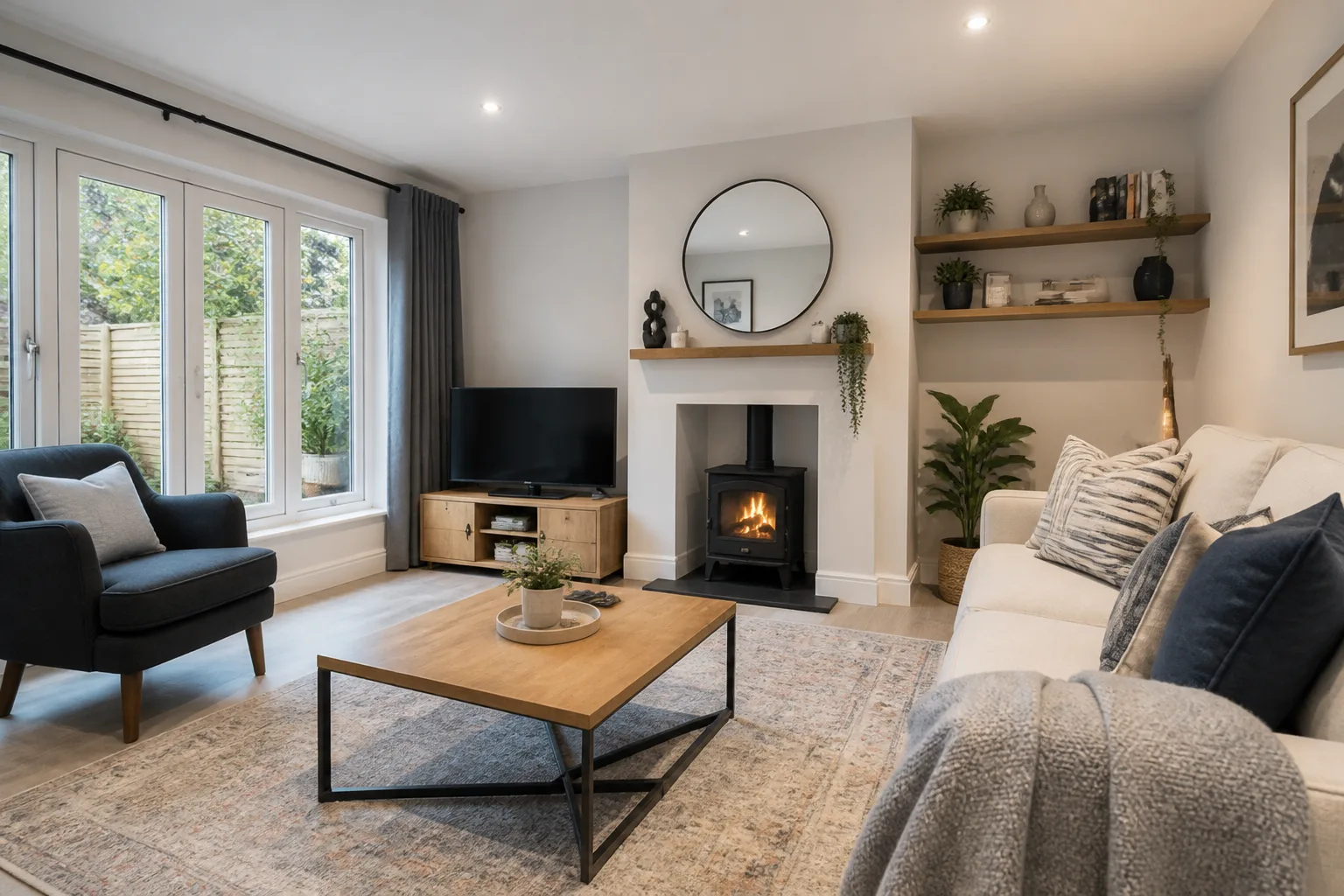 LandlordsThe listing photo is the product. Kit the room for the photo and the tenancy both.
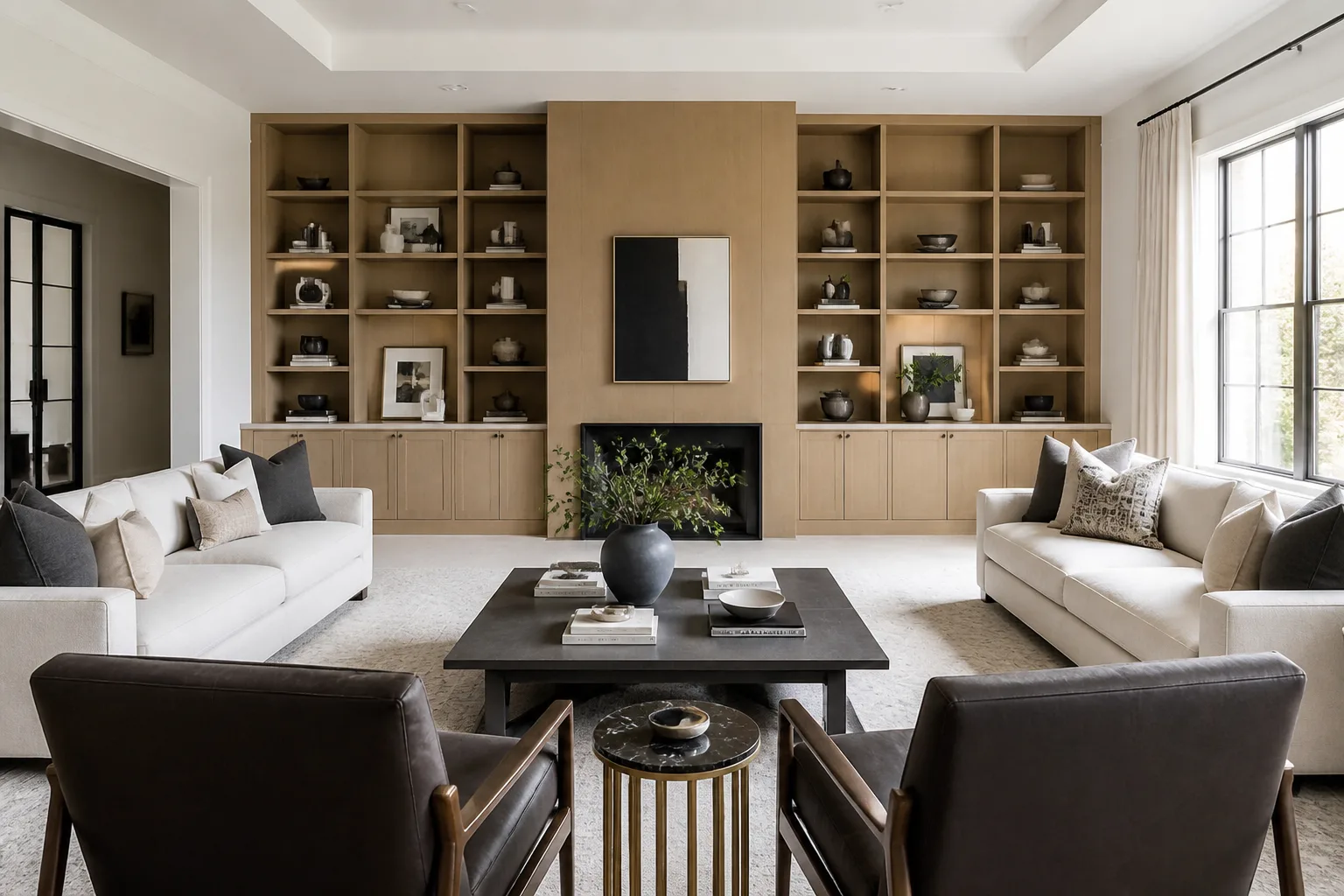 Flatmates & shared householdsThree tastes, one living room. Render the compromise before living in it.
Pricing
Full breakdown →One room at a time — the bedroom, then the office, then the argument settler.
Pro$30/mo2,500 credits a monthEvery room in the house, or several projects at once.
Studio$50/mo5,000 credits a monthStagers, landlords and anyone designing rooms for other people.
One balance, every tool. 4 free credits to start.
Questions
- Is the render really my room?
- Yes — the tools are built to keep your photo’s walls, windows, ceiling and proportions and redesign only what a decorator could actually change. That constraint is the product: you are choosing between versions of your own room, not admiring someone else’s.
- How exact are the renders?
- Close, but treat them as previews, not blueprints. AI images can drift in small ways — a radiator shifts a few centimetres, a handle changes, a proportion reads slightly off — so double-check anything you are about to buy, build or measure against the real room and a real tape measure.
- My room is small and dark and rented. Is there any point?
- That room is exactly who this app is for. The idea pages start from the difficult condition — small, north-facing, rental, all twenty-eight of them — and the Studio applies the same playbooks to your photo.
- What does trying it cost me?
- Nothing: 4 credits arrive with a new account and a Standard render costs 4, so the first full redesign happens before any payment details do.
- Can it help me buy furniture, not just imagine it?
- Two tools exist for precisely that moment: Add a Piece auditions a described item in your room, and Try Furniture in Your Room places the actual listing photo into it, to scale, before you order.
- What happens to photos I upload?
- They are processed to make your renders and stored with your account. Designs are public in the community by default; keeping them private is included with any paid plan.
- Will it move walls or windows?
- No — structural changes are out of scope on purpose. Everything the tools do is the reversible layer: furniture, surfaces, colour, light. For a what-if that needs a wall gone, describe it in Design with Words and treat the result as imagination, not engineering.
The first render is on us
4 credits arrive with your account — one full Standard redesign of the room you are sitting in right now.
Open the Studio